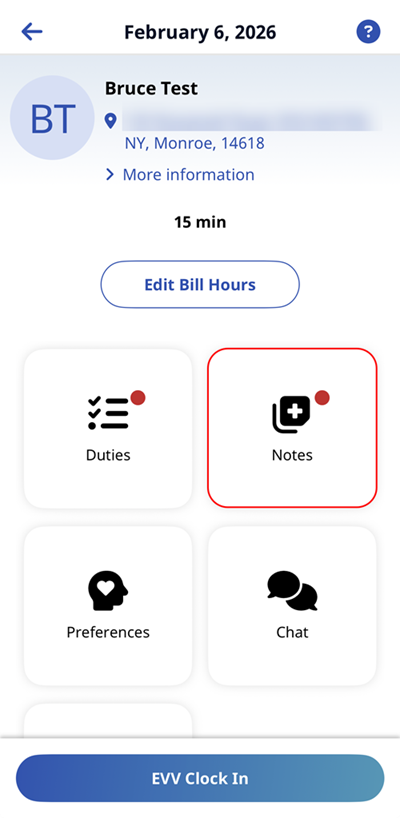
HHAeXchange+ Mobile App Notes Page
In the Notes page you can view notes created for the visit. You can select the Notes tile from the Schedule > Visit > Visit Details.
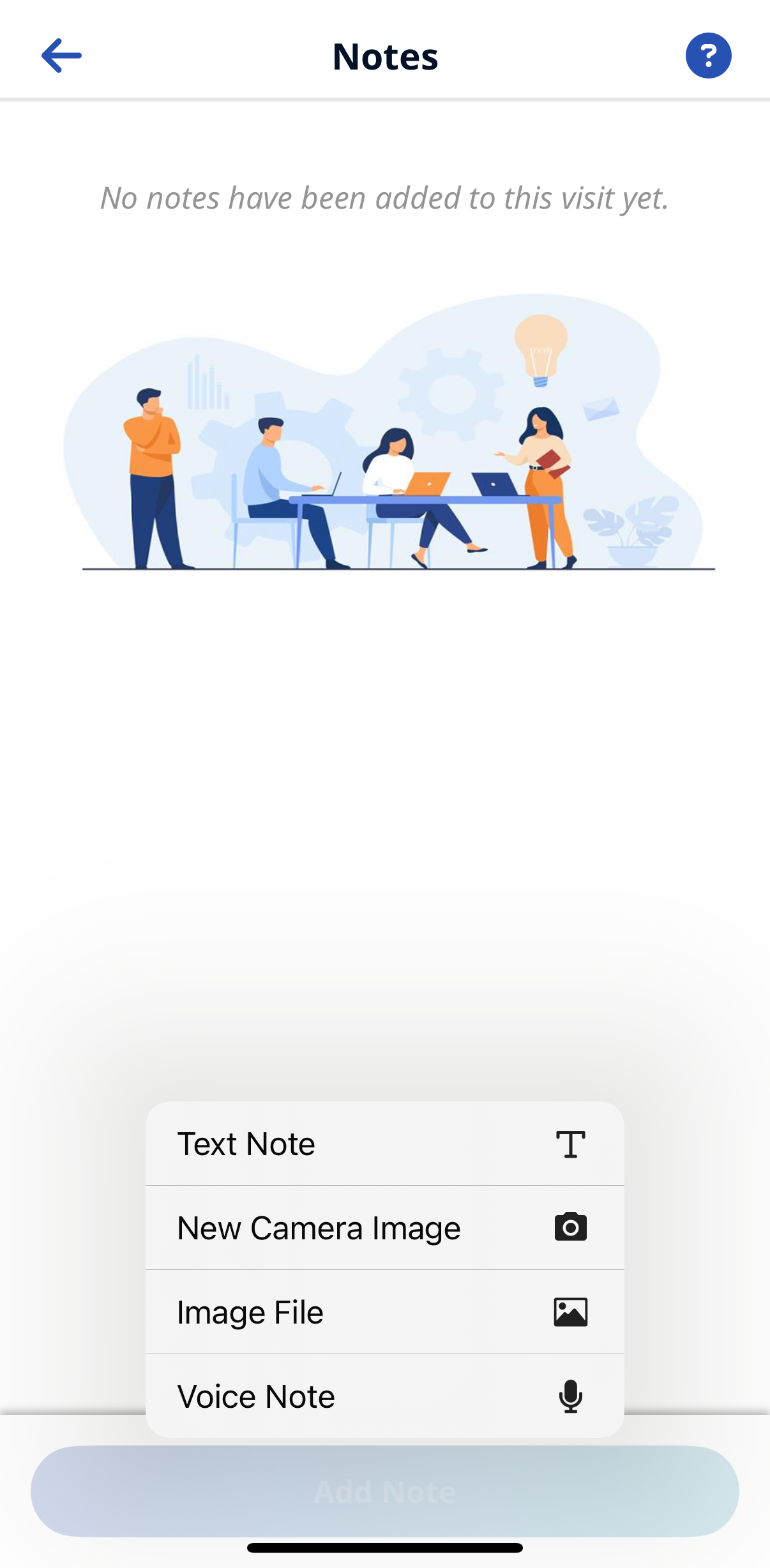
The following are types of notes to document the visit:
-
Text Note
-
New Camera Image
-
Image File
-
Voice Note
Once Notes are saved, you can Edit or Delete if necessary.
If your agency requires a Note, a red notification symbol appears on the Visit Details screen. You are required to leave a Text Note before ending the Visit.