HHAeXchange+ Mobile App Self-Direction Program Providers
You can use the Program Providers page to switch between Providers or Agencies connected to you, the Employee.
It is uncommon for Self-Direction Users to have more than one Program Provider.
-
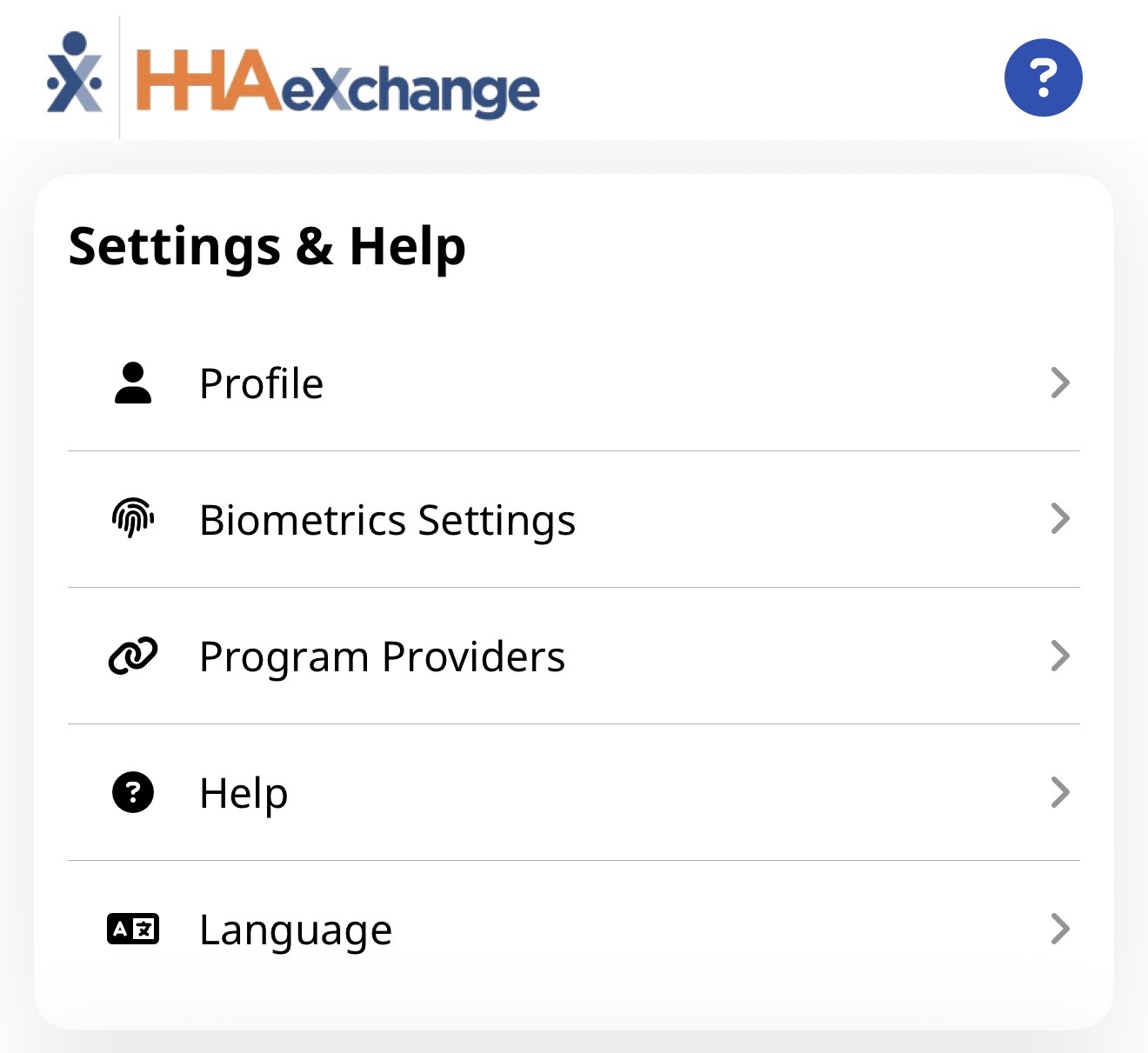
To select a different Program Provider, from the Menu, tap Program Providers.
-
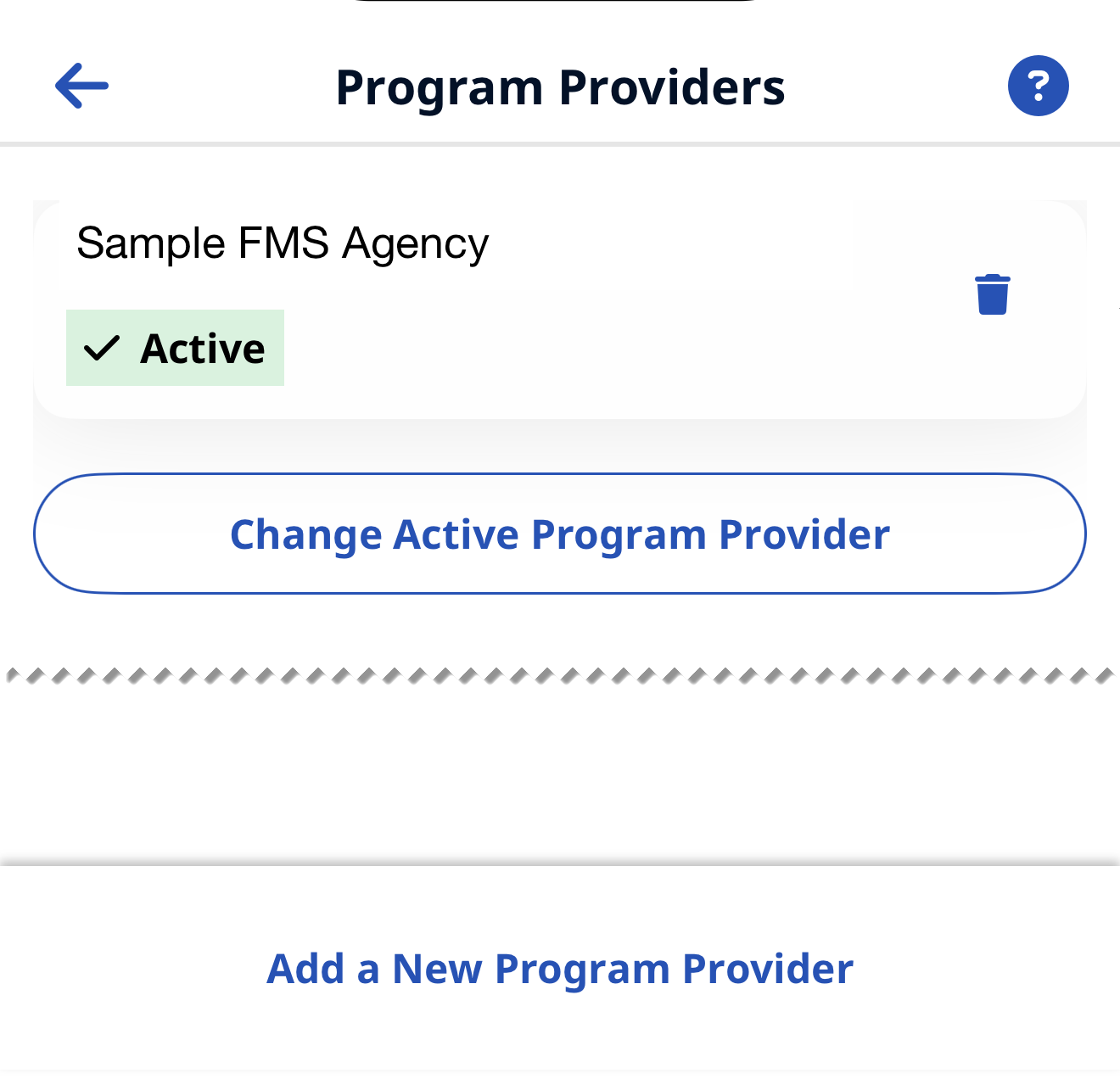
On the Program Providers page, tap Change Active Program Provider to switch between your connected Providers.
-
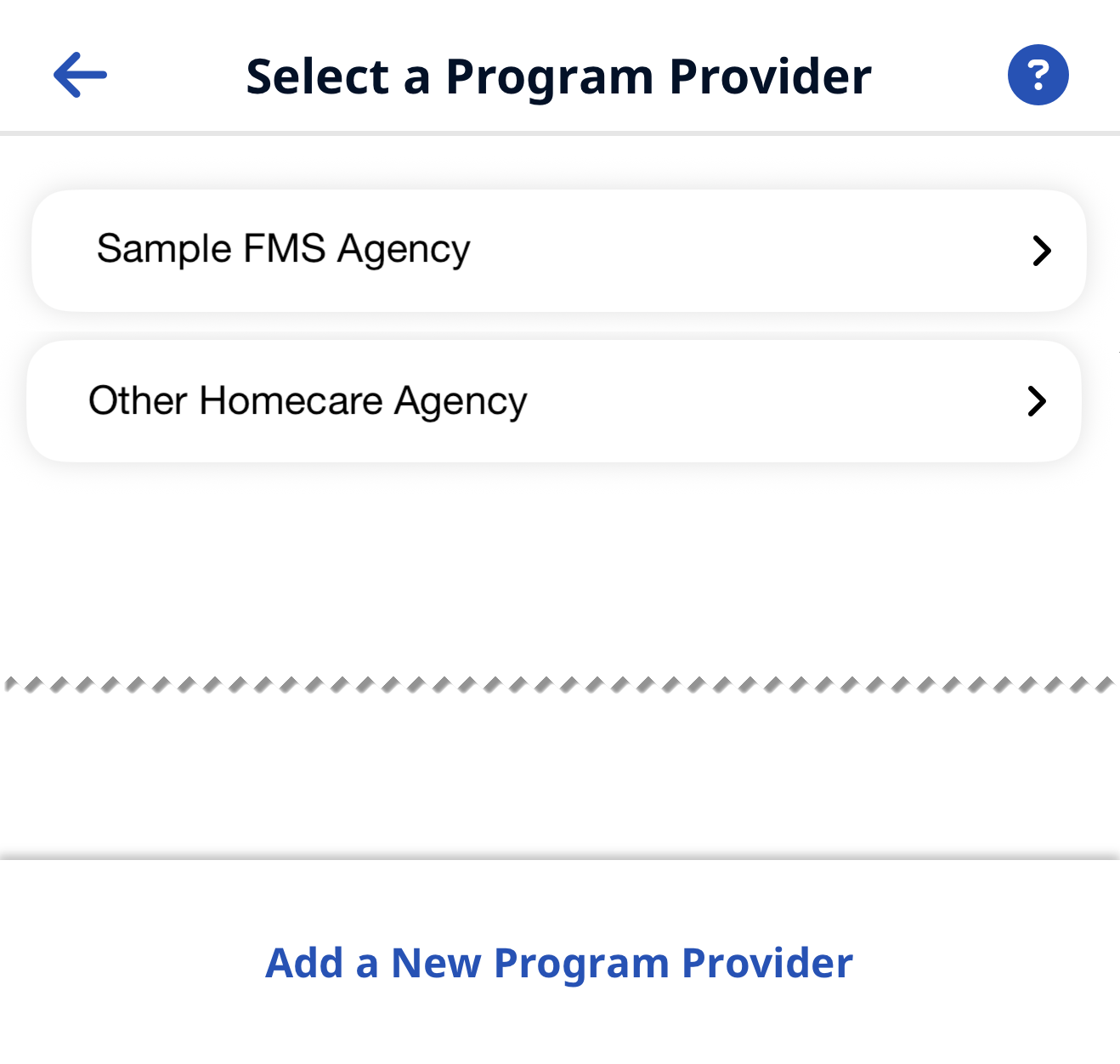
Tap the Provider you want to switch to. If configured, Third-Party Terms must be accepted. Then, the Consumers Page for the new Provider is displayed.
-
To add a new Program Provider:
-
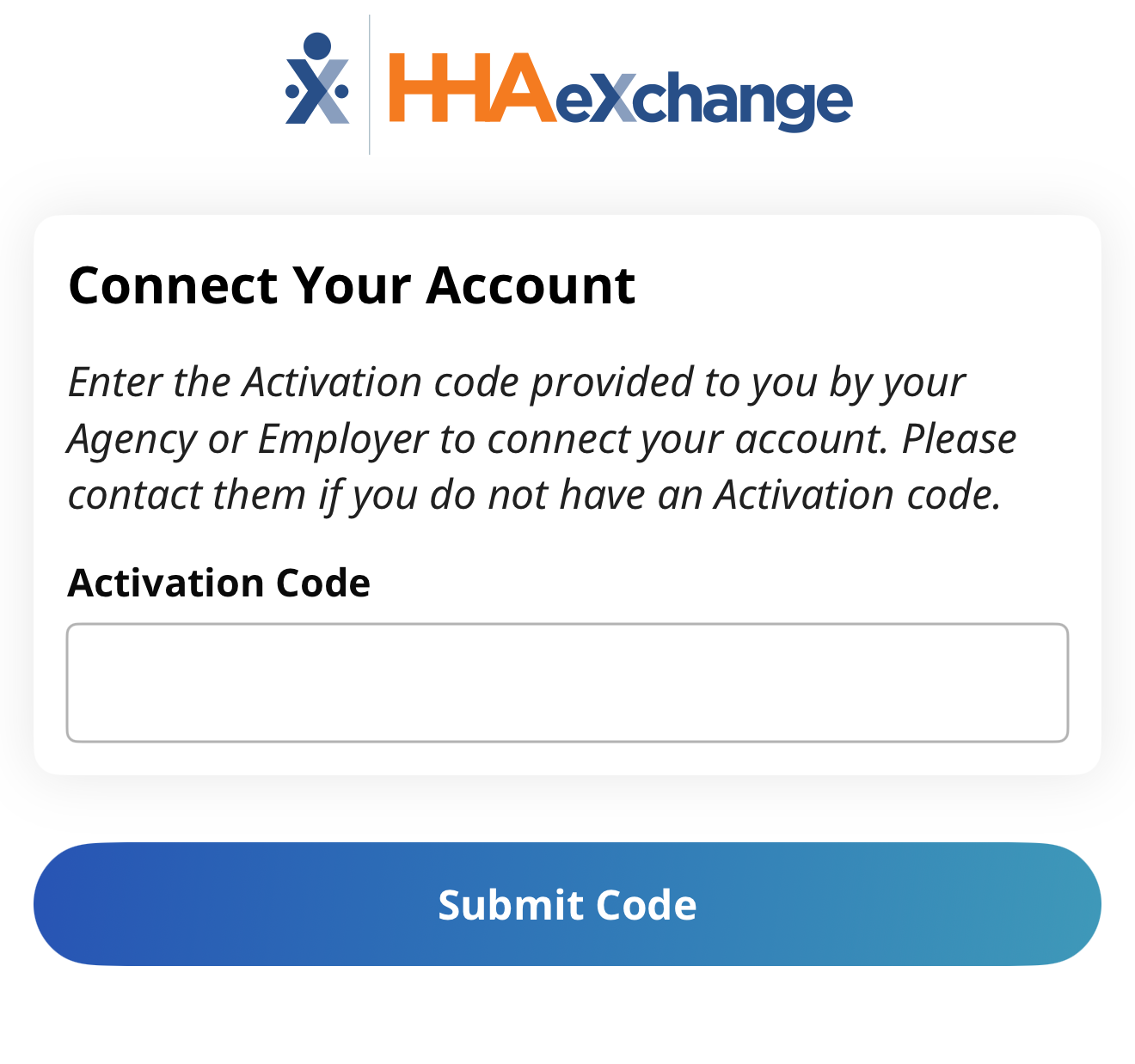
Tap Add a New Program Provider at the bottom of the page,
-
Enter the activation code given to you by that Program Provider and tap Submit Code.
-