Enable Other Insurance
This feature is activated by HHAeXchange System Administration. Contact HHAeXchange Support Team for details, setup, and guidance.
To enable the Other Insurance feature for your agency:
-
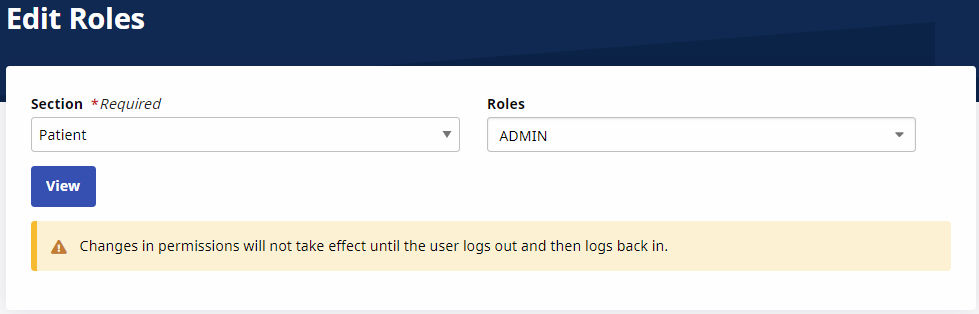
Go to Admin > User Management > Edit Roles.
-
On the Edit Role page, select Patient from the Section field, the correct roles from the Roles field, and then select View.
-
From the Menu, select the Patient Other Insurance checkbox for the applicable roles, and then select Save.
