Financial Reporting Setup
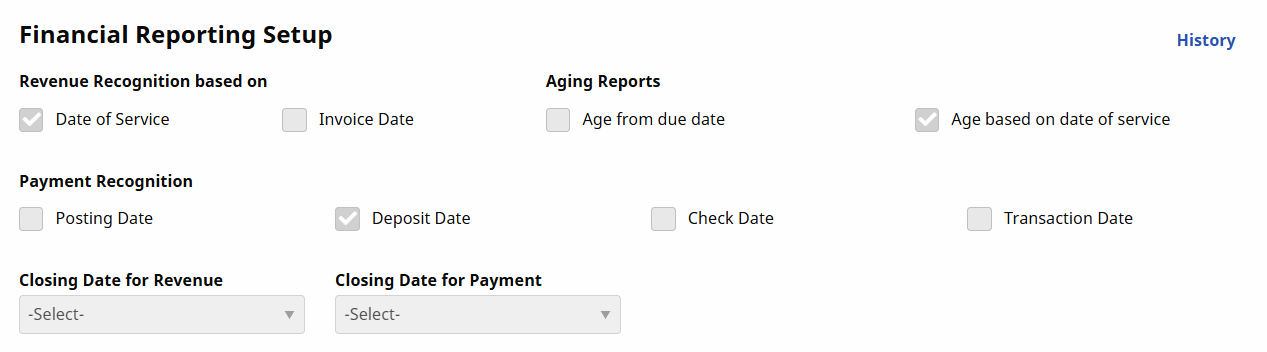
Use the Financial Reporting Setup section of the Agency Info page to indicate certain financial reporting information. It is available under Admin > Agency Info > Financial Reporting Setup.
| Field | Description |
|---|---|
|
Revenue Recognition Based On |
Select either Date of Service or Invoice Date to indicate when the Agency recognizes revenue. |
|
Aging Reports |
Select Age from due date or Age based on Date of Service to establish when Receivables age. |
|
Payment Recognition |
Indicates when payments are considered received: Posting Date, Deposit Date, or Check Date. |
|
Closing Date for Revenue |
Select the Revenue Closing Date. |
|
Closing Date for Payment |
Select the Payment Closing Date. |