Initiate Processing
This feature is activated by HHAeXchange System Administration. Contact HHAeXchange Support Team for details, setup, and guidance.
You can use the Initiate Processing feature under Admin > Initiate Processing to manually trigger processes that are normally run automatically overnight. This function does not replace the automated process performed each night. It provides a secondary means of activation.
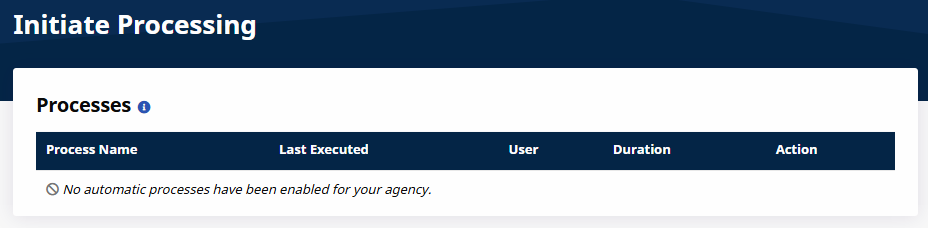
You must select an Office (or Offices) before initiating a process. When a process is completed, the page displays the following information:
-
Last Executed: The date and time the process was last executed.
-
User: The user who triggered the process.
-
Duration: How long the process took to complete.
Running processes during business hours may result in reduced system performance.