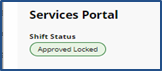
Locked Shift Approval
After a Caregiver or Employee completes EVV, a confirmed Visit Record is generated. This record must be approved to lift any holds and enable the visit to be aggregated or billed.
Complete the following steps to lock shift approvals.
-
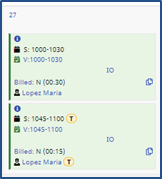
Go to Patient > Search Patient > Calendar. Select the visit to approve.
-
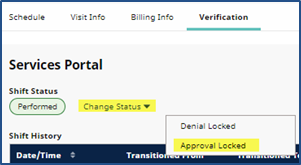
In the Verification tab, click the Change Status link and select Approval Locked.
-
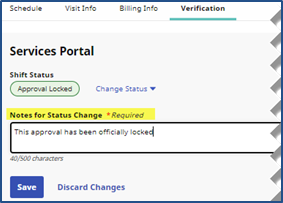
Enter a supporting note in the Notes for Status Change (required) field. Click Save.
-
Clik OK. The saved Shift Status displays in the Verification tab.