Manage Report Subscriptions
The Manage Report Subscription feature under Admin > Manage Report Subscription allows reports to be run automatically, based on specific schedules and reporting needs. Reports run on a daily, weekly, monthly, or custom schedule.
Use the Manage Report Subscription feature to:
-
Create or update report subscriptions from the Admin menu.
-
Define the timing for each report based on company needs.
-
Select delivery options, including email or download from HHAeXchange.
-
Manage all report subscriptions in one location.
To create a scheduled report:
-
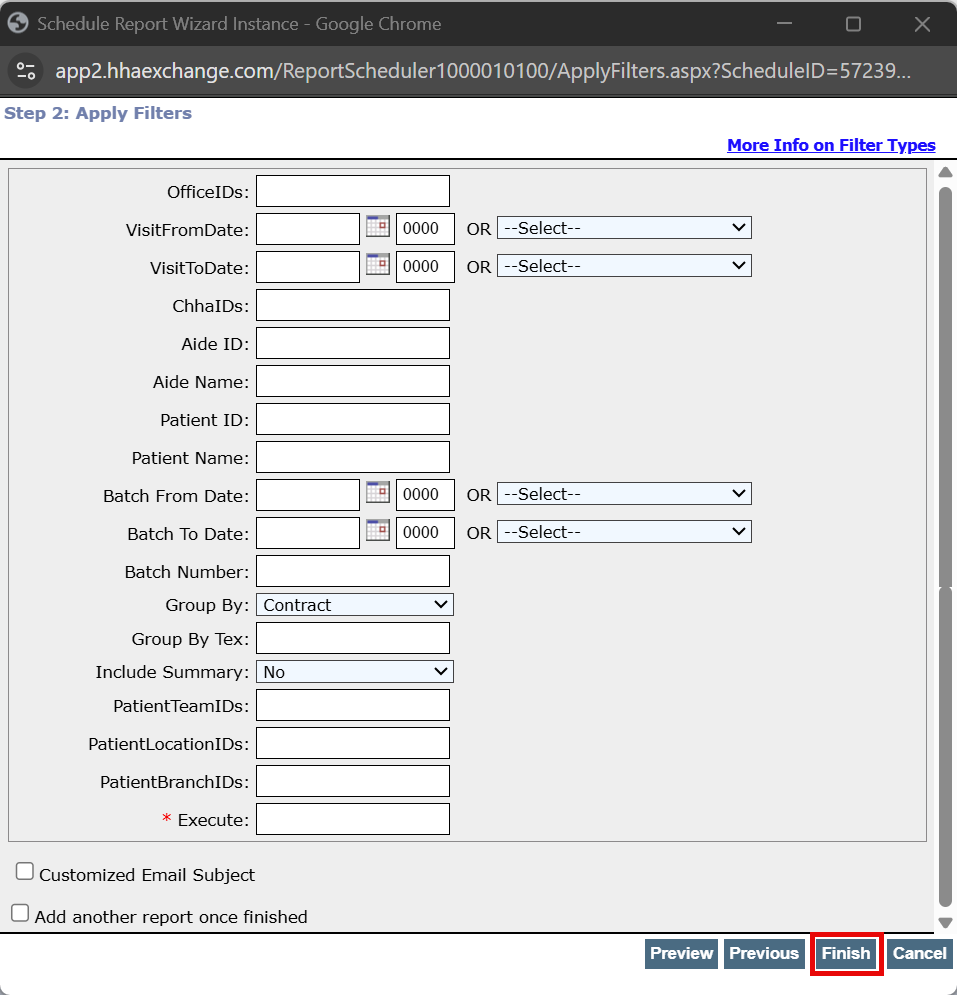
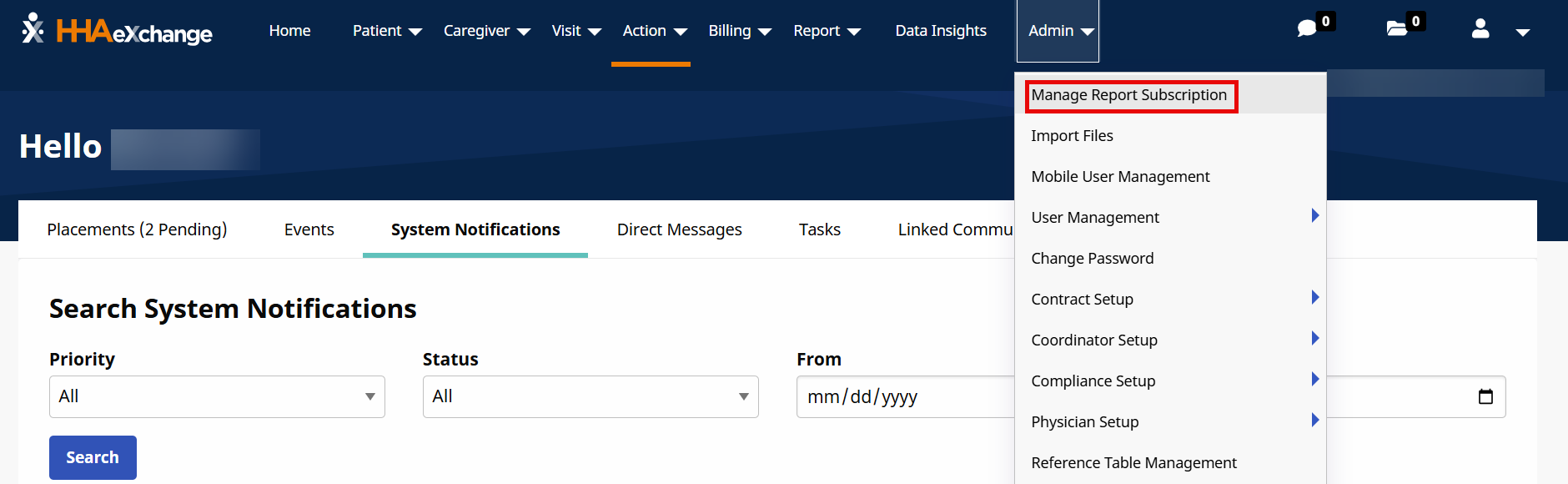
Go to Admin > Manage Report Subscription.
-
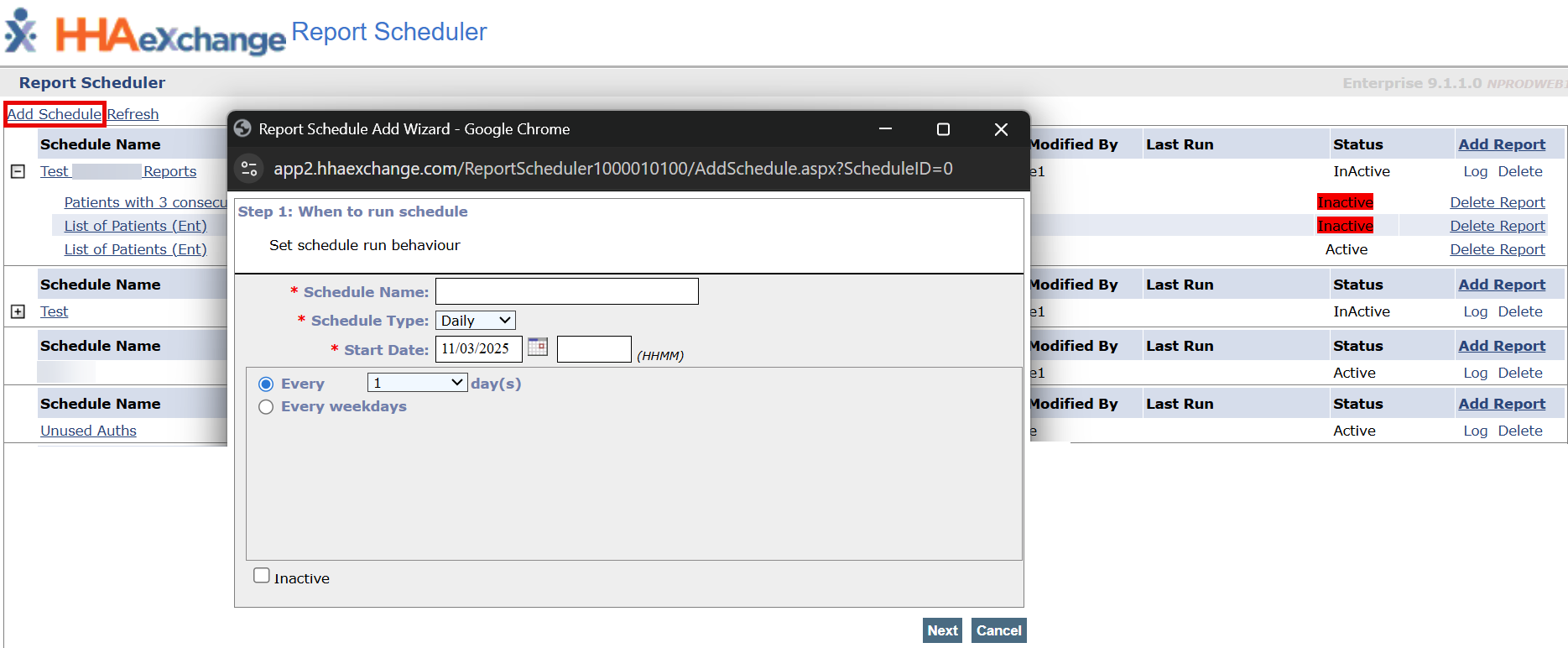
On the Report Scheduler window select Add Schedule.
-
Complete required fields.
-
Schedule Name
-
Schedule Type: Daily, Weekly, or Monthly. Complete Frequency fields that display.
-
Start Date and Time
-
-
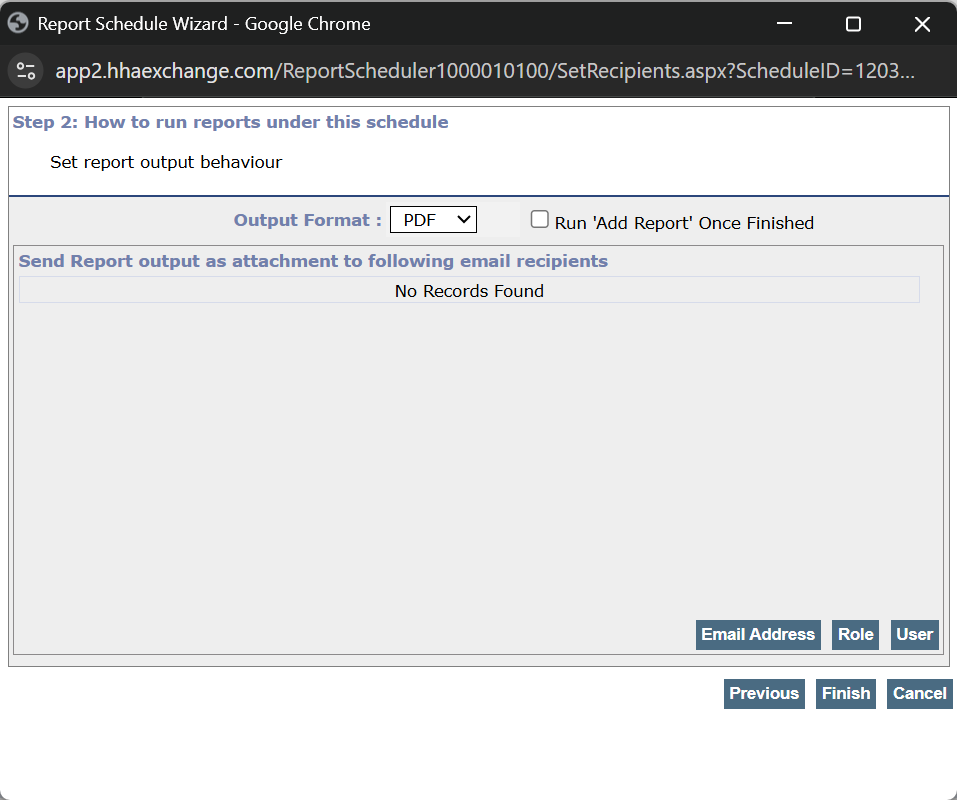
Select the Output Format. The options are: PDF, CSV, Tiff, or Excel.
-
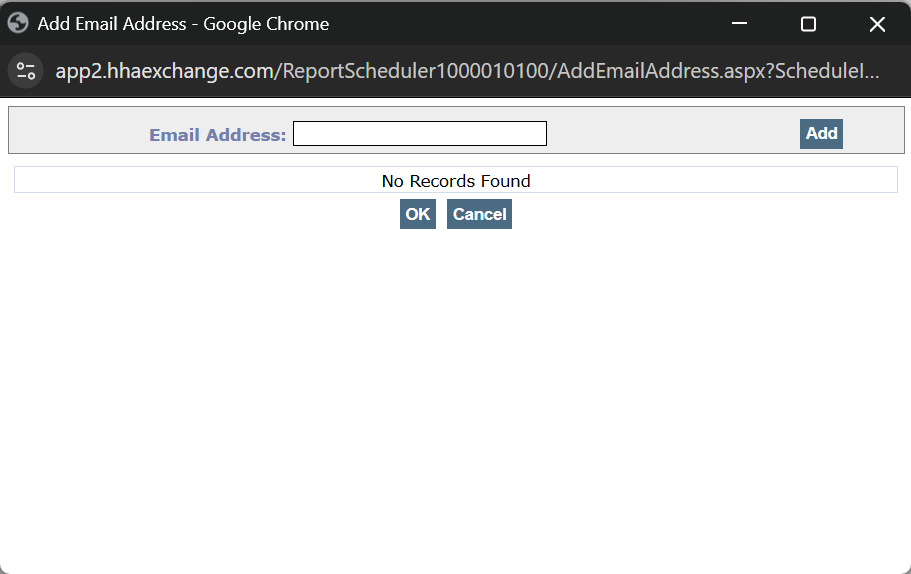
Email Address sends the report to selected email addresses - Enter the Email Address in the Email Address field, and then select Add.
-
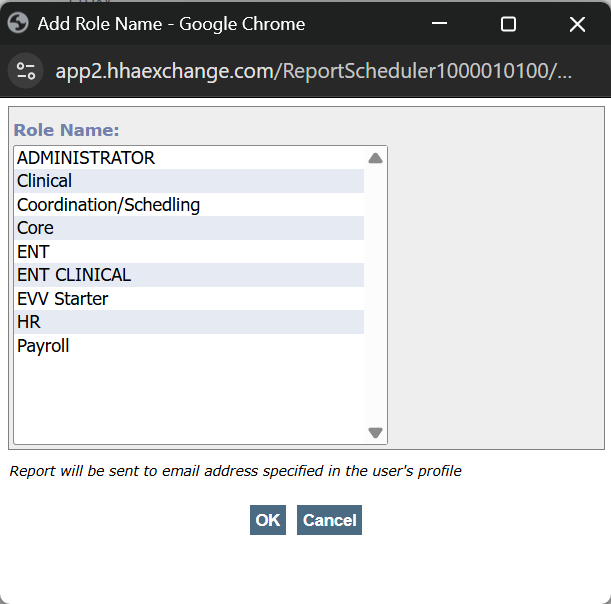
Role sends the report to anyone in the selected role - Select a role from the Role Name field, and then select Ok.
-
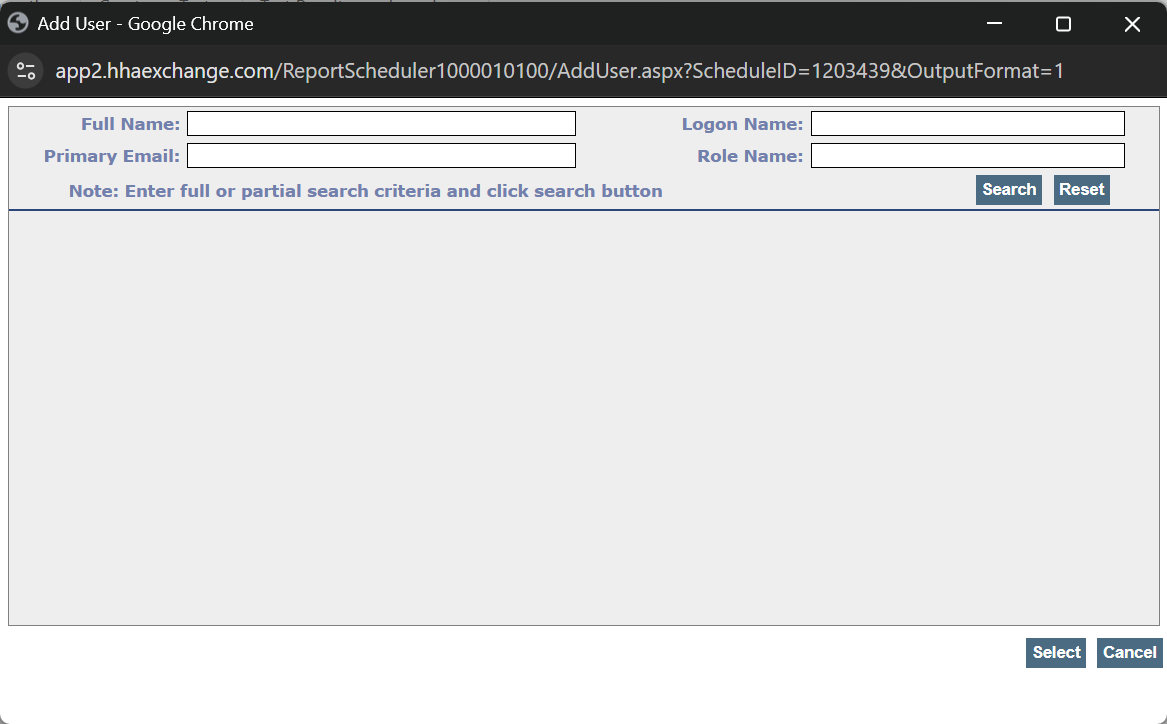
User sends the report to selected users - Enter information in the fields, and then select Search. Select the correct user, and then select Select. The User is added to the report.
-
-
Select Finish.
-
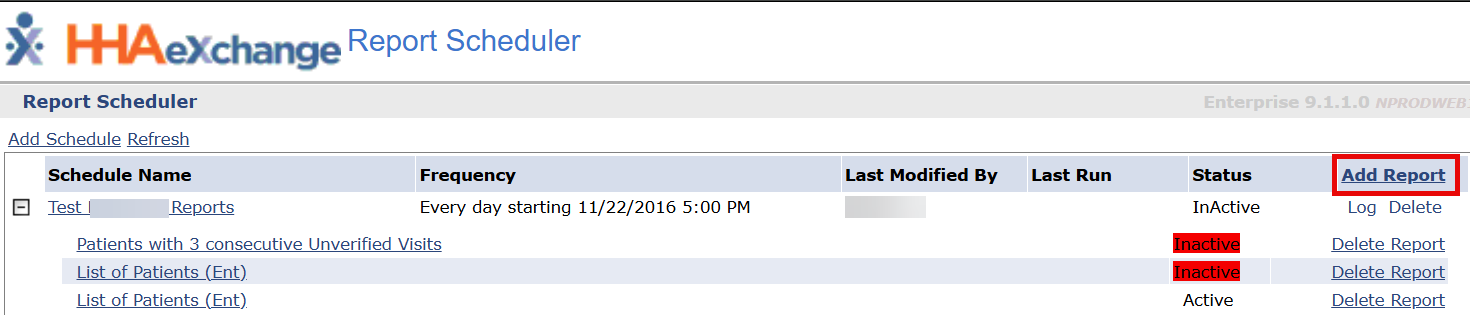
On the Report Scheduler page, select the Add Report button.
-
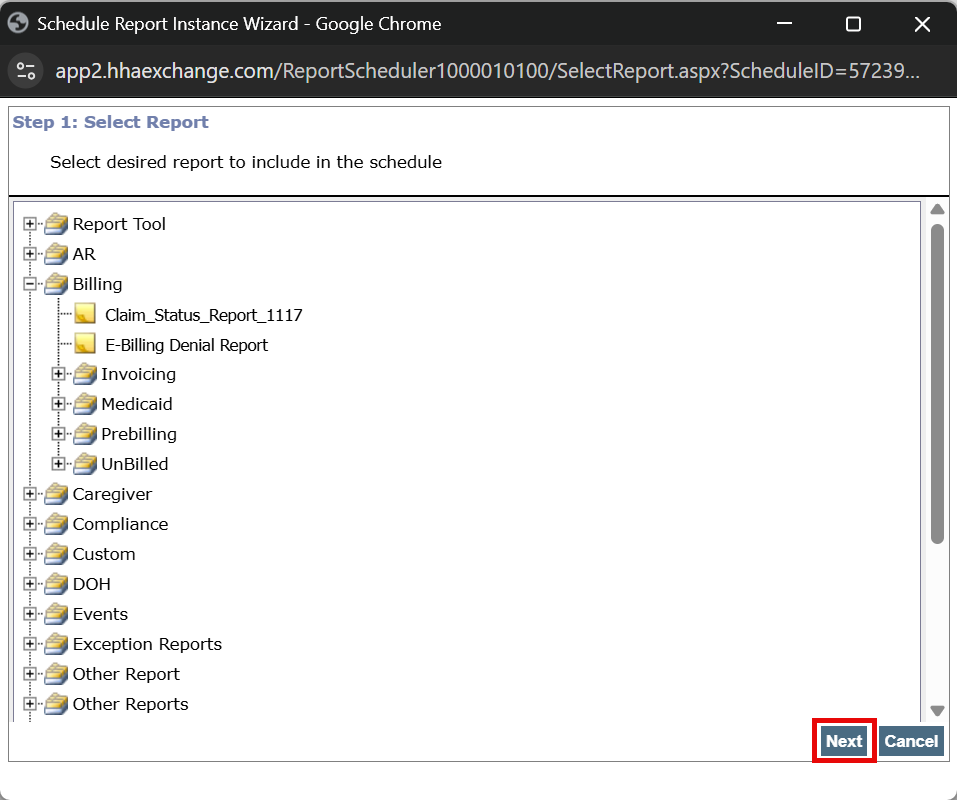
Select the report from the Schedule Report window, and then select Next.
Only reports that are available in the Manage Report Subscription display.
-
Complete the fields that display as needed, and then select Finish.