Org. Structure
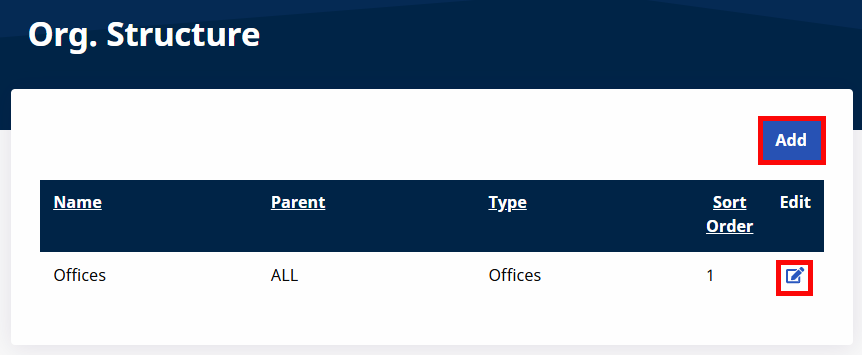
You can use the Org. Structure feature under the Admin Menu to add new values to the Organization Structure created during implementation. Click Add to add values or click the Edit icon to update an existing value.
On the Add Org. Structure Level page, complete the required fields. Click Save to update.
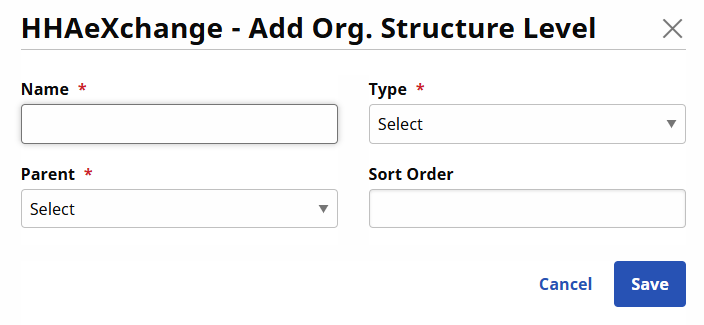
| Field | Description |
|---|---|
|
*Name |
(Required) Enter the value name. |
|
*Type |
(Required) Select the type: City, State, or Neighborhood. |
|
*Parent |
(Required) Select the Parent value. |
|
Sort Order |
Designate an order of appearance if other values exist under the Parent. |