Password Reset by Agency Administrator
Agency Admins can initiate a Password Reset for any Agency user for various purposes, typically for security measures (for example, if credentials are compromised). Instead of providing a password for the user, the process is automated prompting the user to reset the password after the initiation from the Agency Admin.

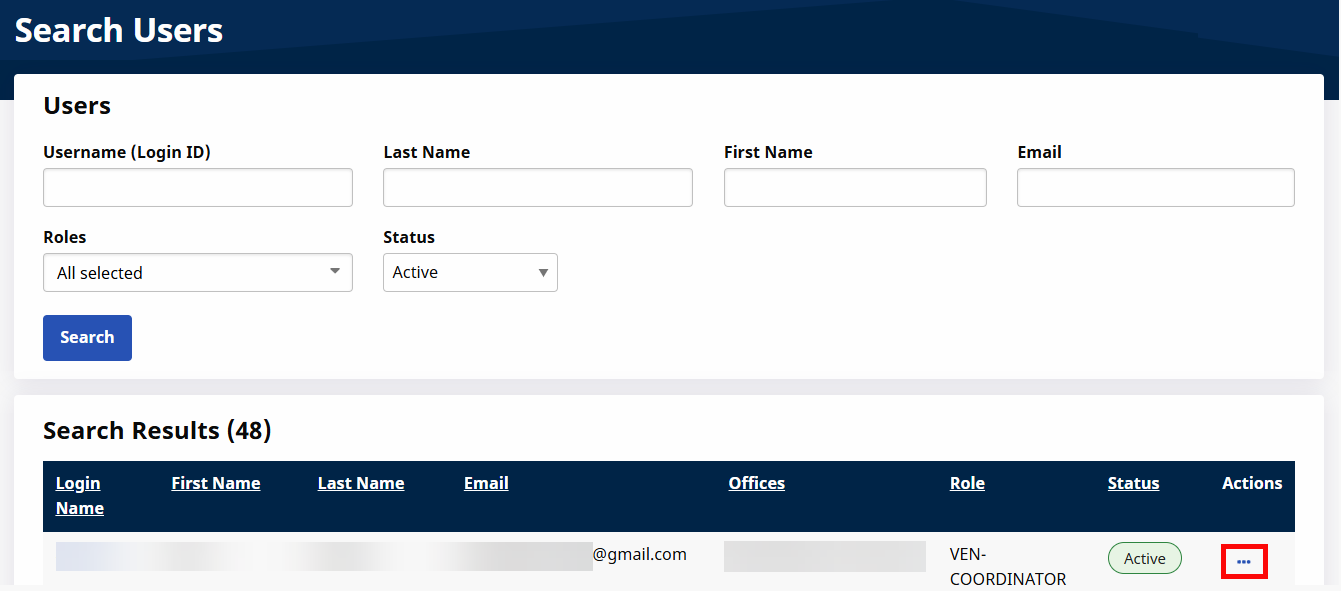
A Password Reset can be initiated under Admin > User Management > User Search. Search for the appropriate User and click the three dots at the end of their row.
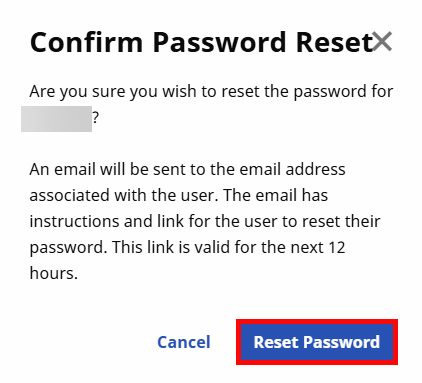
In the Dropdown Menu that opens, select Reset Password, and confirm the password reset in the following popup window by clicking the Reset Password button.
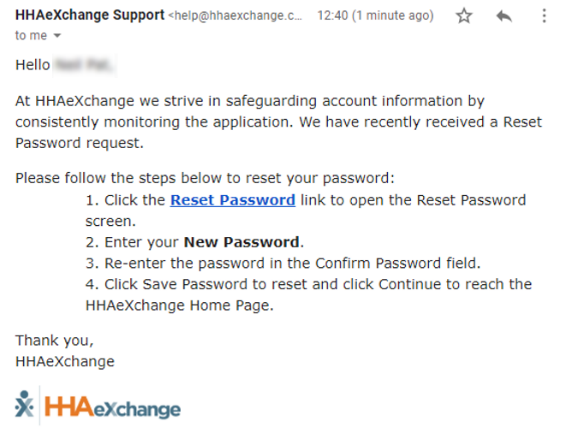
The User receives an email with instructions for resetting their password. No further action is required from the Agency Admin.
The Agency user receives an email with the link and instructions to reset their password.
The User follows the prompts to reset their password accordingly.
Refer to the Self-Service Password Reset for further guidance and password requirements.