Physician Setup
Use the Physician Setup feature to create and maintain profiles for Doctors working with a serviced Patient. This feature is found under Admin > Physician Setup.

Use the Add Physician page to enter a Doctor’s personal and medical information.
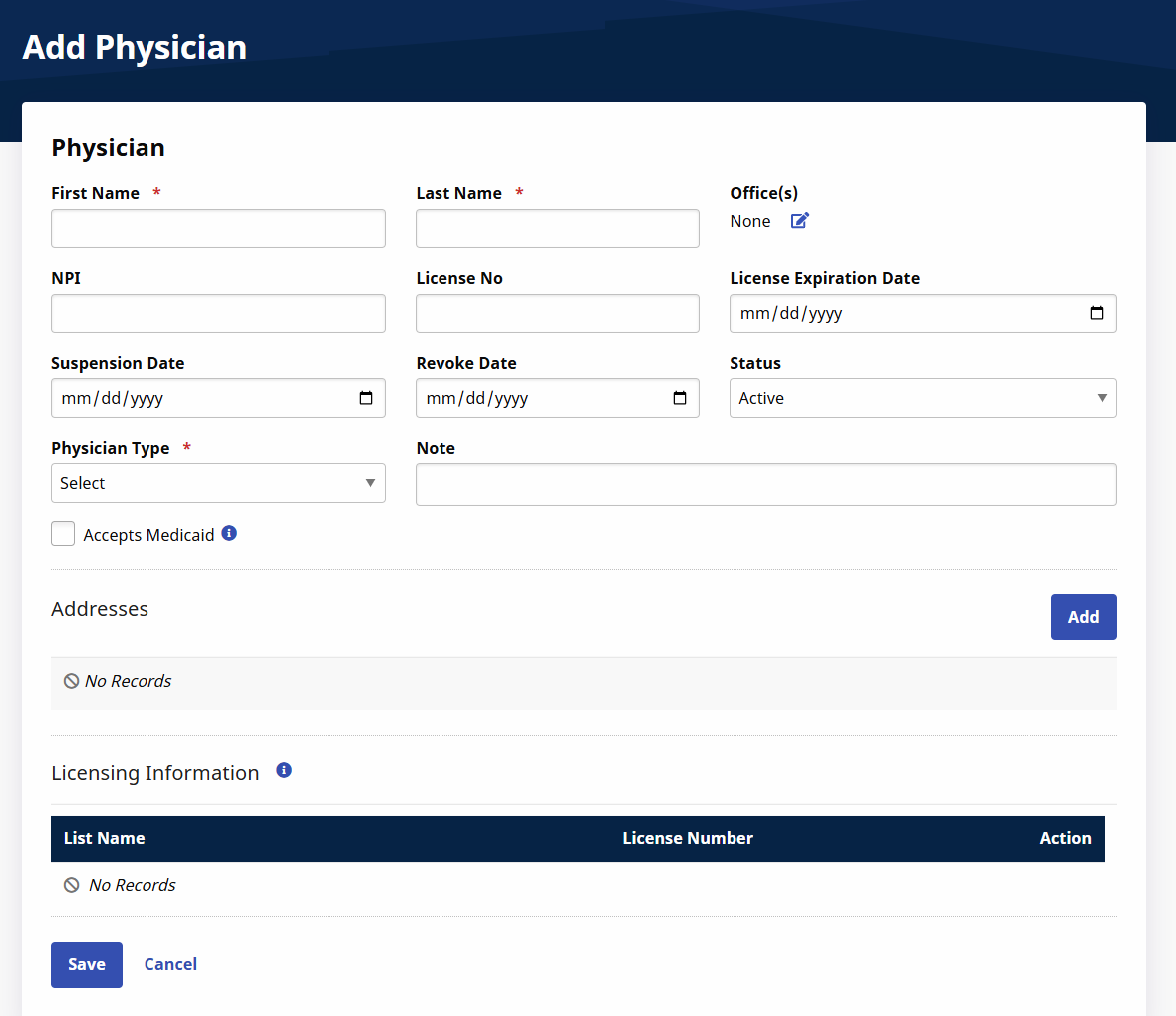
Add/Edit Physician fields are described in the following table.
| Field | Description |
|---|---|
|
*First/Last Name |
(Required) The Physician’s first and last name. |
|
License No. |
The Physician’s professional license number. |
|
Office |
Use the Edit icon to associate the Physician with an Office. |
|
Suspension Date |
Indicate a suspension date, if applicable. |
|
Status |
Select Active or Inactive. |
|
NPI |
The Physician’s National Provider Identifier number. |
|
License Expiration Date |
Indicate the date when the Physician’s license expires. |
|
Note |
Enter relevant Notes concerning the Physician. |
|
Revoke Date |
Indicate a revoke date, if applicable. |
|
Accepts Medicaid |
Select this checkbox if the Physician accepts Medicaid Patients. |
|
*Physician Type |
(Required) Select the Physician’s Specialty/Type of Practice. You can create values in Reference Table Management. |
|
Exclusion/Verification Lists Checked On |
Click Verify Now to search through various databases (such as OMIG, OIG, and GSA) to ensure the Physician is not on any exclusion list. There is a fee to the Agency for Exclusion Lists checks. Contact the HHAeXchange Support Team for questions concerning price and billing. |
In the Addresses section, click Add to enter the Physician’s work address(or addresses). Click the Edit icon on an existing address to update an address.
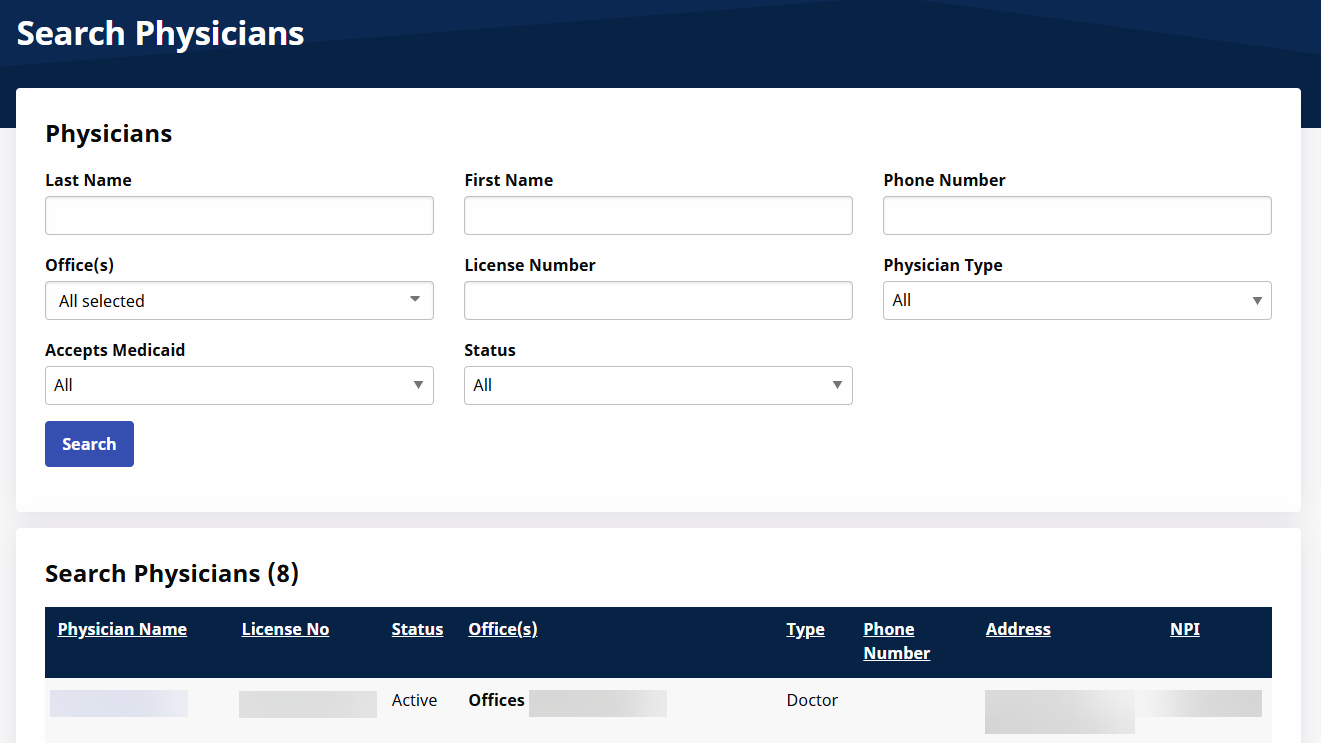
Use the Physician Search function to search for Physicians entered in the system. Select search filters or click Search for a full list. Click the Physician Name to access the Physician’s Profile Edit Physician page.