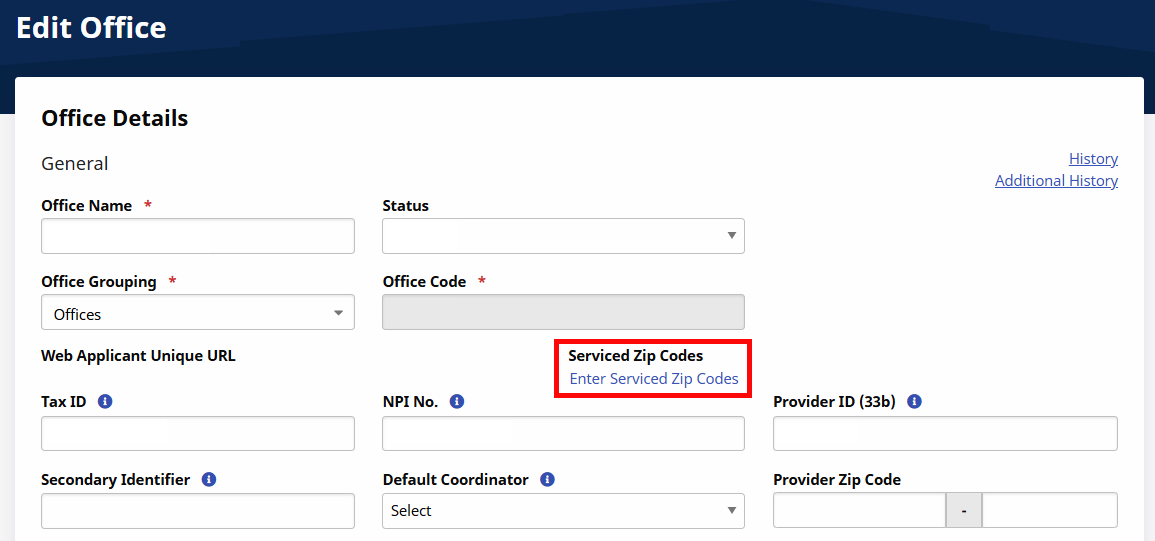
Serviced Zip Codes
Set your Serviced Zip Codes on the office level on the Edit Office page under Admin > Office Setup . Once configured by the Provider, Payers can generate a Provider Office search and send placements based on identified Patient Zip Codes.
To set your Serviced Zip Codes, click the Enter Serviced Zip Codes link to open the Office - Serviced Zip Codes window. Use the Edit Office window to add, edit, or delete zip codes, using the Add button or corresponding Edit and Delete icons per Zip Code.