E-Remittance
This feature is activated by HHAeXchange System Administration. Contact HHAeXchange Support Team for details, setup, and guidance.
Payments sent in an electronic format can be automatically applied to the corresponding invoices in a process called E-Remittance. E-Remittances only apply payments to line items that are paid in full; any discrepancies in the billed amount and actual payment must be adjusted manually in the Cash Payment page. Follow the steps below to review E-Remittance payments in the system.
-
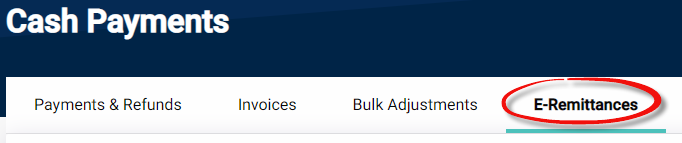
Go to Billing > Cash Payment. Select the E-Remittances tab from the top menu of the page.
-
On the Search E-Remittances section, use the search filters and/or click Search to locate the E-Remittance.
-
On the search results, each line item provides information such as Billed Amount, Paid Amount, Rejected Amount, and Adjusted Amount as well as payment Status.

-
Click the units under Billed Amount or Rejected Amount to download a PDF containing the E-Remittance details. Follow the system prompts to download and open the file.
