Calendar Page
The Caregiver’s Calendar under Caregiver > Bulk Pay Rate Adjust is used to schedule new visits, edit and review visits that the Caregiver was assigned to from the Patient’s Calendar.
The Caregiver’s Calendar mirrors a Patient’s calendar, with the exception that scheduled visits do not appear in pink or green as Authorizations apply to Patients.
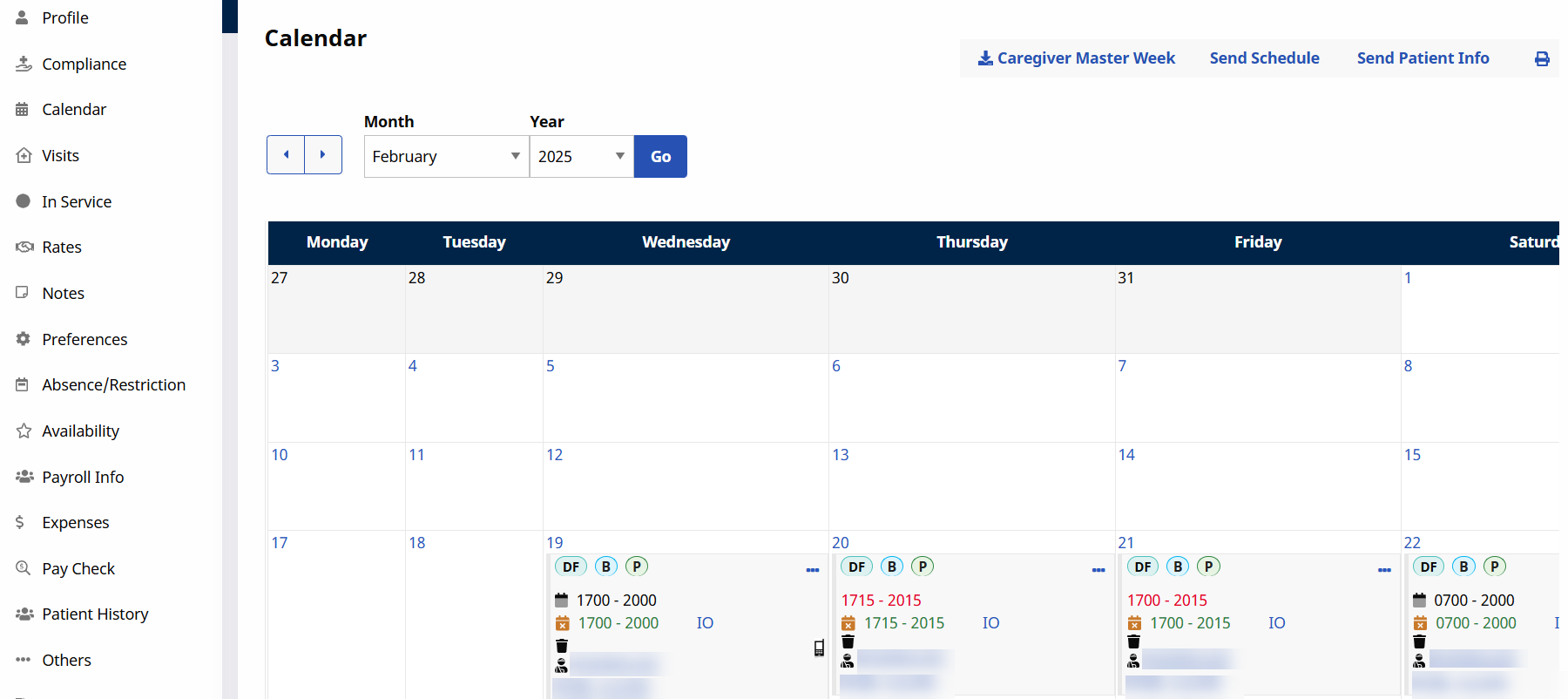
For more information regarding scheduling visits and the icons seen on the page, refer to the Patient’s Calendar or the Scheduling Visits.

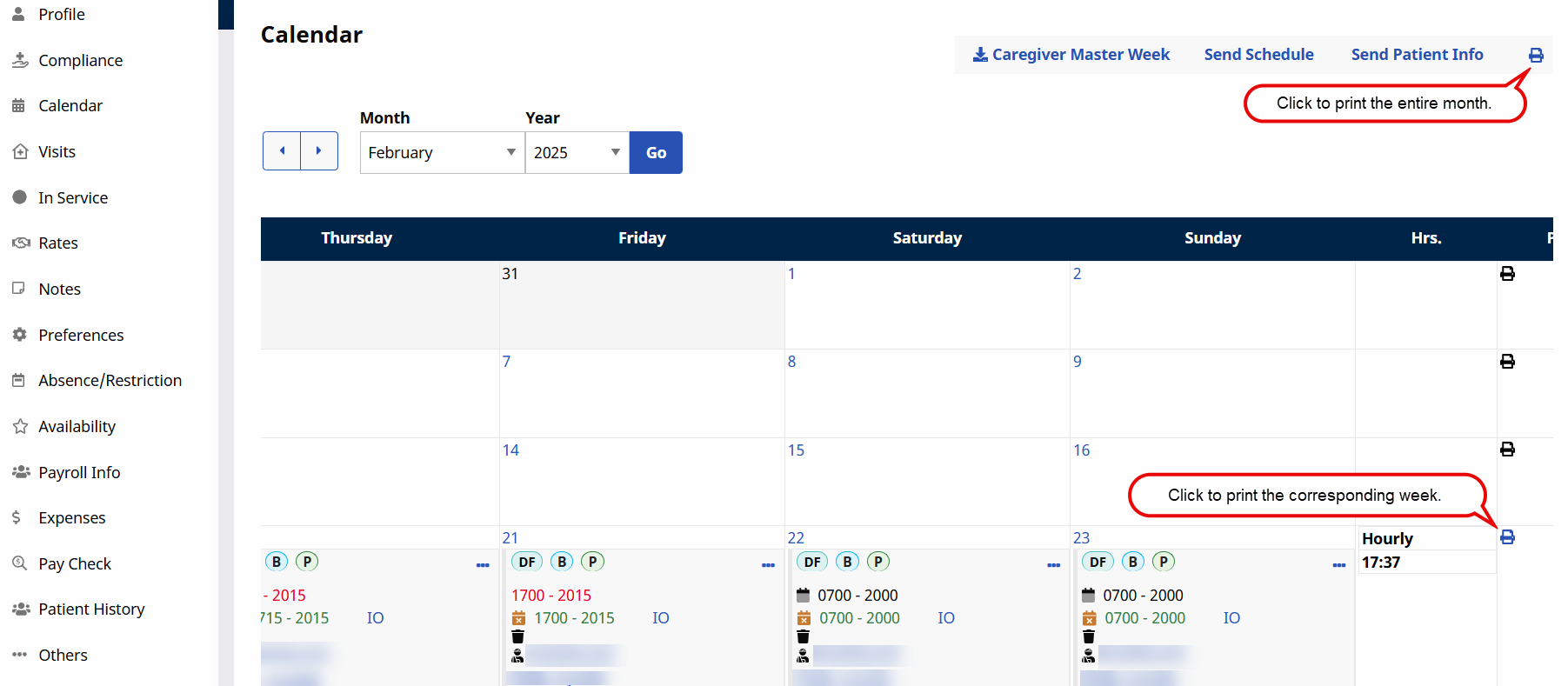
A Caregiver’s weekly schedule under Caregiver > Bulk Pay Rate Adjust can be printed directly from the Caregiver’s calendar. When an event is added to the Caregiver Calendar, the Print icon is enabled. Click the Print icon (on the right-most column).
To print the entire month, click the Print icon on the top-right. The Print icon is unavailable for weeks with no visits scheduled.
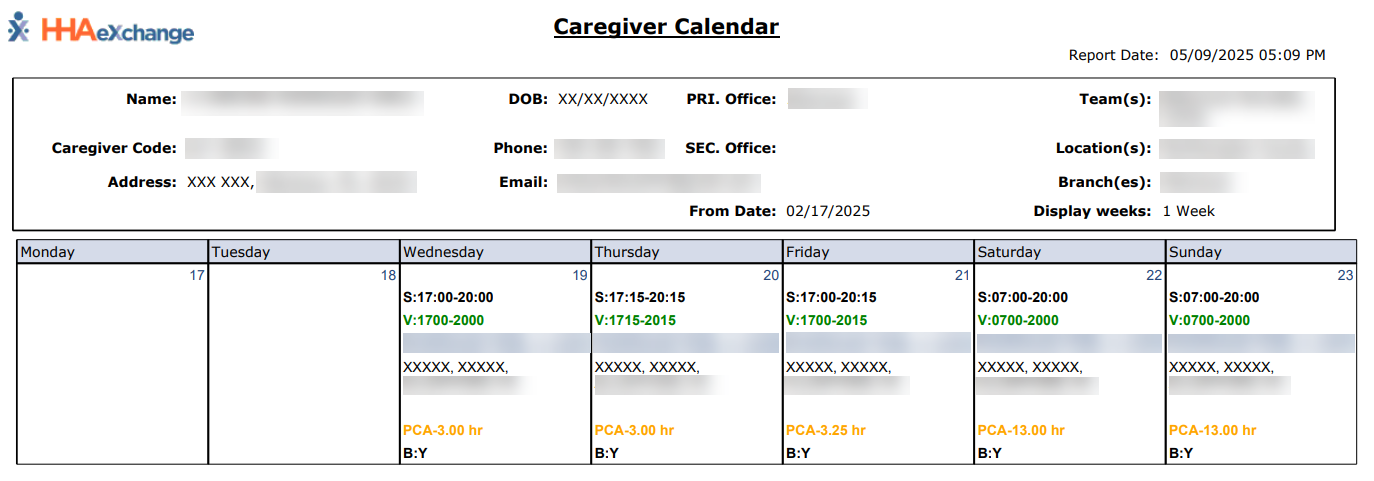
The image below illustrates a Caregiver’s printed weekly schedule.