Caregiver Availability Bulk Edit
Providers can edit Caregiver availability for multiple Caregiver profiles at a time directly from the Caregiver General Availability search page under Caregiver > Search Caregiver (New) >General Caregiver Availability. This efficient method eliminates the need to go from profile to profile to maintain information updated.
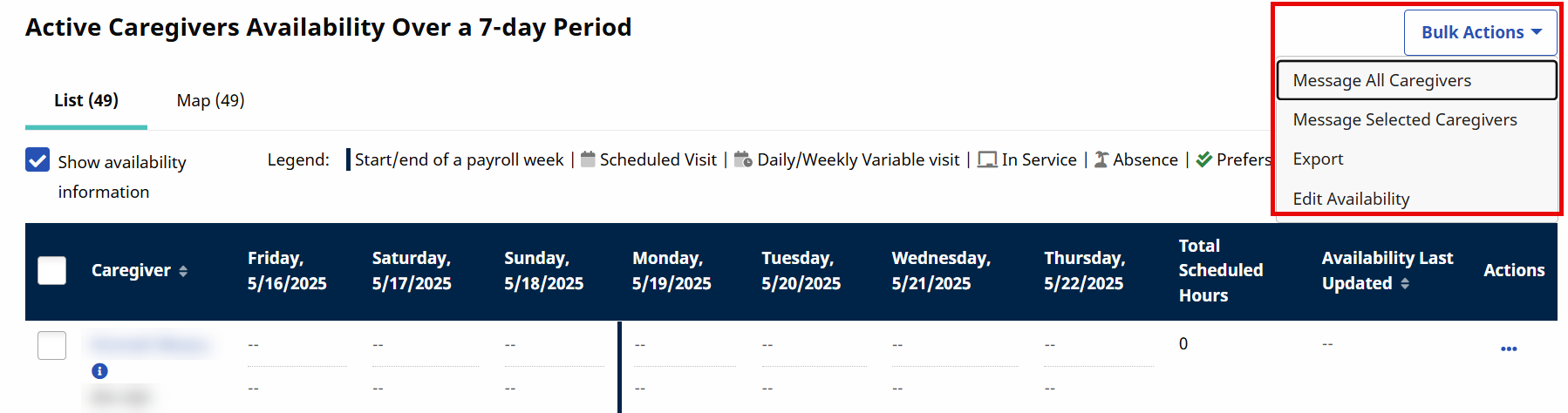
On the Caregiver General Availability search page, select the applicable office to generate a search. Click the Bulk Actions dropdown and select Edit Availability.
A list of available Caregivers is generated with expand (+) options to the left of each name. Select the + to expand availability options for a Caregiver.

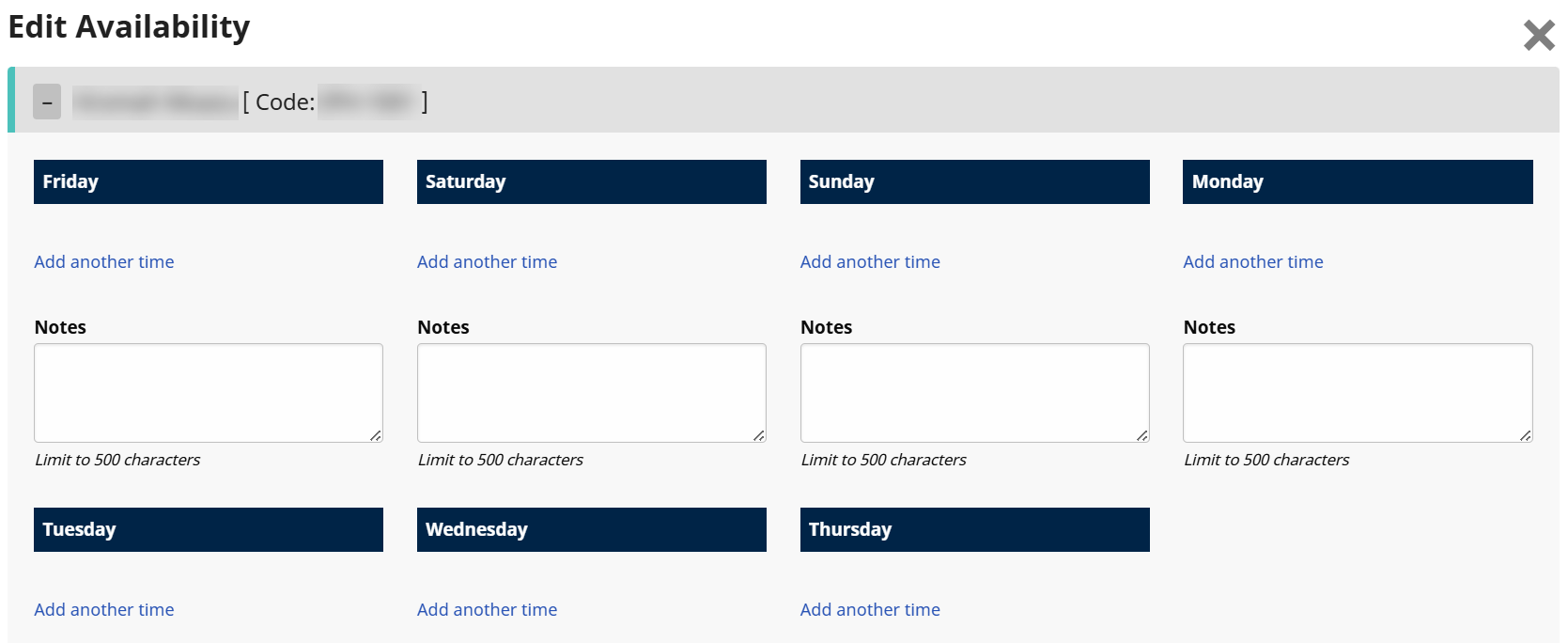
The availability schedule opens for the selected Caregiver. Select the Add another time link and make the desired changes.
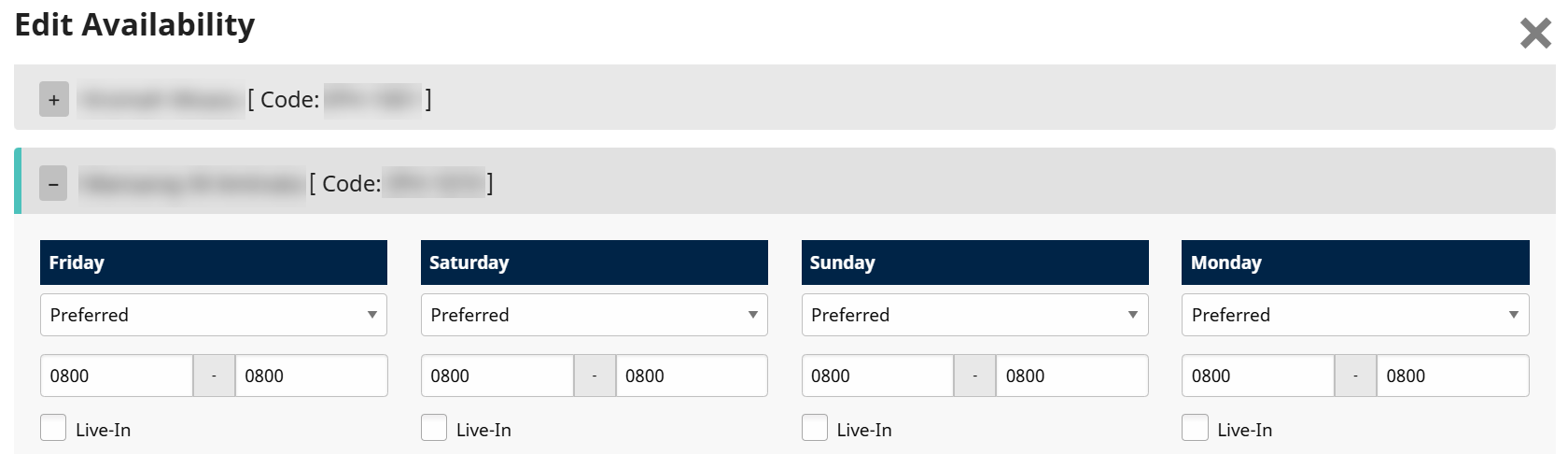
Expand another Caregiver to edit availability.
Once complete, scroll to the bottom of the page and click Save.

The system alerts of a successful update.
