Hire Date as Required Field for Caregiver Applicant/Employee Compliance
The Hire Date compliance requirement for Caregivers saved as Applicants, under Caregiver > Search Caregiver > Compliance, has been lifted, allowing Providers to begin tracking compliance information before officially onboarding the Caregiver as a full-time employee. This enhancement allows entry of compliance information (such as I-9 Requirements, Training Schools, and Other Compliance fields) for Applicants without having to enter temporary information and/or data to satisfy compliance requirements.
In addition to Caregiver Compliance, the system requires certain demographic and/or employment information to create and manage a Caregiver Profile. Because not all information may be available when entering an Applicant, inaccurate data may be entered to satisfy system requirements. The below-listed fields are required to save a new Caregiver in the system.

-
Primary Office
-
First Name
-
Last Name
-
Gender
-
DOB
-
SSN
-
Employment Type
-
Type
-
Application Date
-
Status
-
Zip
When a new Caregiver Profile is saved with an Applicant Caregiver Type under Caregiver > New Caregiver, the system removes the requirement (red asterisks) for all fields with the exception of the First Name and Last Name fields. If the new profile is saved with an Employee Caregiver Type, then the field requirements remain on the page (for the above-listed fields).
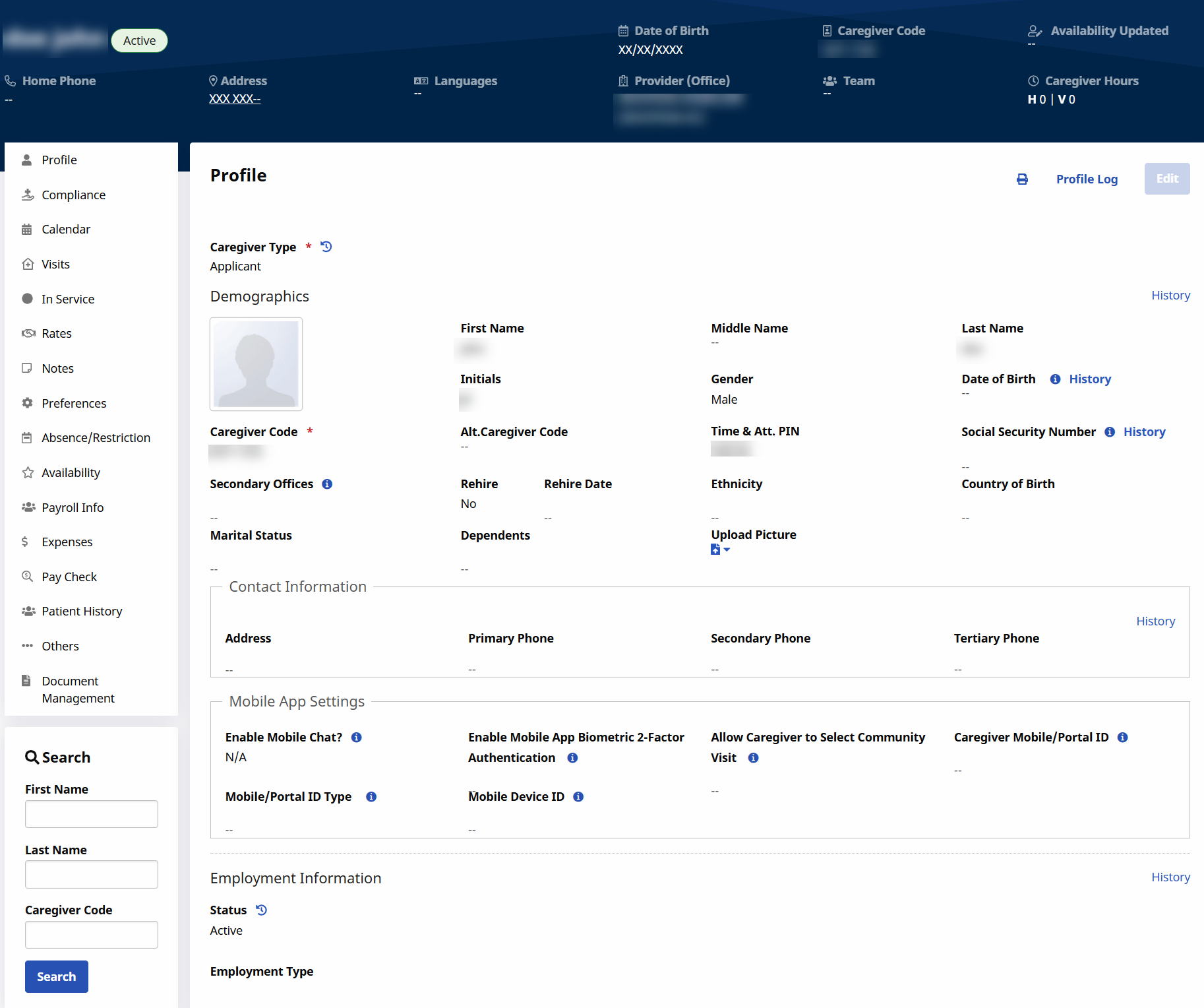
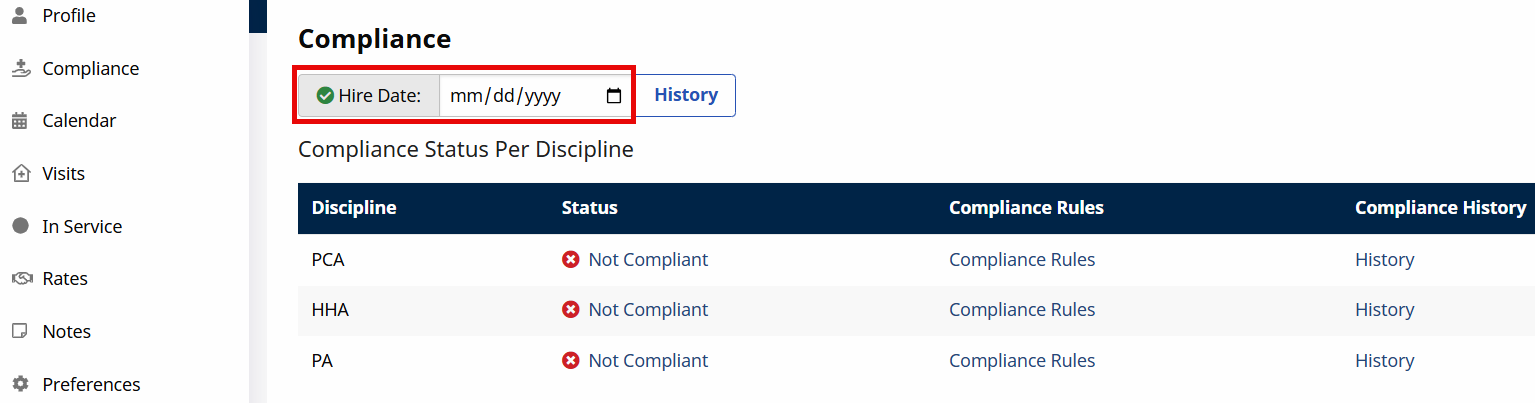
On the Caregiver Compliance page under Caregiver > Search Caregiver > Compliance, the Hire Date field is optional (no red asterisk) for an Applicant Caregiver.
The system saves compliance information for an Applicant without validation errors.
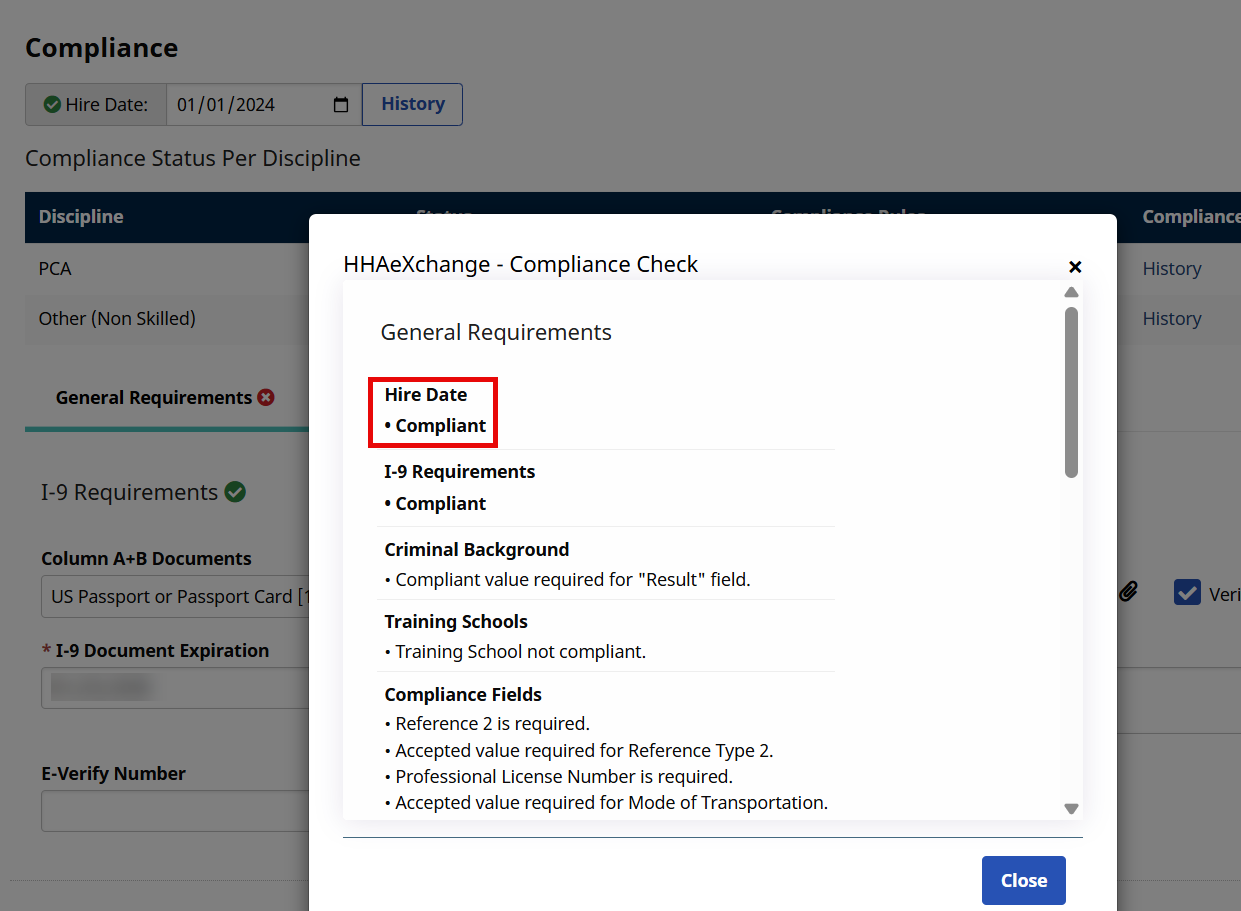
Upon compliance recalculation, the Applicant shows as Compliant for Hire Date in the Compliance Check window.
The Hire Date field is required for Caregivers saved as an Employee.