Caregiver Office Move Feature
This feature is activated by HHAeXchange System Administration. Contact HHAeXchange Support Team for details, setup, and guidance.
The Office Move feature under Caregiver > Search Caregiver > Office Move allows agencies to move Caregivers to a different office.

-
Go to Caregiver > Search Caregiver > Office Move tab.
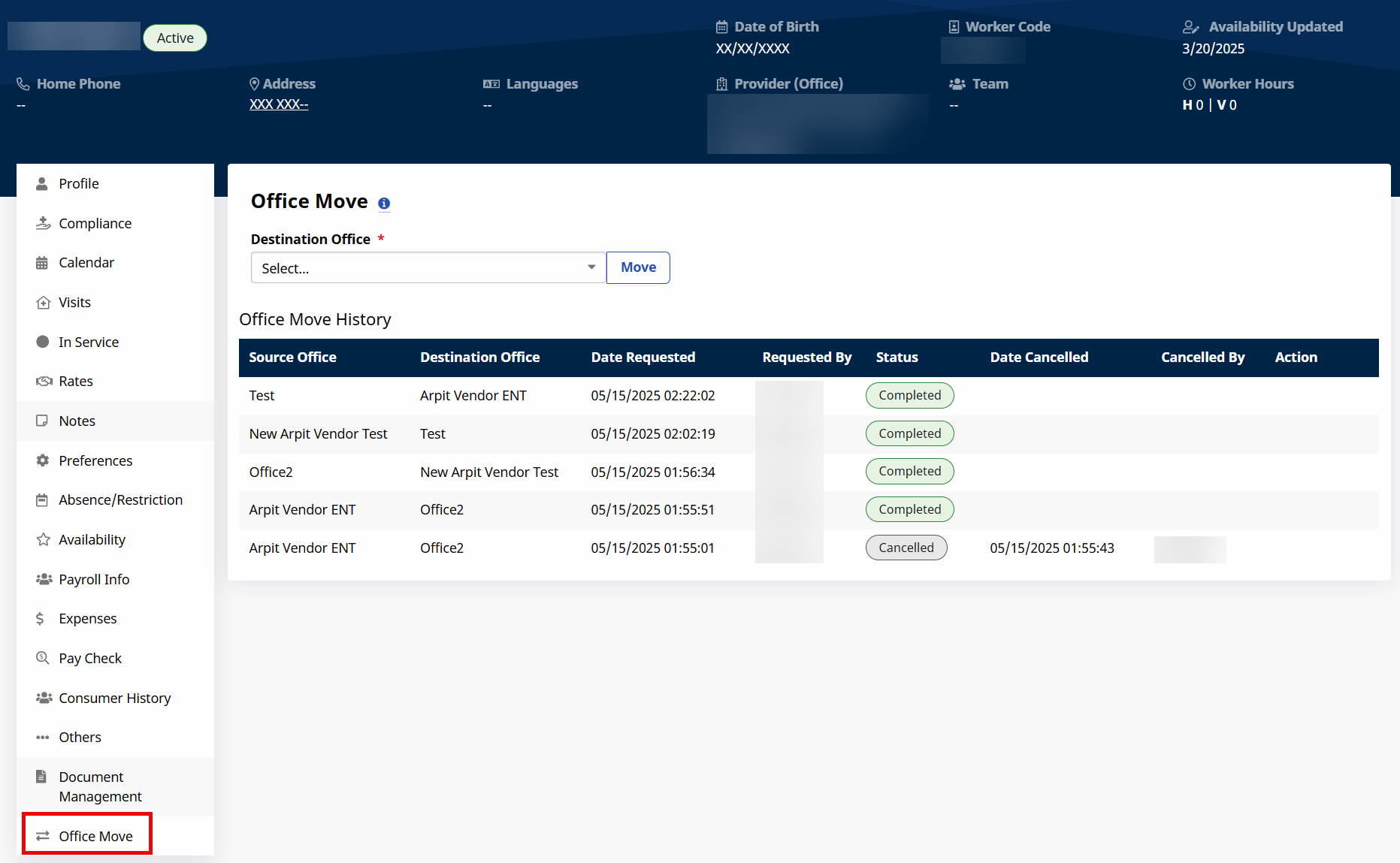
-
In the Destination Office dropdown select the new office and then select Move.
The new office must have the same Duty List Setup, Time Zone and Payroll Configuration as the current office.
-
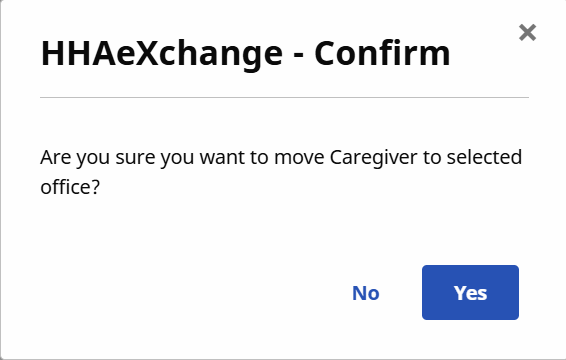
Select Yes on the Confirmation window.
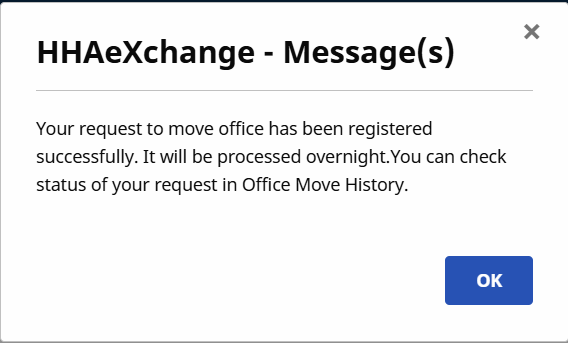
A message displays to confirming the office move. The Office Move processes overnight.
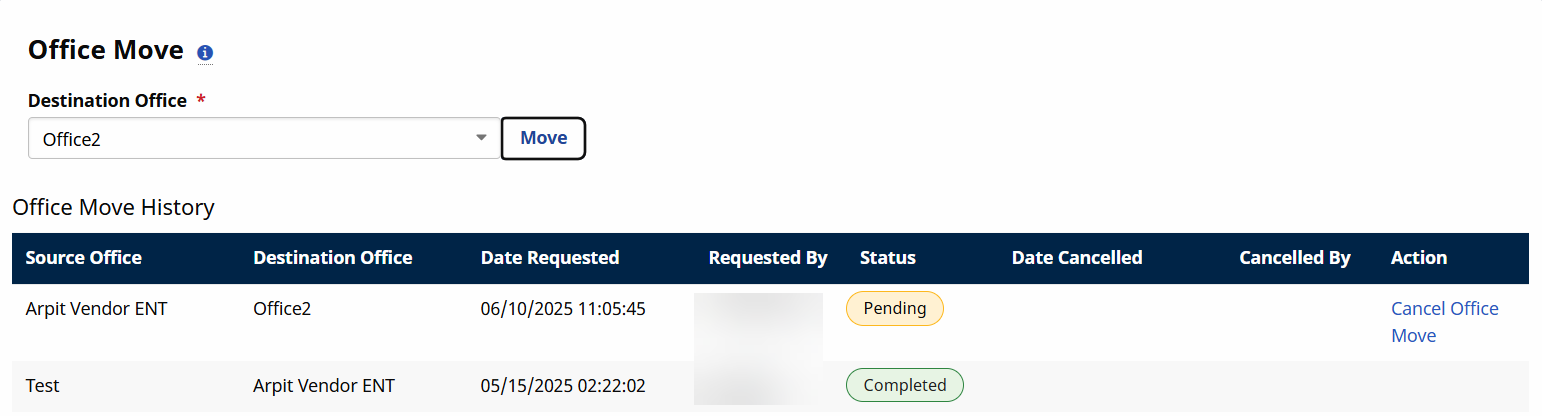
You can cancel an office move only when the Status is Pending.
-
Go to Caregiver > Search Caregiver > Office Move tab.
-
In the Office Move History section select Cancel Office Move under the Action column.
-
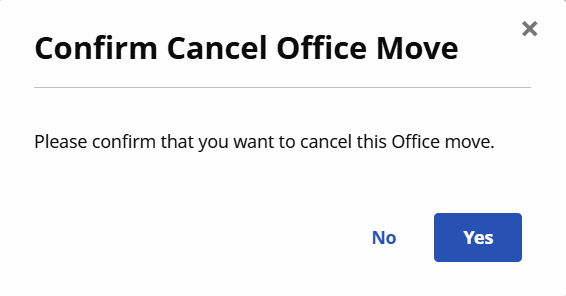
Select Yes on the Confirmation window.
The Office Move process immediately cancels.