Trainees
Trainees are individuals who are pursuing certification in a Non-Skilled discipline at a school operated by an Agency. Using the Trainee feature, Providers can create a record for a Trainee and track their progress. A Trainee’s record can be converted into a Caregiver Profile once the individual receives a certification.

The following table provides instructions when entering a new Trainee into the system.
-
Go to Caregiver > Trainee > New Trainee.
-
In the top section, select the applicable Office and the Status for the Trainee. The Status field allows an Agency to track the Trainee’s progress from start to finish as well as their success/completion of a certificate program. Select the Date of Enrollment.

-
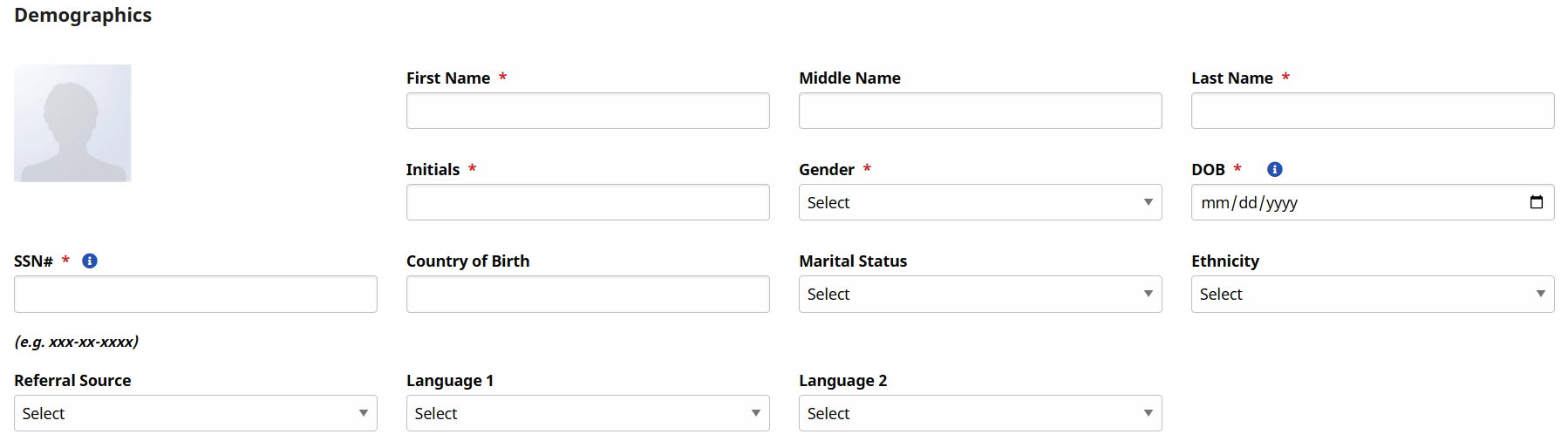
In the Demographics section, complete the required fields (marked with red asterisks). HHAeXchange recommends that the optional fields also be completed to facilitate the conversion process from Trainee to Caregiver.
-
Complete the next three sections to include Employment Info, Address, and Emergency Contacts Information. These sections are optional; no fields are required to save the Profile.
-
In the Enrollment Information section, complete the various fields showing if the trainee is enrolled in a training program. Record any other certifications and credentials provided.
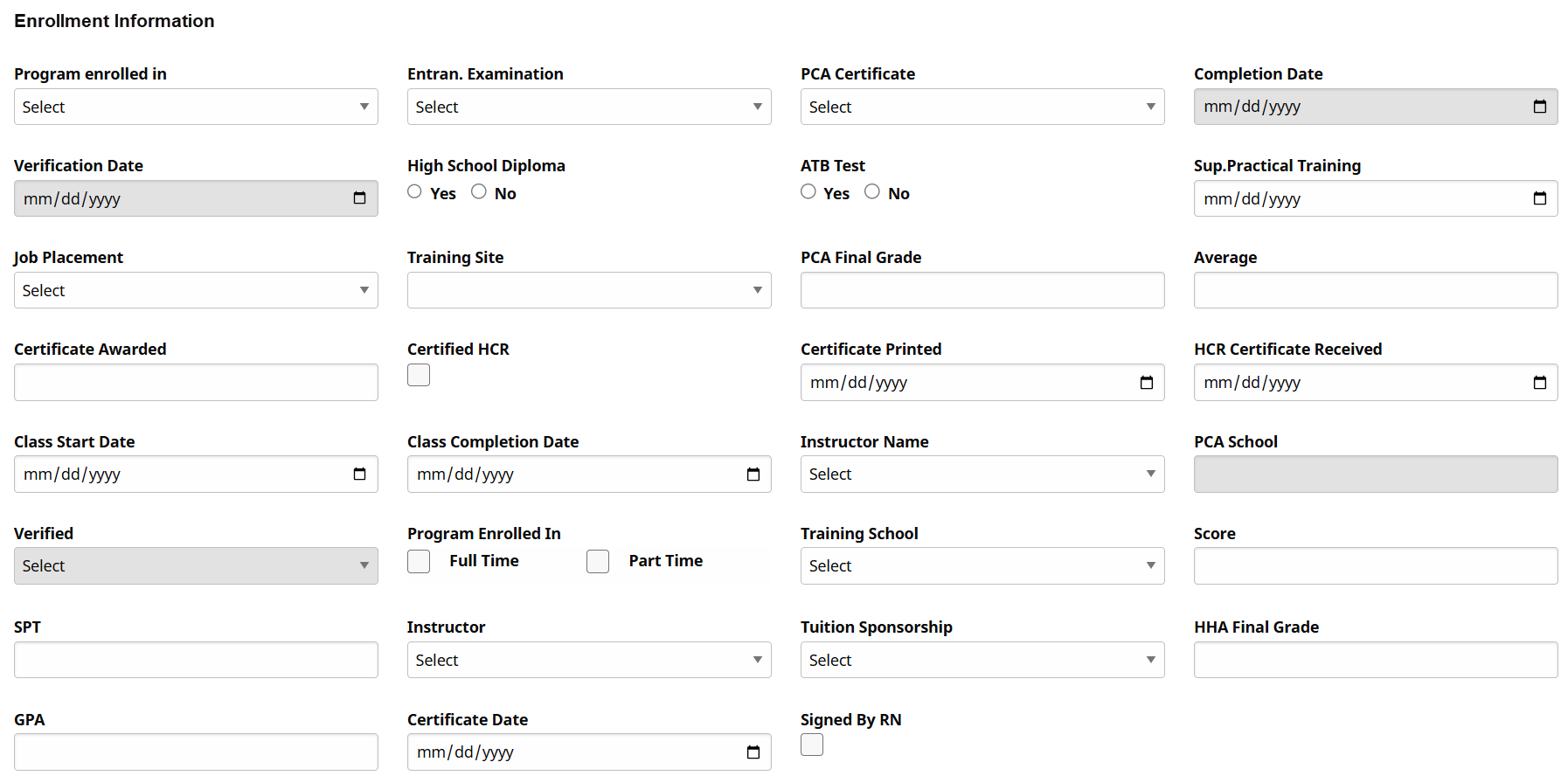
The Training School field populates values based on the Office’s assigned Compliance Setup.
Many fields and values within the Enrollment Information section are customizable. Consult the HHAeXchange Trainer for details.
-
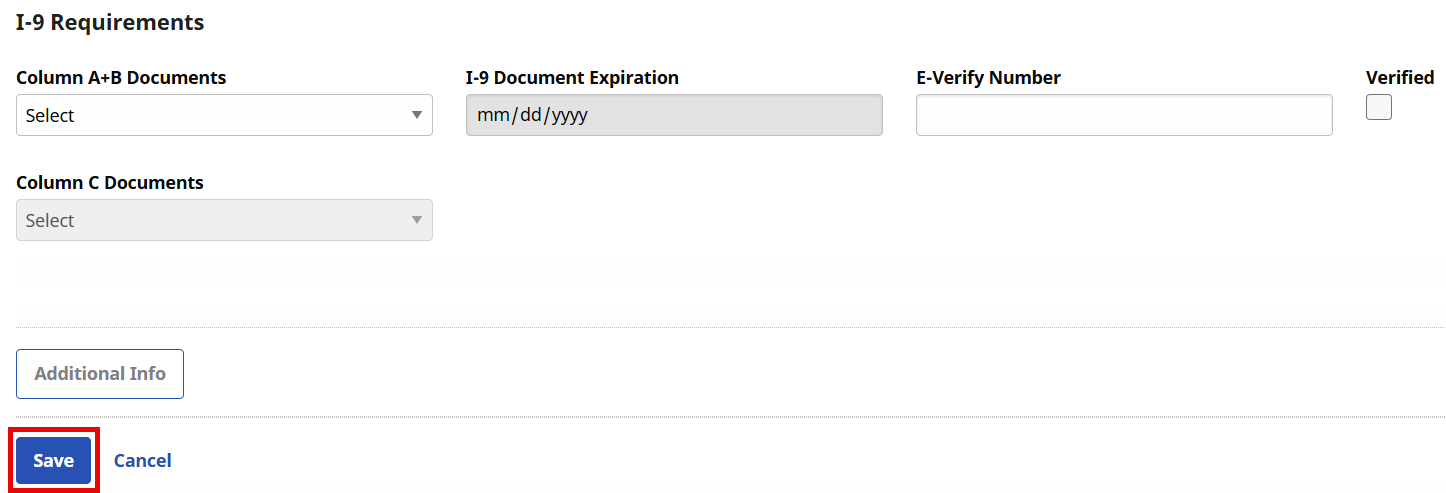
The last section is where I-9 documentation is noted. Select the identification presented as well as expiration date and if the documentation was verified.
-
Click the Save button to save the profile.
-
To add or edit information in a Trainee Profile go to Caregiver > Trainee > Search Trainee and select the desired record.
For example, updating a Trainee’s Status.
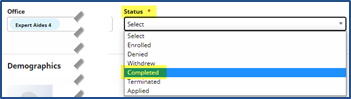
A Trainee can be converted to a Caregiver once he/she has received a certification and their record status is updated to Completed. Follow the steps outlined below to convert a Trainee to a Caregiver in the system.
-
Go to Caregiver > Trainee > Search Trainee.
-
Scroll to the bottom of the Trainee Profile. Click the Convert link.
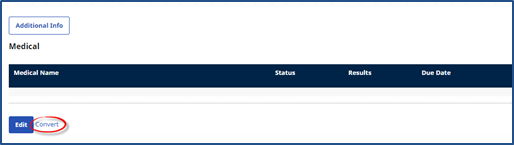
Although the Convert link is visible regardless of the Trainee Status, a Trainee’s Status must be updated to Completed before converting to a Caregiver.
-
The Trainee’s Profile becomes that of Active Caregiver.

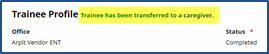
HHAeXchange keeps the Trainee record for reference purposes. To view the record, search for the Trainee under Caregiver > Trainee > Search Trainee. Records for Trainees who have been converted to Caregivers indicate that the Trainee has been transferred to a Caregiver.
In the Trainee page under Caregiver > Trainee > Search, the I-9 and Medical sections use the settings of the assigned Office Compliance Setup. Medicals are not auto generated for a Trainee and the Medicals are unavailable if the selected Office is not assigned to a Compliance Setup.
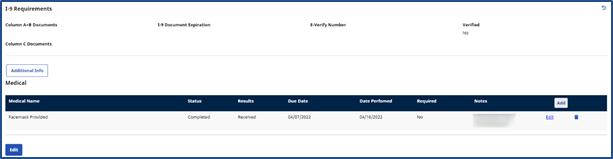
Once a Trainee is converted to a Caregiver, the Compliance Status is recalculated.
The following Medical permissions are applied to the Trainee page: Trainee Page Compliance Permissions under Caregiver > Trainee
|
|