HHAeXchange+ Mobile App Payroll Feature
The Payroll feature under Menu > Payroll, is available if your Agency is enrolled in the Mobile Payroll feature. You can view pay stubs, tax documents, and to manage your Payroll profile without leaving the app.
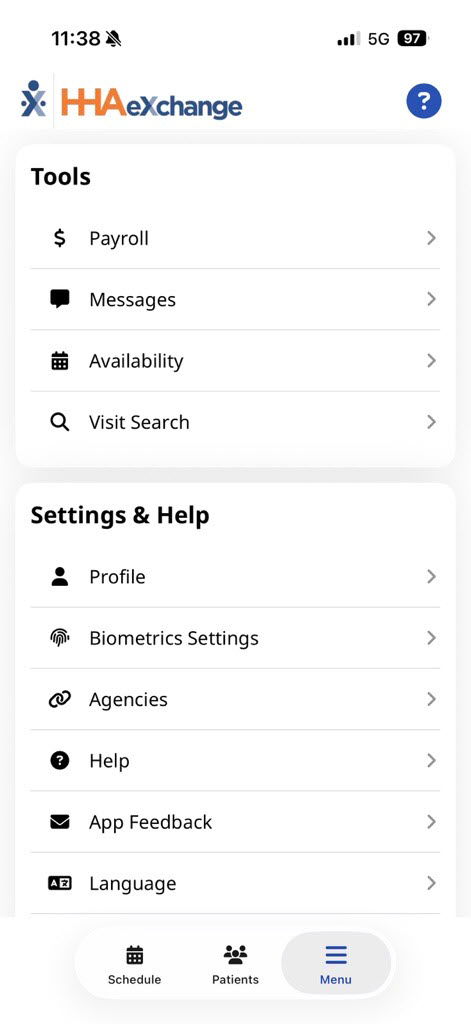

Go to Menu > Payroll > Pay Stubs to review your Pay Stubs.
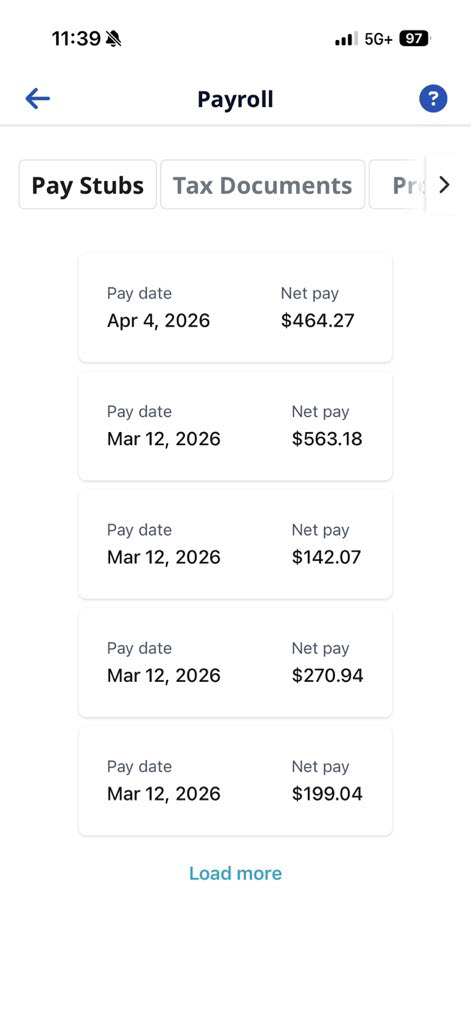
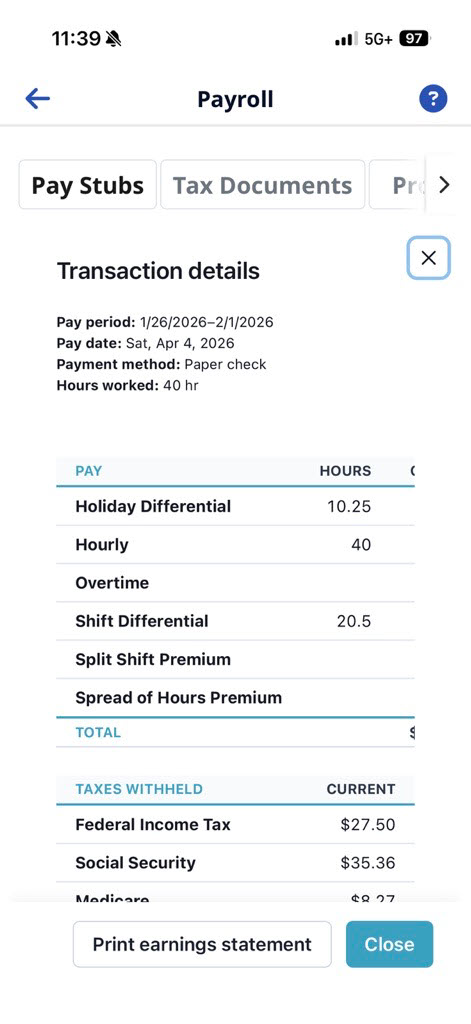
Select a pay stub to view more information.
Go to Menu > Payroll > Tax Documents to upload a new document or review your tax documents.
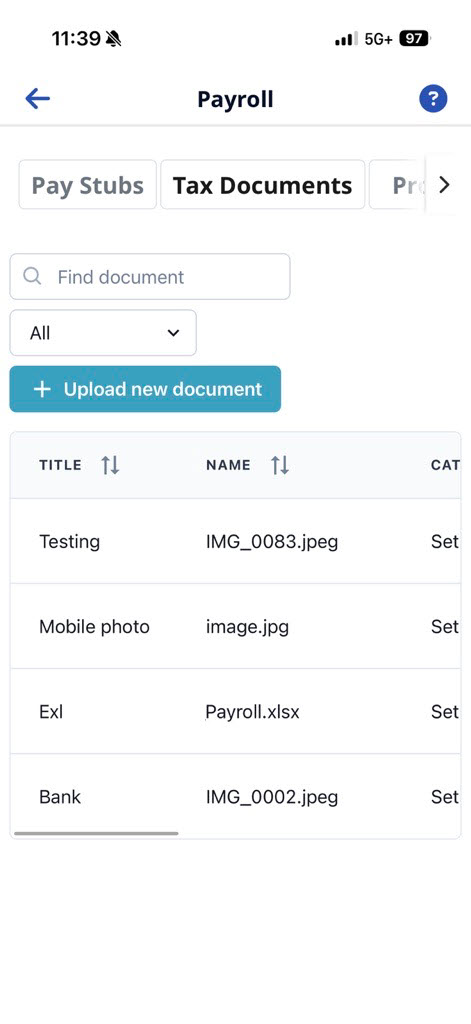
If your agency requires any tax document, you can add them here.
-
Go to Menu > Payroll > Tax Documents
-
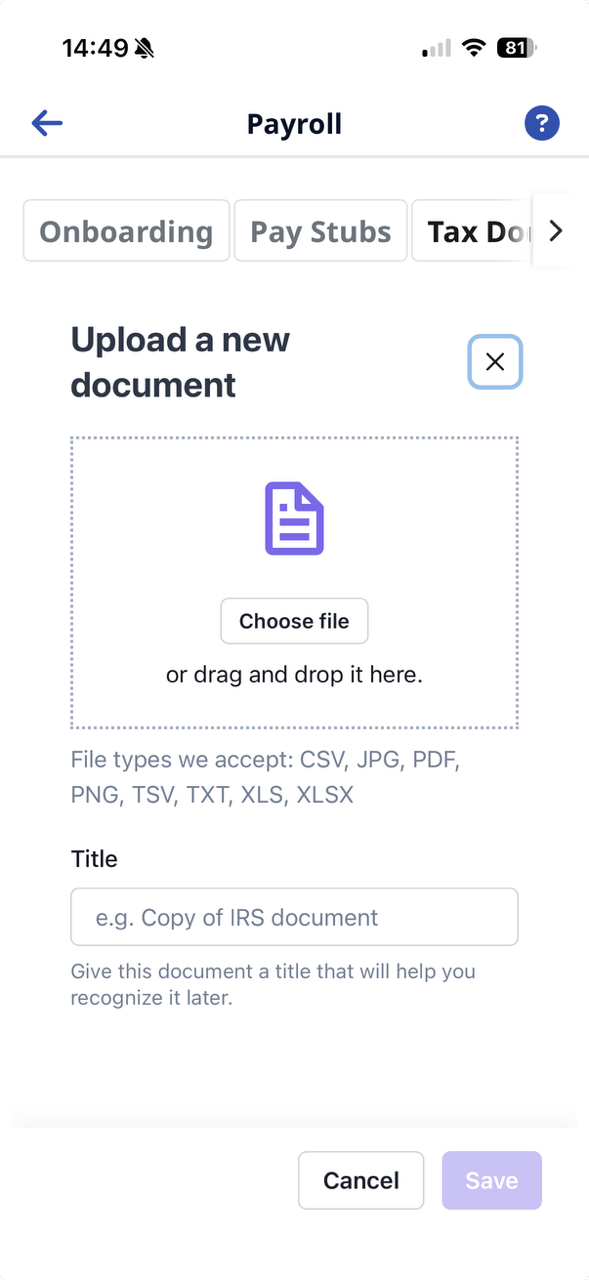
Select the Upload New Document button.
-
Select the new document from the file location. You can:
-
Choose a file from your device
-
Take an photo or video
-
Choose a photo from your device library.
-
-
Name the file, and then select Save. Your file is uploaded.
If you need a copy of the tax document,
-
Go to Menu > Payroll > Tax Documents.
-
Locate the file.
-
Scroll to the Actions column, and then select Download.
You can update Tax Info and Pay Distributions in the Profile tab under Payroll.
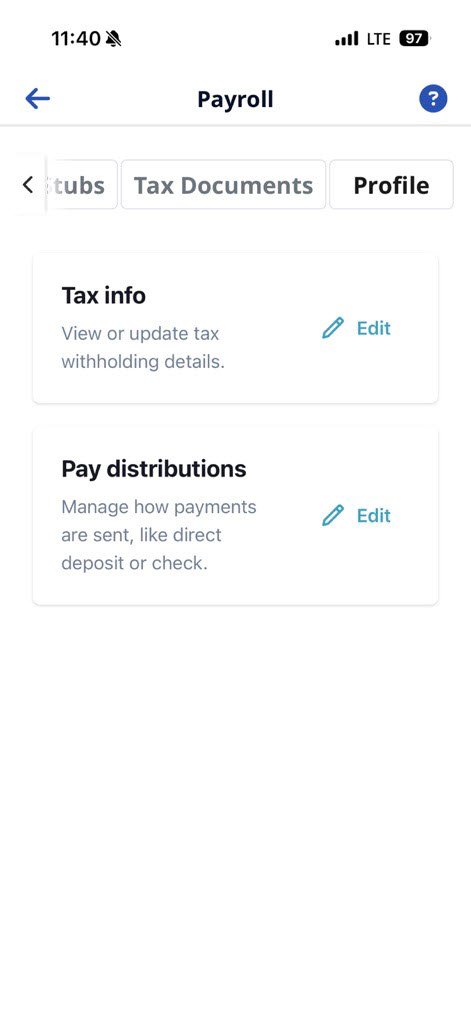
To view or update your tax withholding details,
-
Go to Menu > Payroll > Profile > Tax Info.
-
Select the Edit button.
-
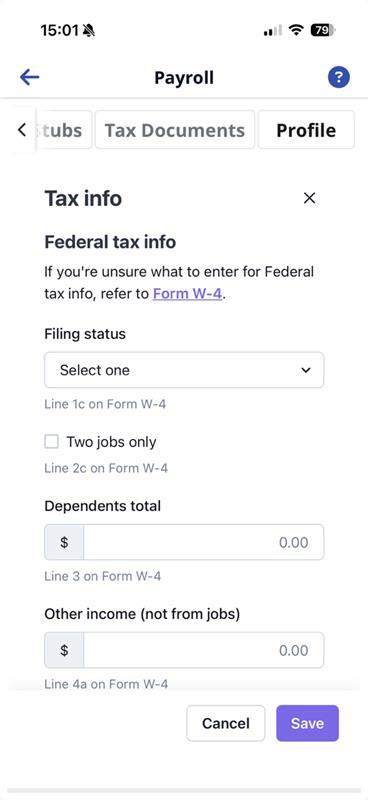
Enter your tax withholding details, and then select Save.
Manage how your payments are sent, like direct deposit or check.
-
Go to Menu > Payroll > Profile > Pay Distributions.
-
Select the Edit button.
-
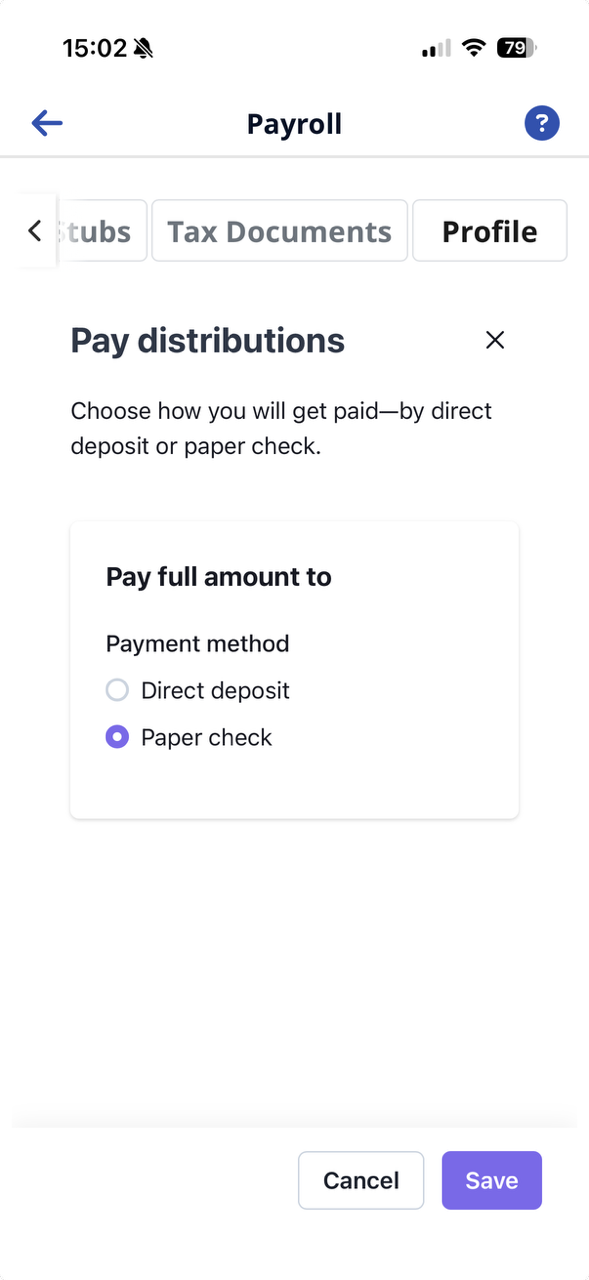
Select the payment type, and then select Save. Choose between,
-
Direct Deposit - you are prompted to enter your bank information, or
-
Paper Check
-