HHAeXchange+ Mobile App Vital Signs Feature
The Vital Signs feature under Visit Details > Vital Signs, enables you to efficiently document, track and review a patient’s vital signs during home visits. You can,
-
Document Vital Signs, which track over time.
-
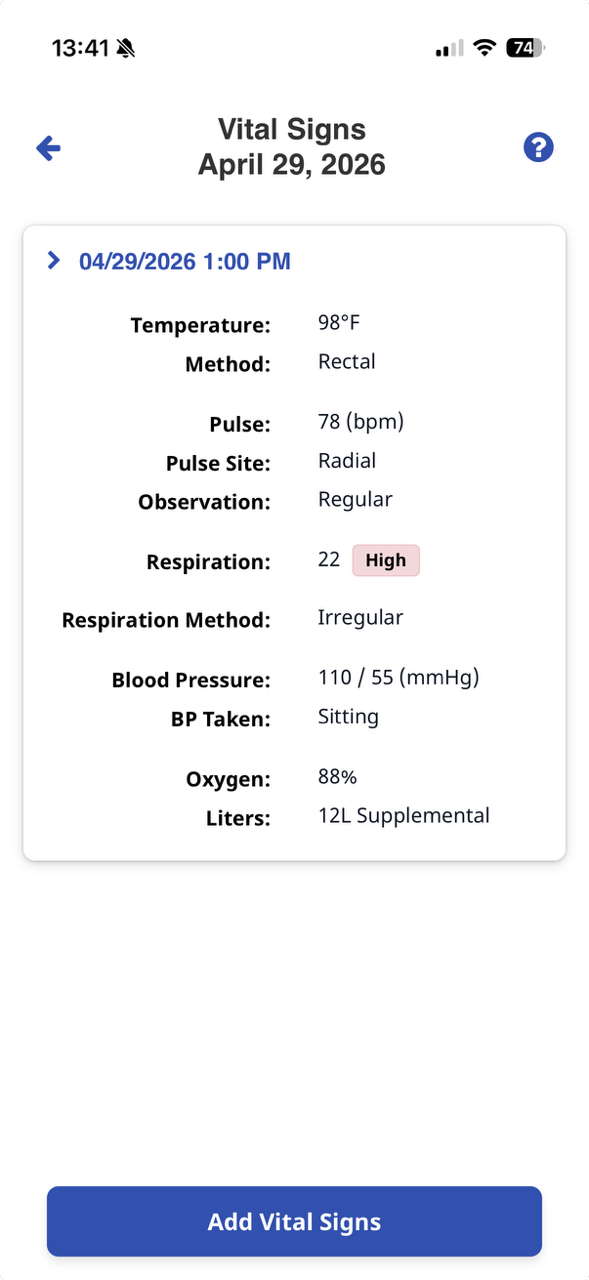
Receive alerts if the Vital Signs are out-of-range.

-
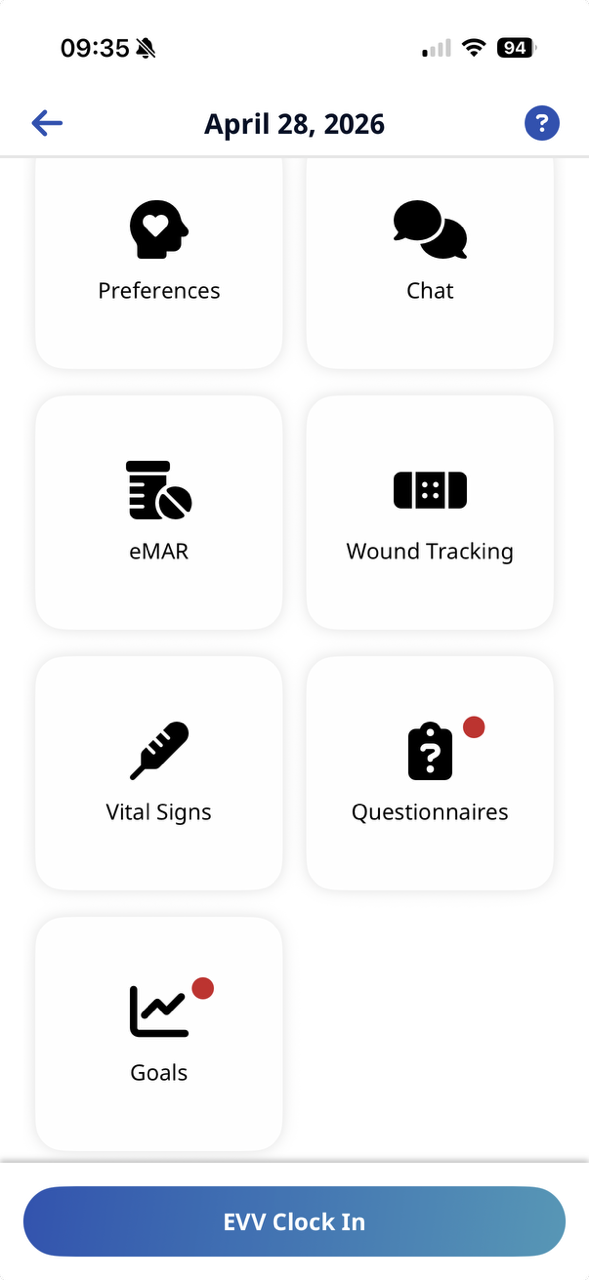
Go to Visit Details > Vital Signs.
-
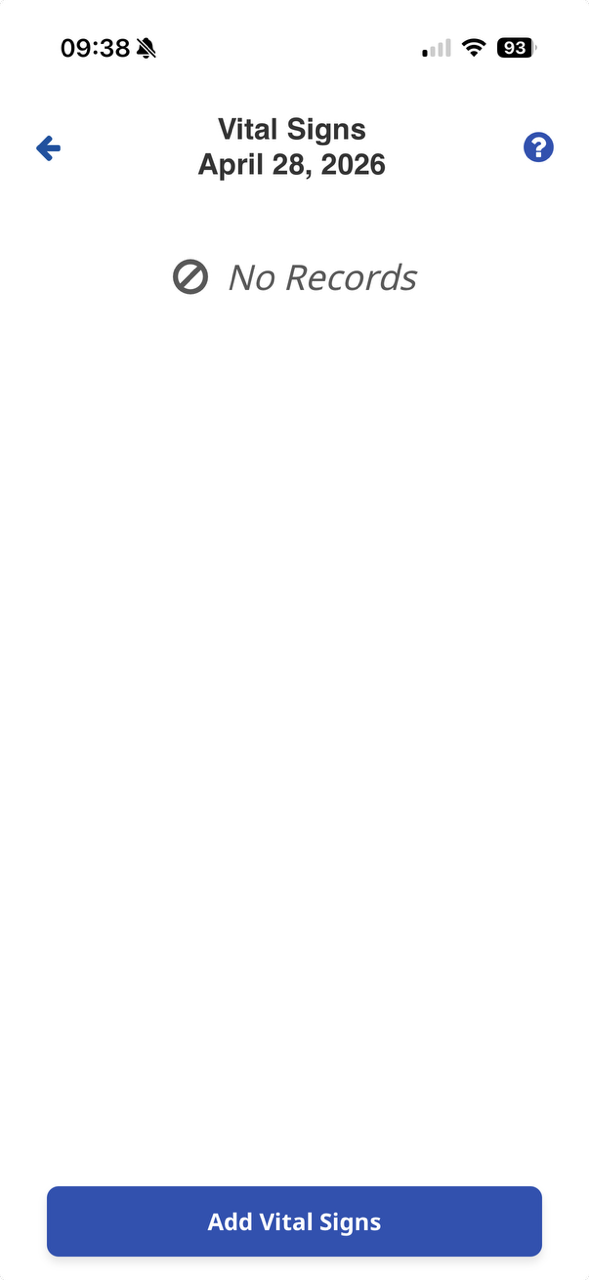
Select the Add Vital Signs button.
-
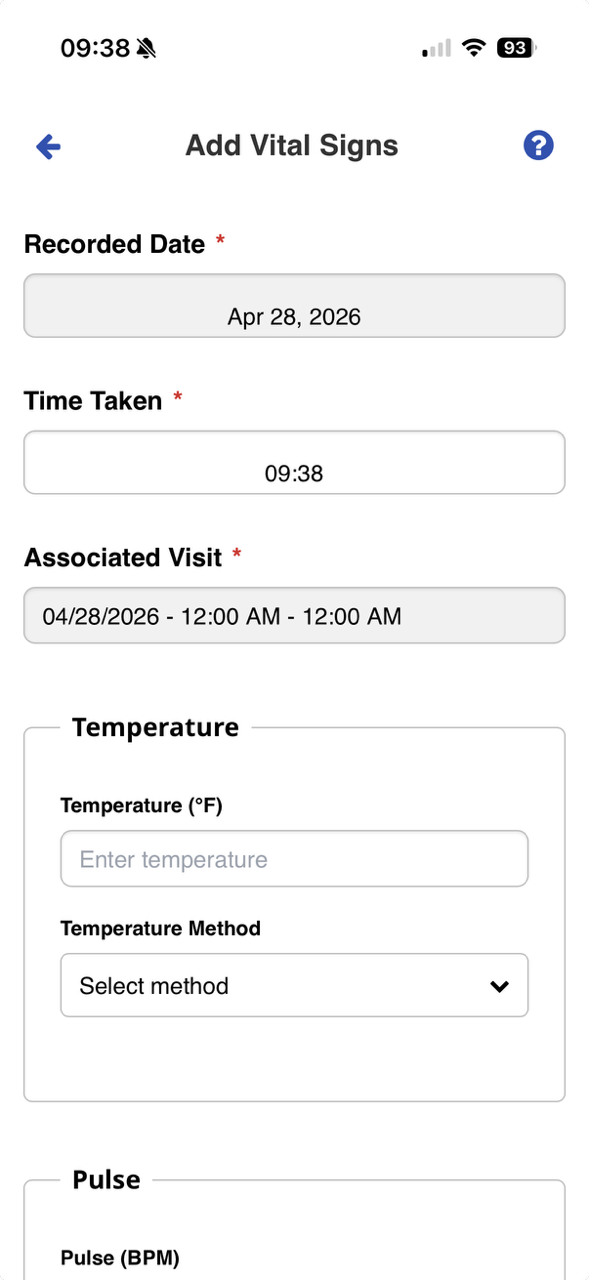
Complete all fields.
-
Select Save.
-
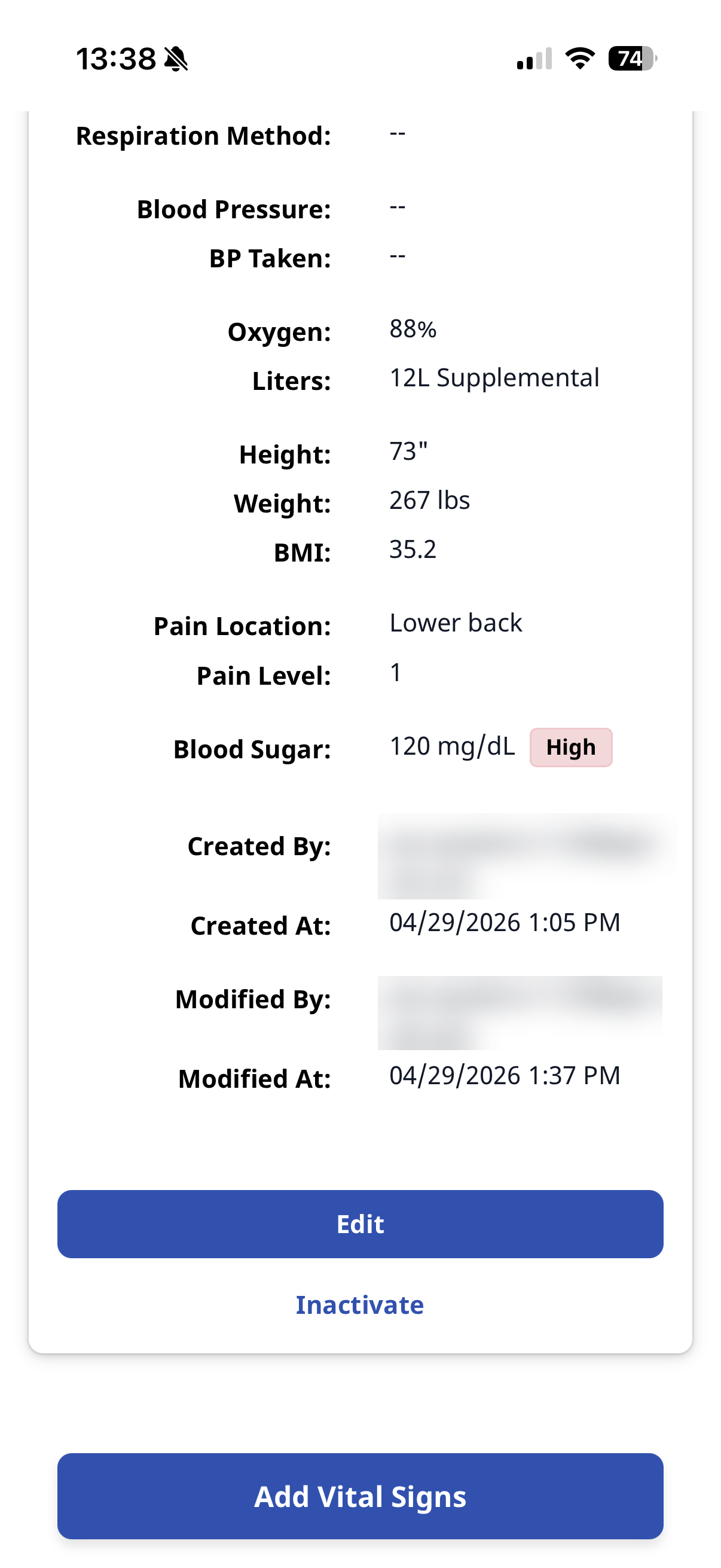
Go to Visit Details > Vital Signs.
-
Select the Vital Signs.
-
Select the Edit or Inactivate button, and then complete editable fields.
-
If Edit is available, Edit allows you to edit all fields.
-
If Inactivate is available, Inactivate if the vital sign is entered in error. You must leave a note and reason for inactivating the vital sign entry.
-
-
Select Save.