HHAeXchange+ Mobile App Wound Tracking Feature
The Wound Tracking feature under Visit Details > Wound Tracking, enables you to efficiently document, track and update information about a patient’s wounds over time. You can,
-
Document the Patient’s wounds.
-
Record status, progressions and treatments via notes. And,
-
Upload images of the wound over time.

-
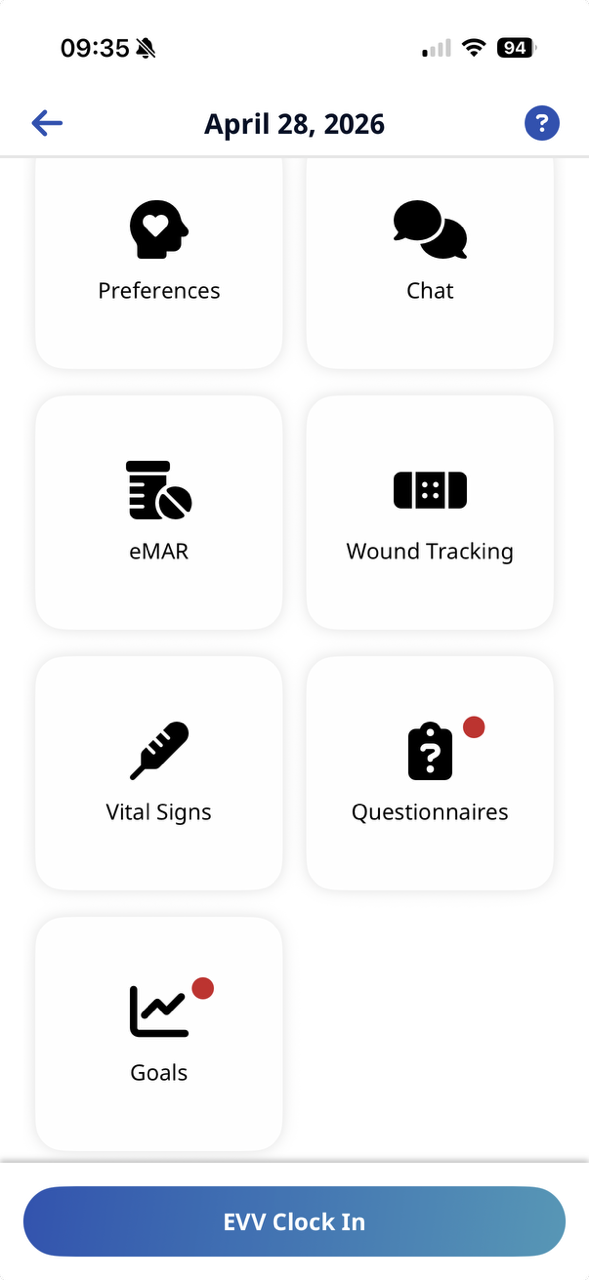
Go to Visit Details > Wound Tracking.
-
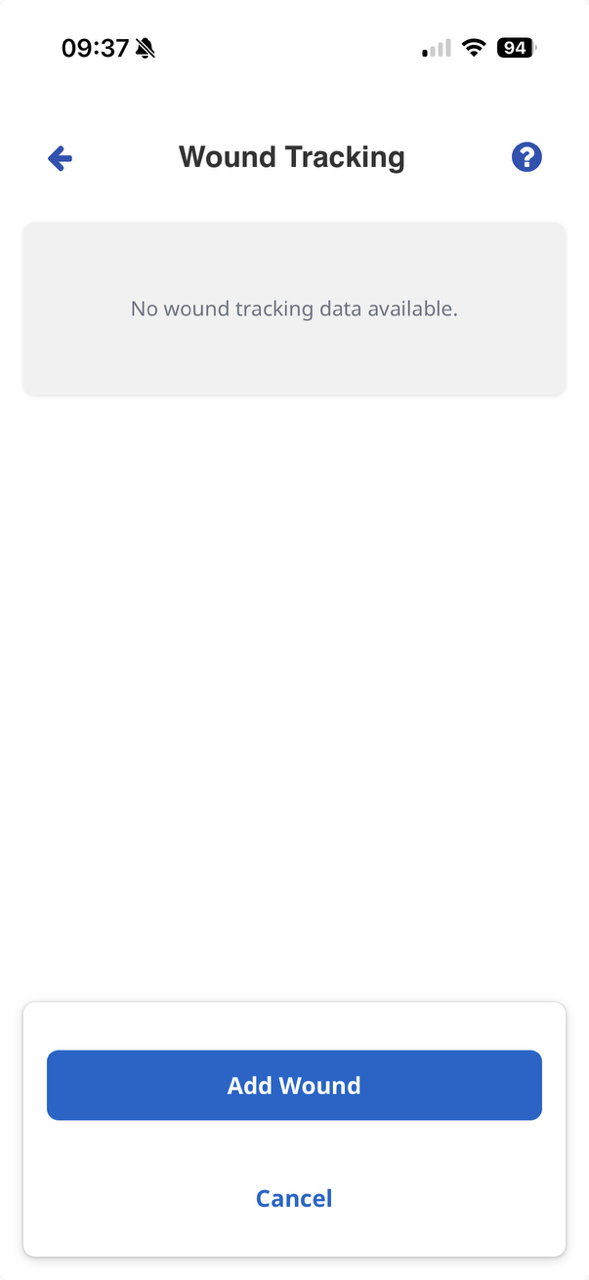
Select the Add Wound button.
-
Complete all fields.
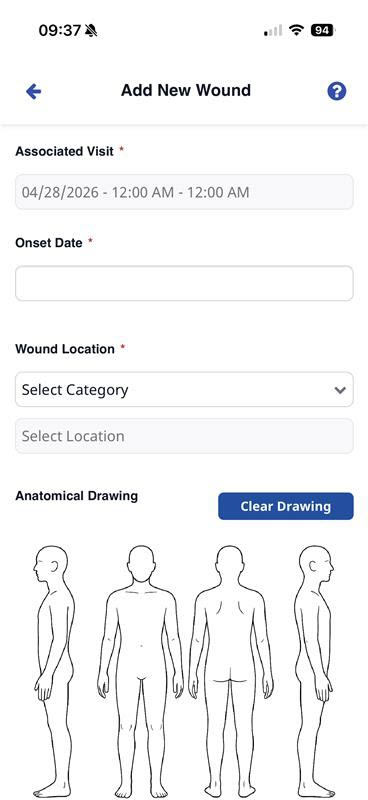
Circle with your finger where the wound is located.
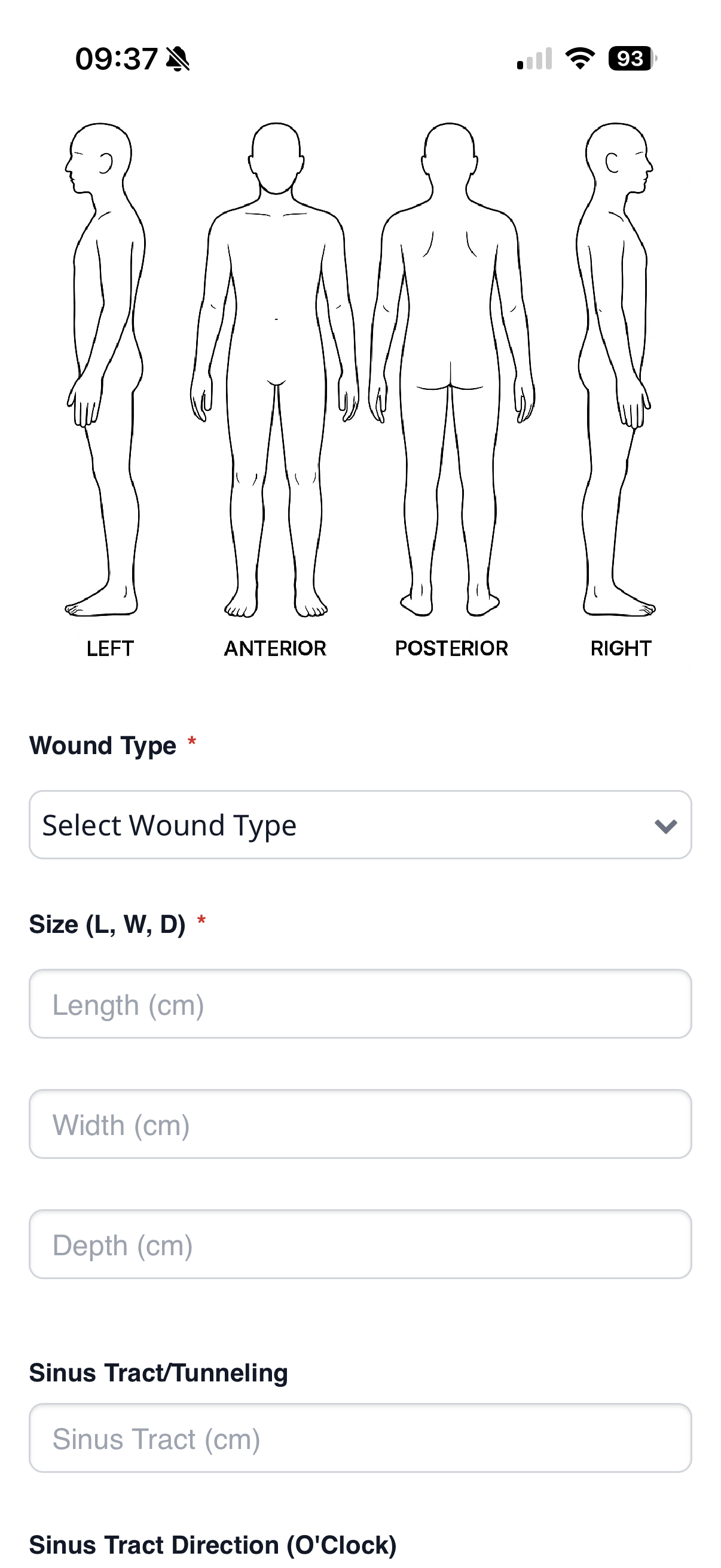
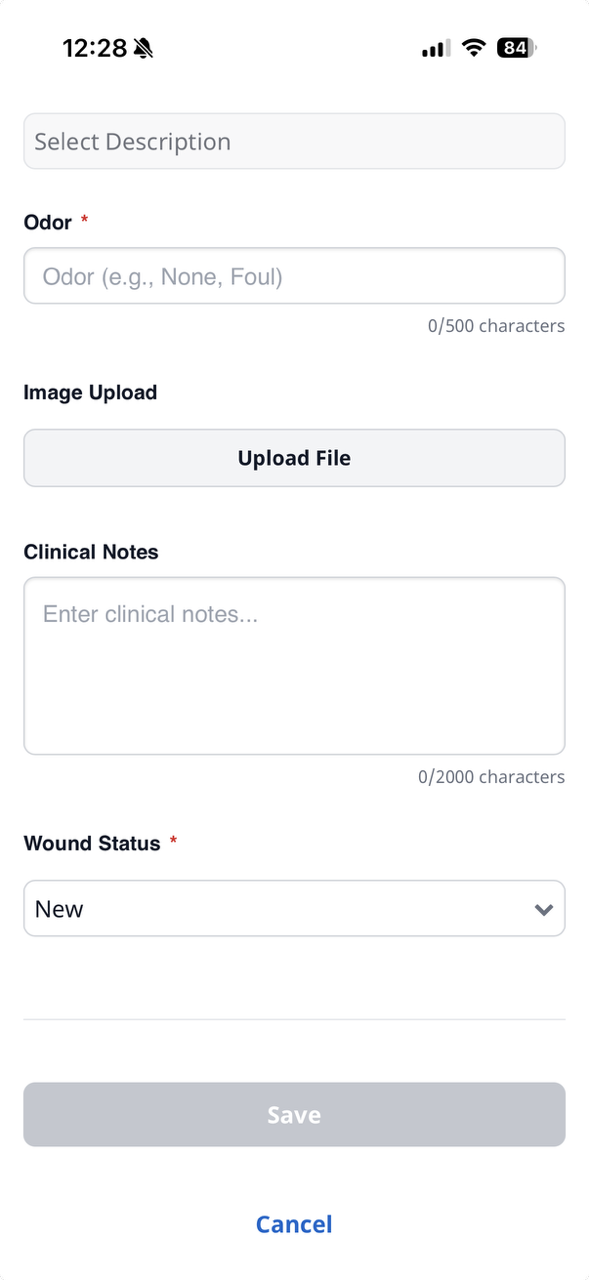
Add any notes, and upload a file if needed. You can,
-
Choose a file from your device
-
Take an photo or video
-
Choose a photo from your device library.
-
-
Select Save.
-
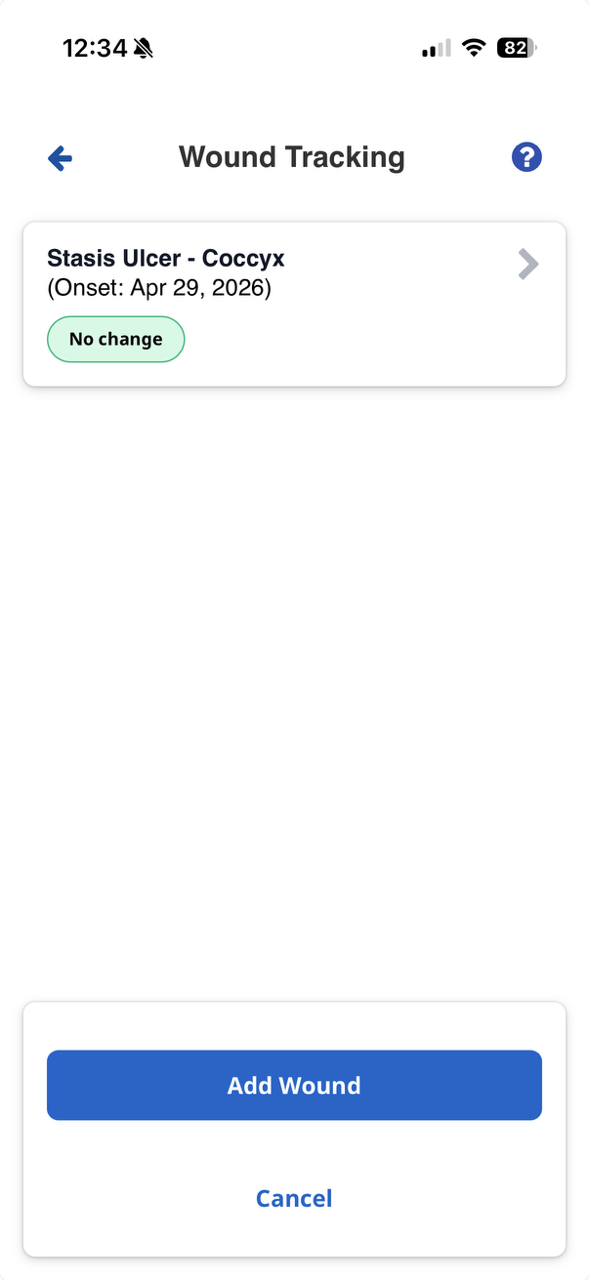
Go to Visit Details > Wound Tracking.
-
Select the Wound button.
-
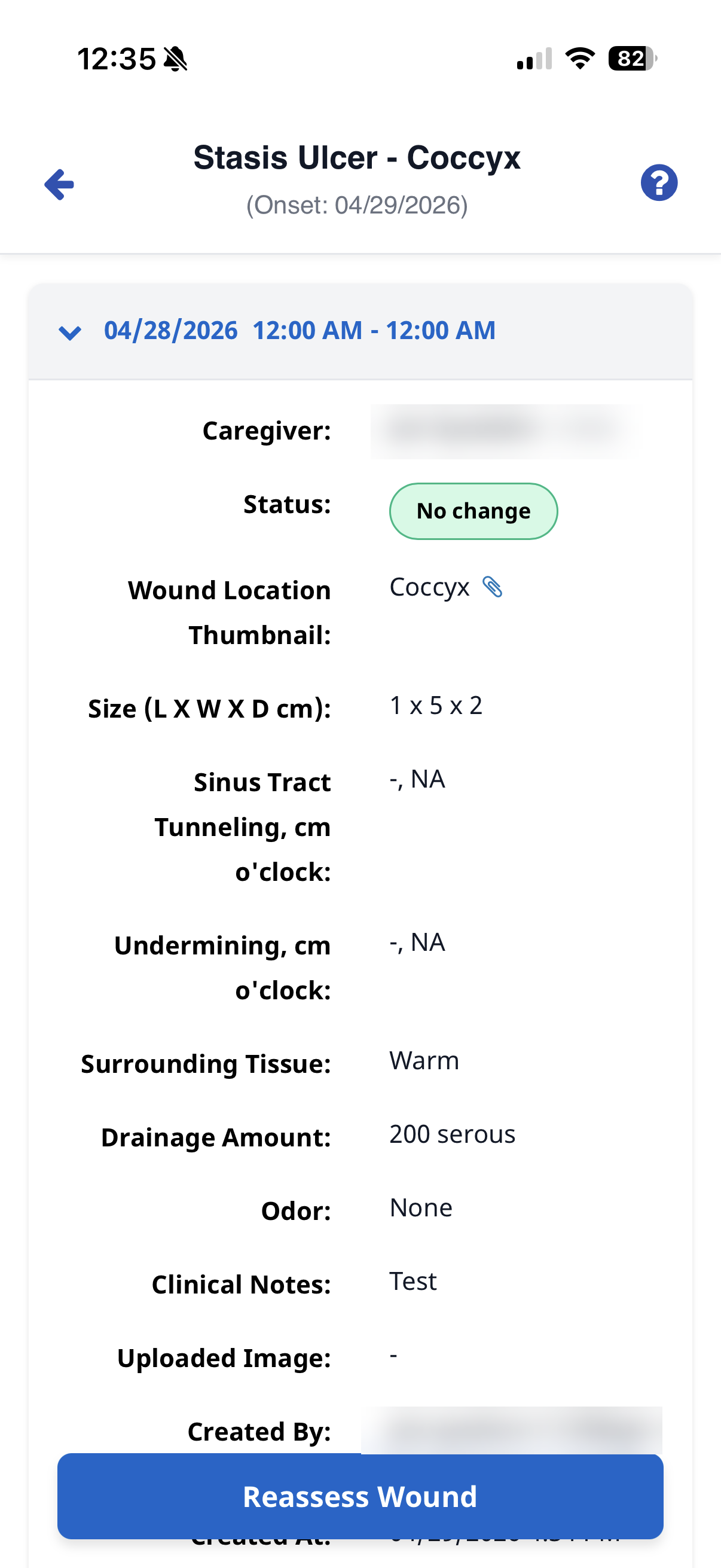
Select the Reassess Wound button.
-
Complete editable fields.
-
Select Save.
-
Go to Visit Details > Wound Tracking.
-
Select the Wound button.
-
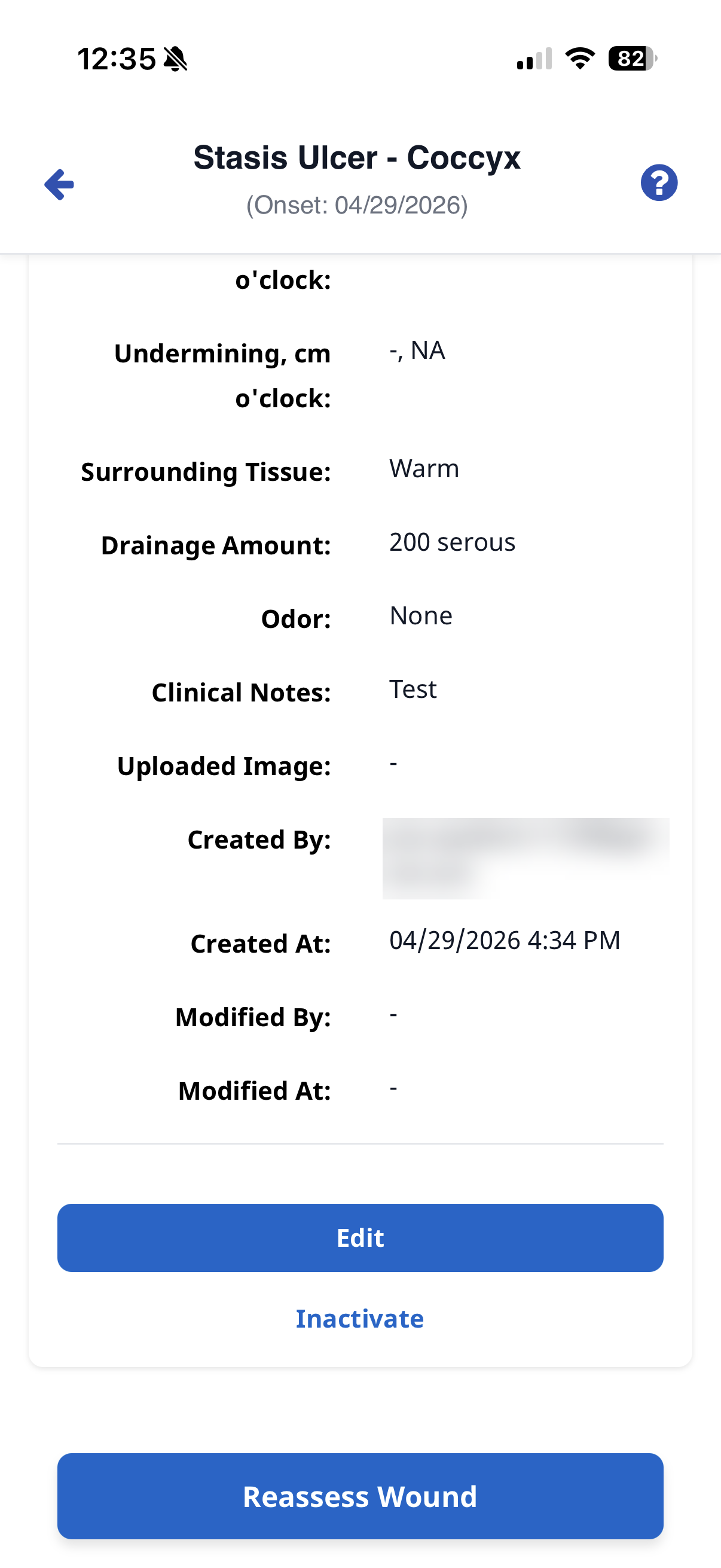
Select the Edit or Inactivate button, and then complete editable fields.
-
If Edit is available, Edit allows you to edit all fields.
-
If Inactivate is available, use Inactivate if the wound is healed or entered in error. You must leave a note and reason for inactivating the Wound entry.
-
-
Select Save.