Non-Billable Service Codes
Agencies can create Non-Billable Service Codes for Linked Contracts. Selecting a Linked Contract on the Contract Service Code window prompts the system to add a Service Category field as well as a Service Type field (which replaces the Discipline field). The system automatically flags and locks the Prebilling / Billing Review bypass options as well as additional related billing related fields.
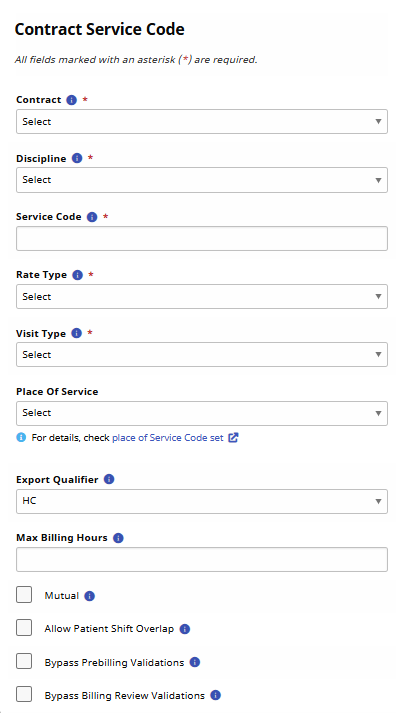

Complete the following steps to add a Billing Rate for a Non-Billable Service Code for a Linked Contract.
-
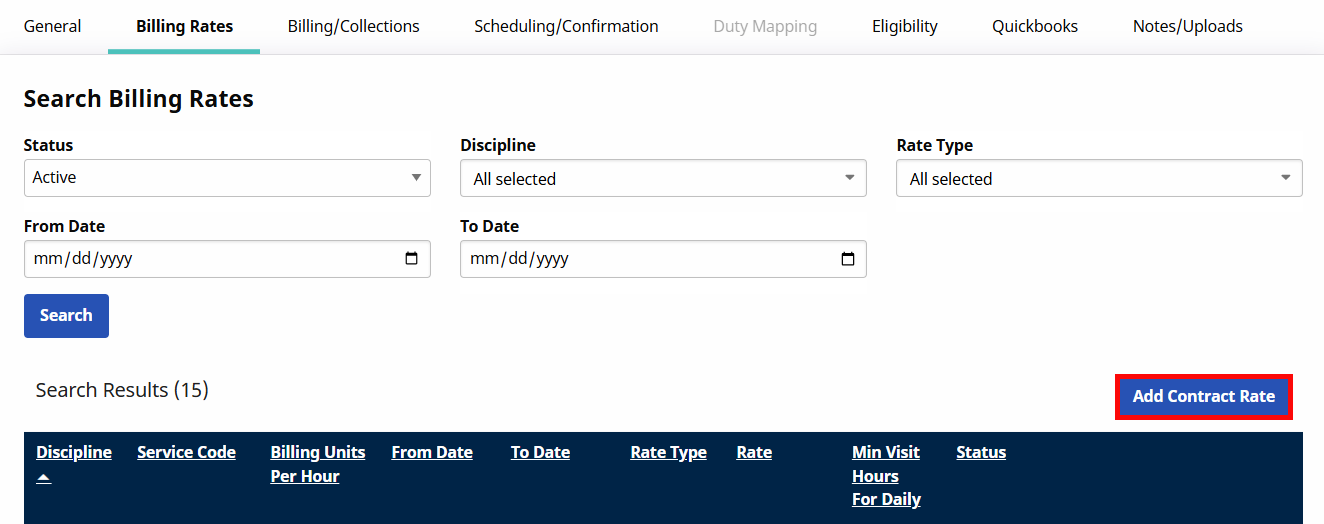
Go to Admin > Contract Setup > Search Contract and select the Billing Rates tab.
-
Click the Add Contract Rate button.
-
The Contract Rate window opens. Complete applicable fields. Required fields are denoted with a red asterisk.
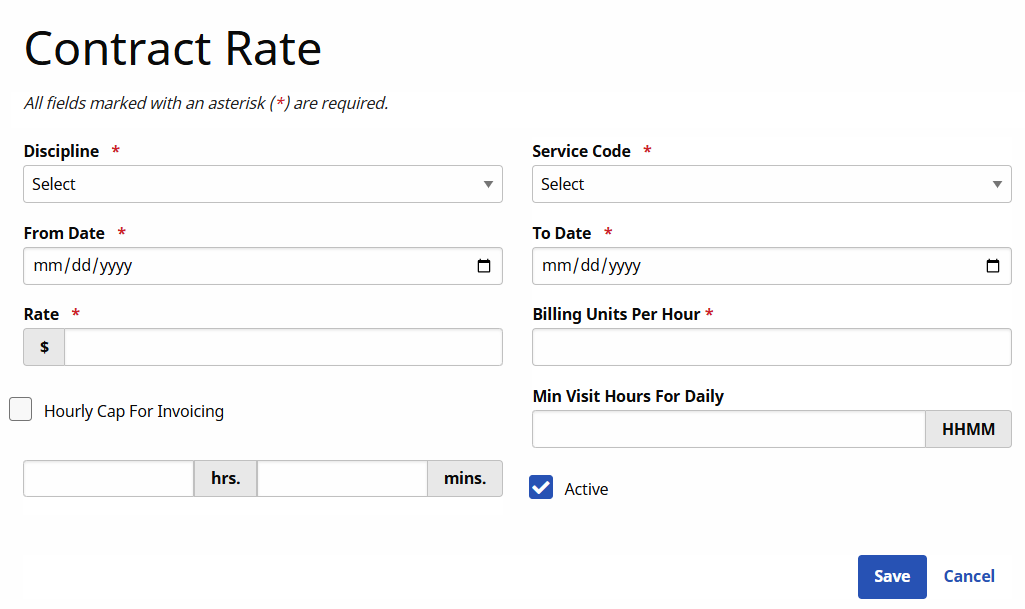
The system automatically locks the Rate and Billing Units Per Hour fields to prevent users from adding billing-related values.
-
Click Save to apply.
The Mutual and Allow Patient Shift Overlap checkboxes from the Contract Service Code window under Admin > Reference Table Management > Contract Service Code have been made read-only for Linked Contracts.