Employer Bank Accounts
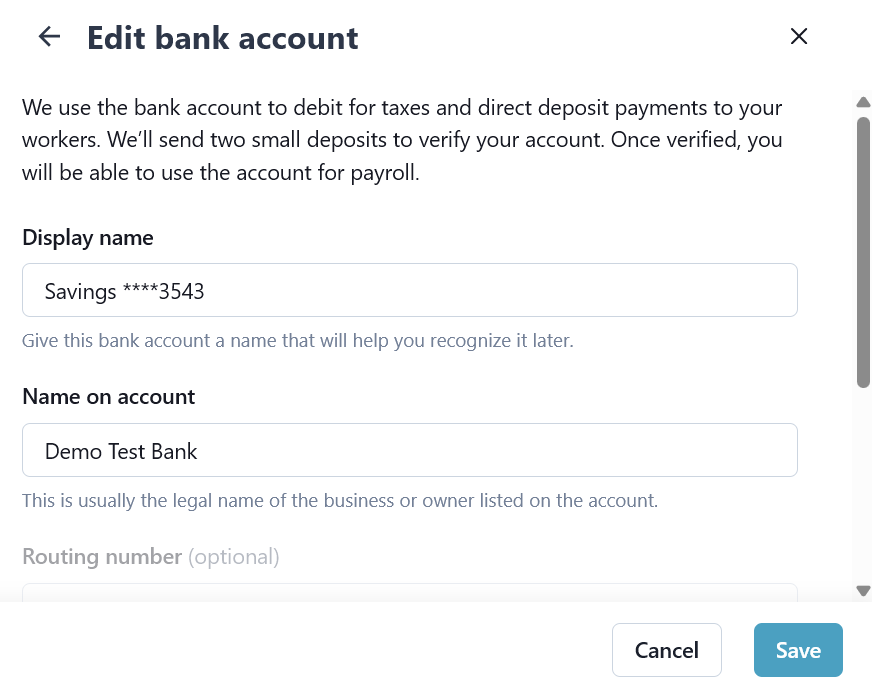
The Bank Accounts feature under Payroll > Employer > Employer Profile, allows you to manage the bank account used to pay your team.
When setting up HHAeXchange Payroll, we verify your bank account by using Micro Deposits. This step helps keep things safe and accurate. This verification is needed before the bank account can be used to pay your workers or taxes.
Micro deposits are small deposits transferred to a bank account with the purpose of verifying ownership of the bank account. The verification process takes 1-3 business days. If possible, we recommend connecting your bank account via Plaid, as this process is much faster.

-
Go to Payroll > Employer > Employer Profile.
-
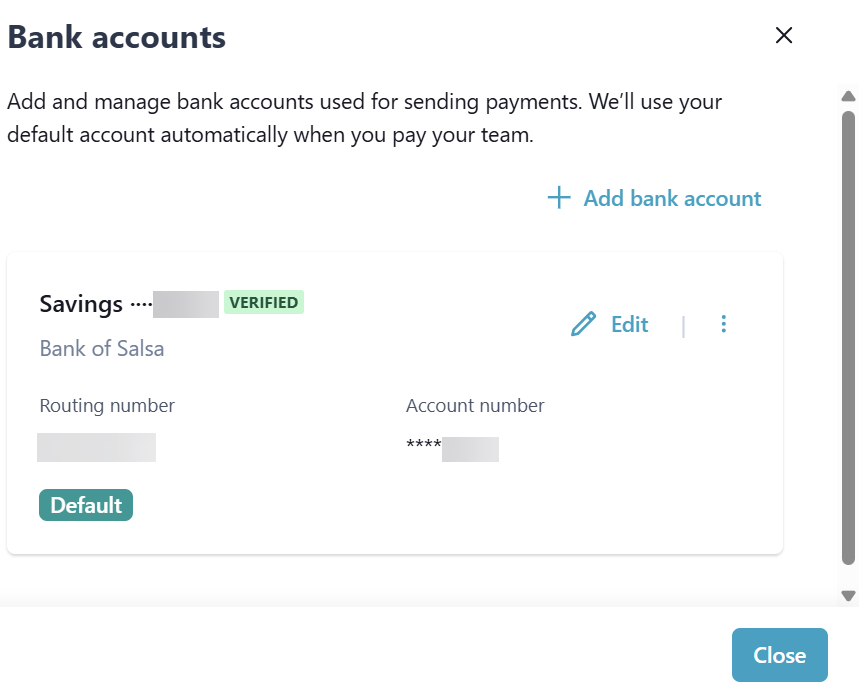
On the Pay type tile, select Edit.

-
Select + Add bank account.
-
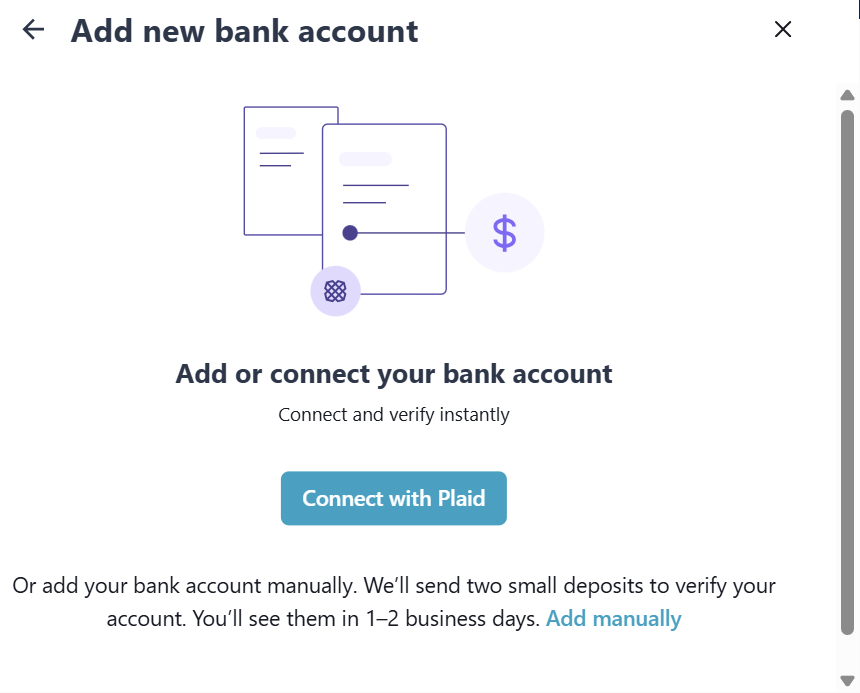
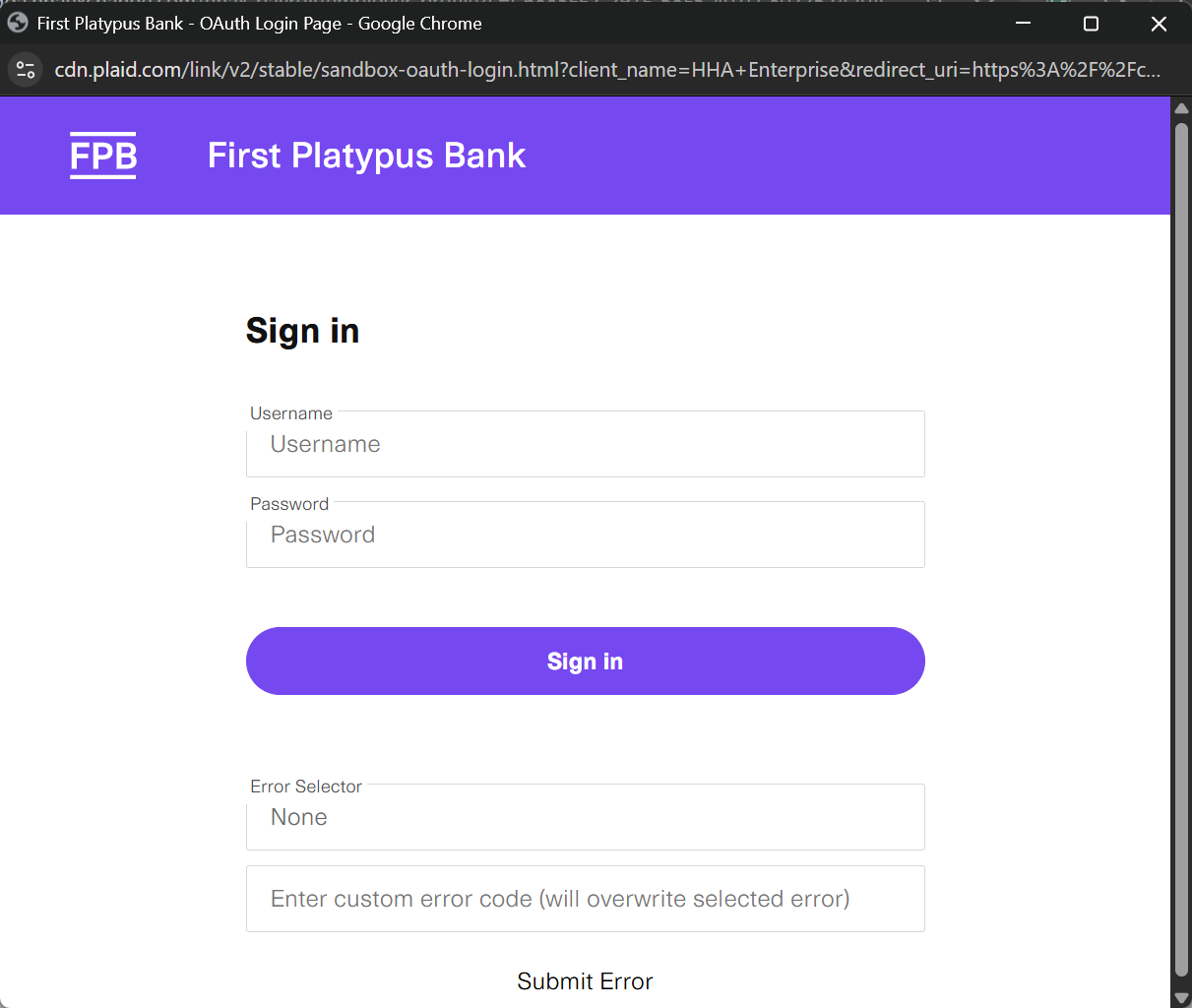
Select the Connect with Plaid button.
-
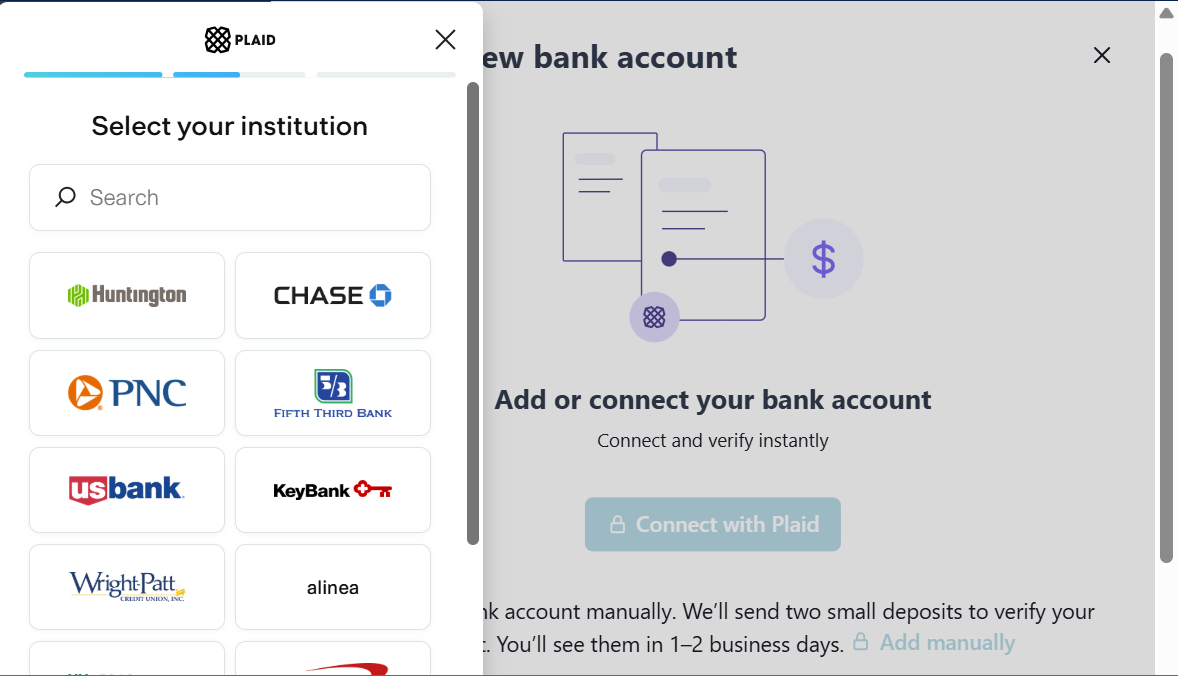
Select the bank you would like to use. Make sure you select the correct account, as this is where payroll funds are pulled from.
-
Complete all bank account fields and then select Connect.
Three small transactions are sent to your bank account — two deposits and one withdrawal for the same total amount. Each deposit is under $1 and should appear in your account within about 3 business days.
-
Once the deposits appear in your bank account, go to the Pay type tile, select Edit. On the Bank Accounts section, enter the amounts in the appropriate fields.
Your bank account is now connected.
Add a new bank account before deleting an existing bank account.
-
Go to Payroll > Employer > Employer Profile.
-
On the Pay type tile, select Edit.
-
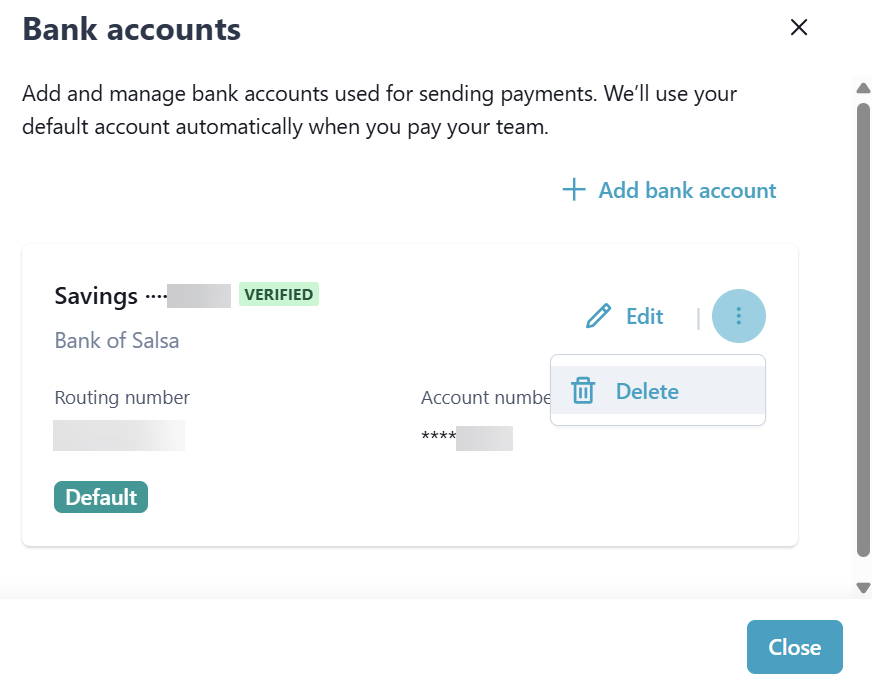
Click the Ellipses on the bank account to delete, and then select Delete. Confirm you want to delete the bank account.
-
Go to Payroll > Employer > Employer Profile.
-
On the Pay type tile, select Edit.
-
Select Edit beside the bank account.
-
Edit the fields, and then select Save.