Employer Benefits
Set up and manage worker benefits like health insurance and retirement plans in one place. Add benefits that you can later assign to your workers.

-
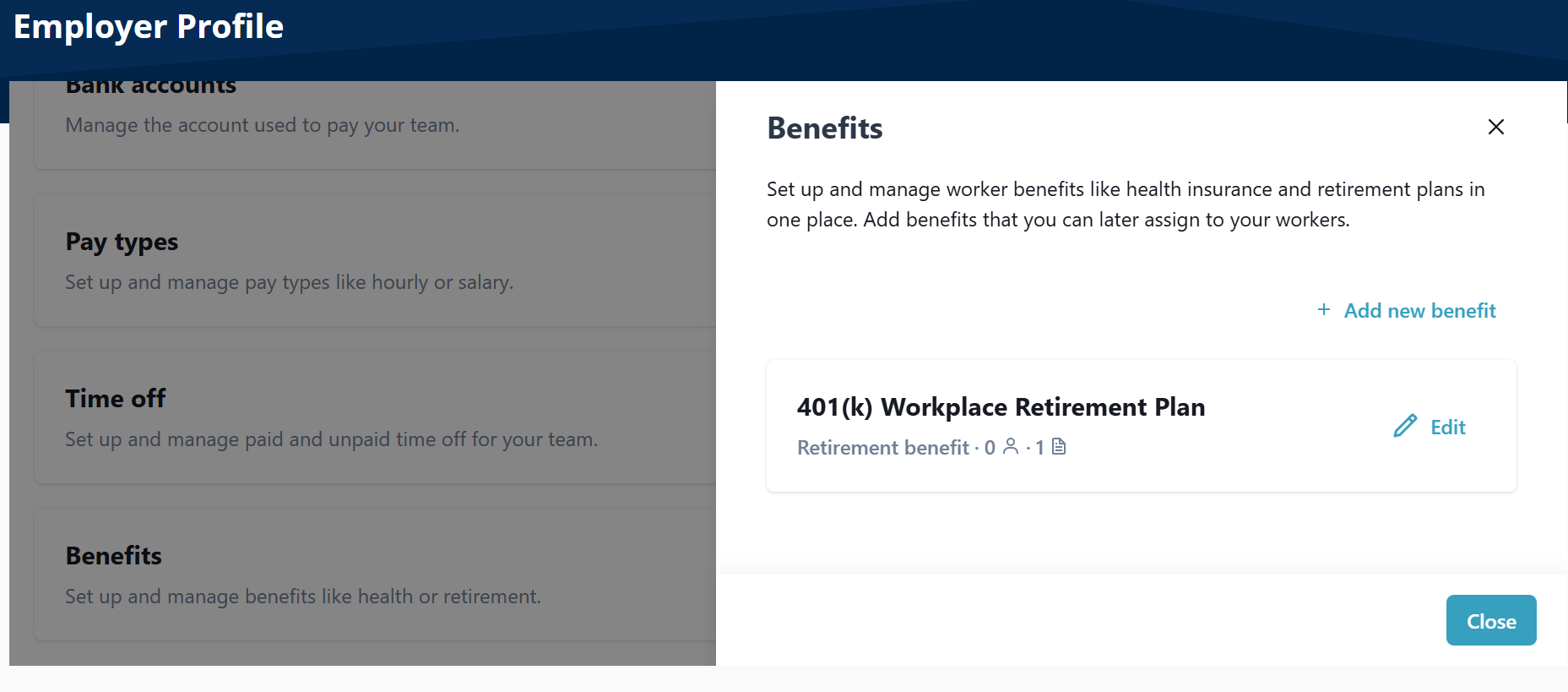
Go to Payroll > Employer > Employer Profile.
-
On the Benefits tile, select Edit.
-
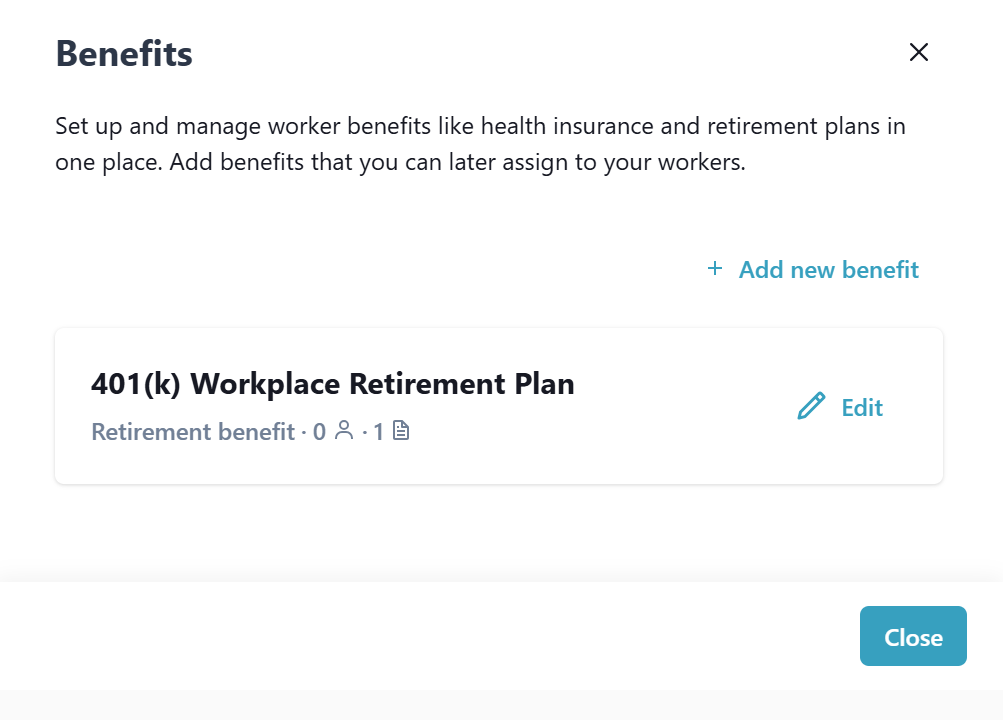
On the Benefit window, select Add new benefit.
-
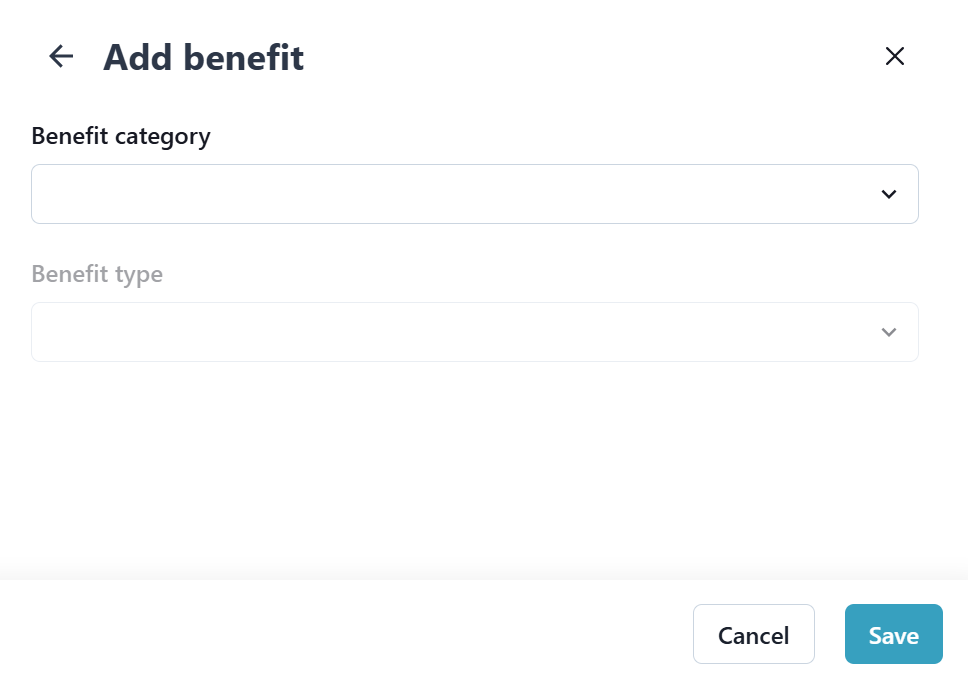
Complete the fields that display, and then select Save.
-
Go to Payroll > Employer > Employer Profile.
-
On the Benefits tile, select Edit.
-
On the Benefit window, select Edit, complete the fields that display, and then select Save.
-
Go to Payroll > Employer > Employer Profile.
-
On the Benefits tile, select Edit.
-
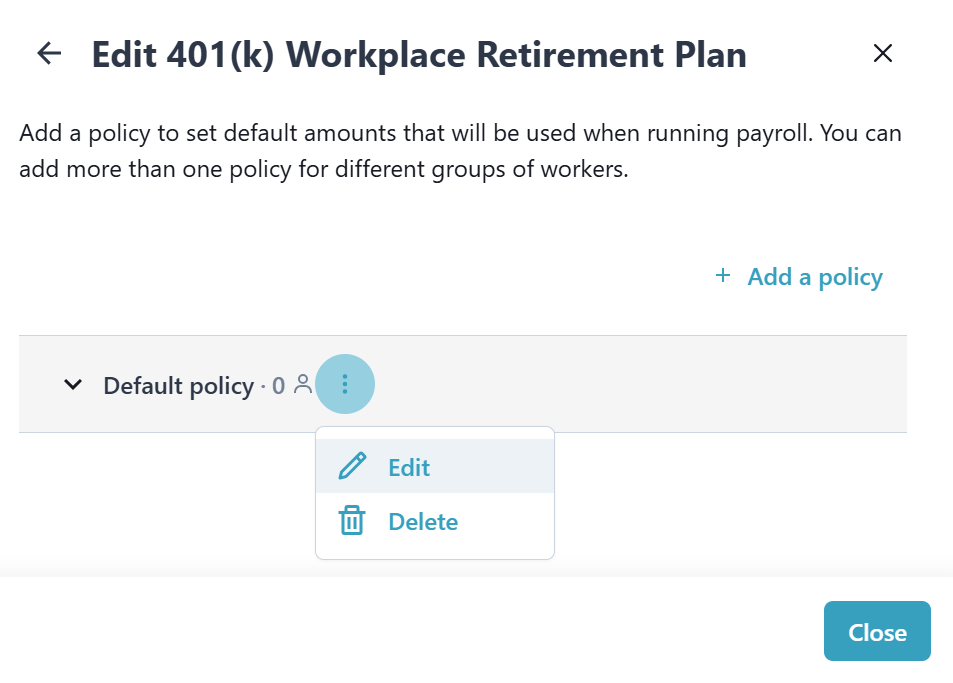
On the Benefit window, select the Ellipsesbeside the Benefit, and then select Delete.