Employer Tax Info Feature
The Tax info feature under Payroll > Employer > Employer Profile allows you to manage your company's tax information.
To update tax withholding details,
-
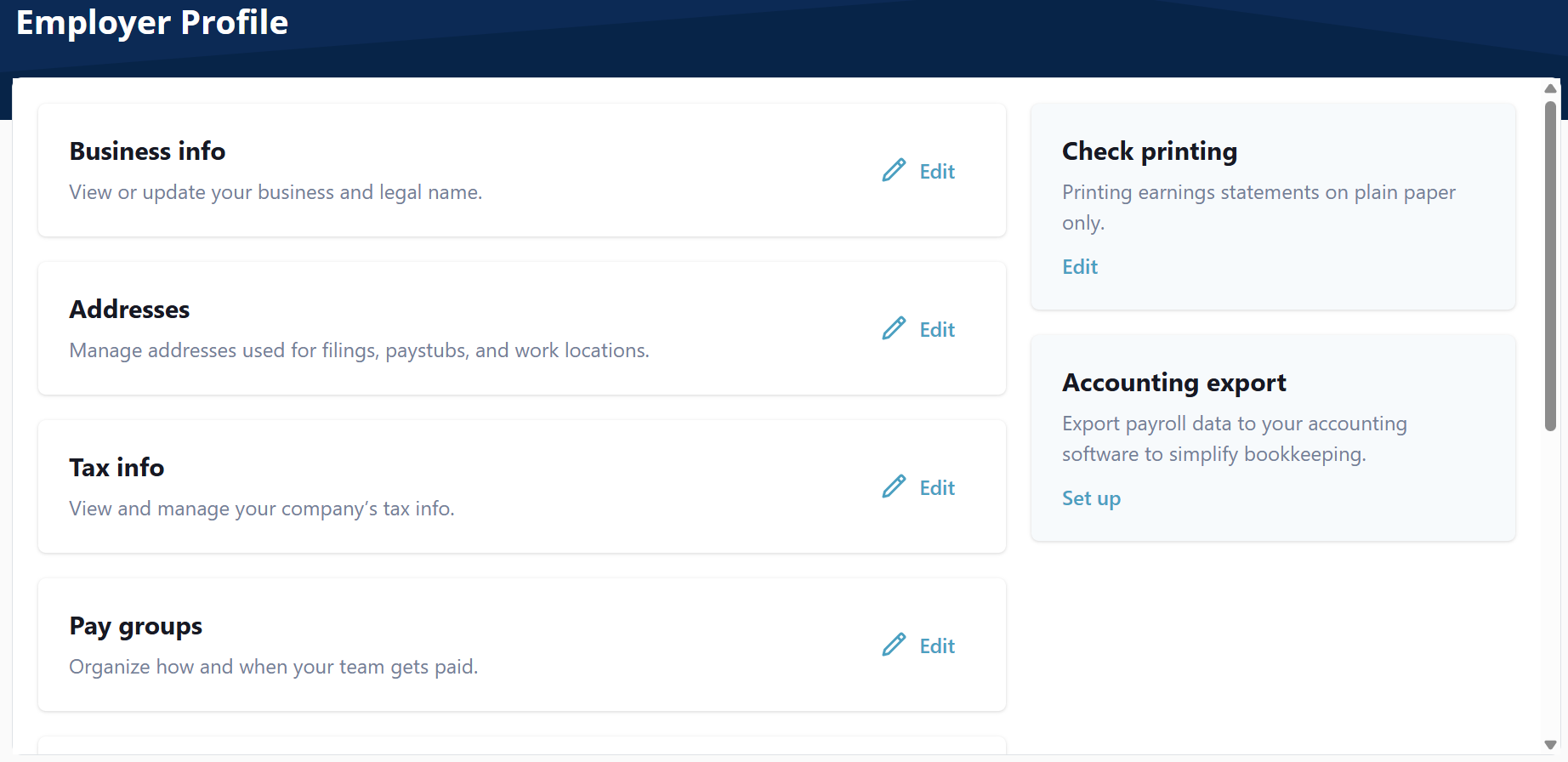
Go to Payroll > Employer > Employer Profile.
-
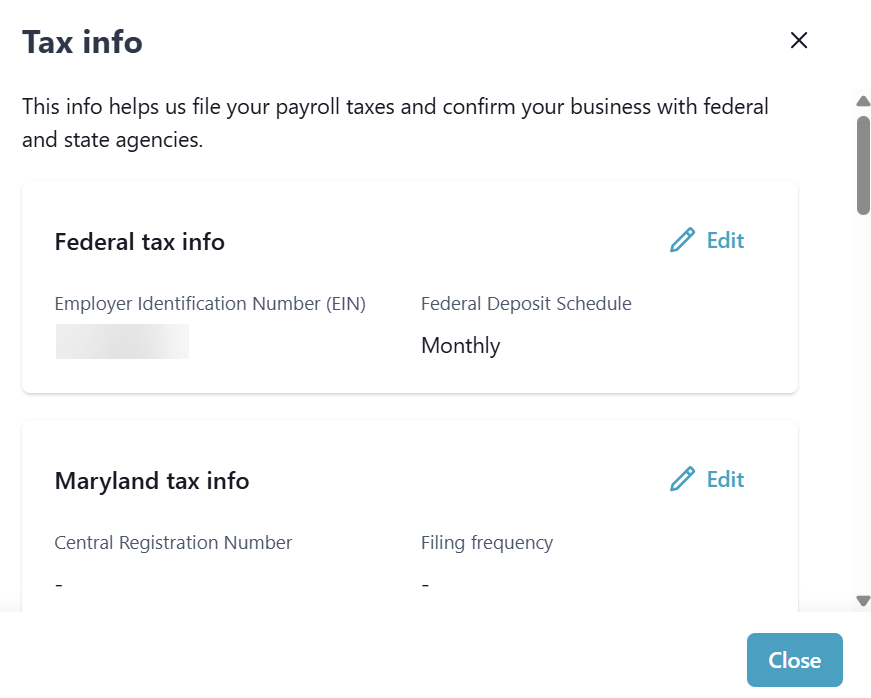
On the Employer Profile select Edit on the Tax info section. The Tax info window opens.
-
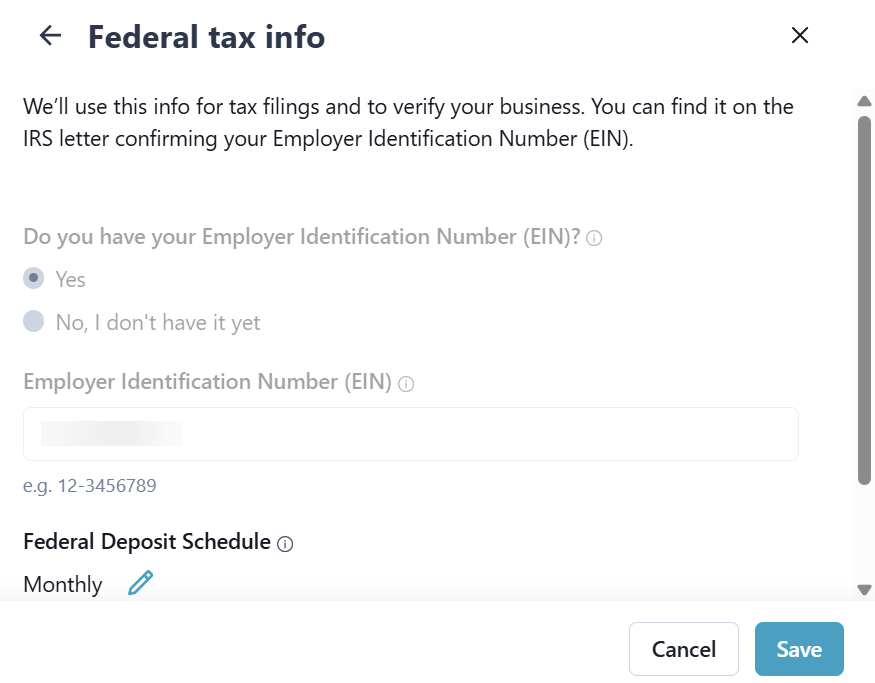
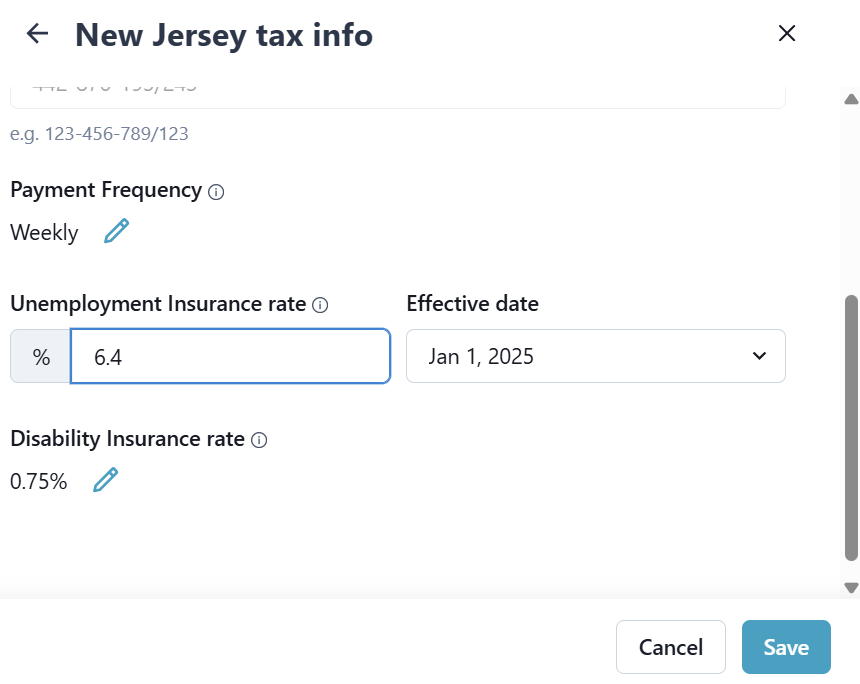
Select Edit on the State or Federal tax info. The Tax info window opens.
-
Complete the Tax info fields, and then select Save.