Worker Profile Feature
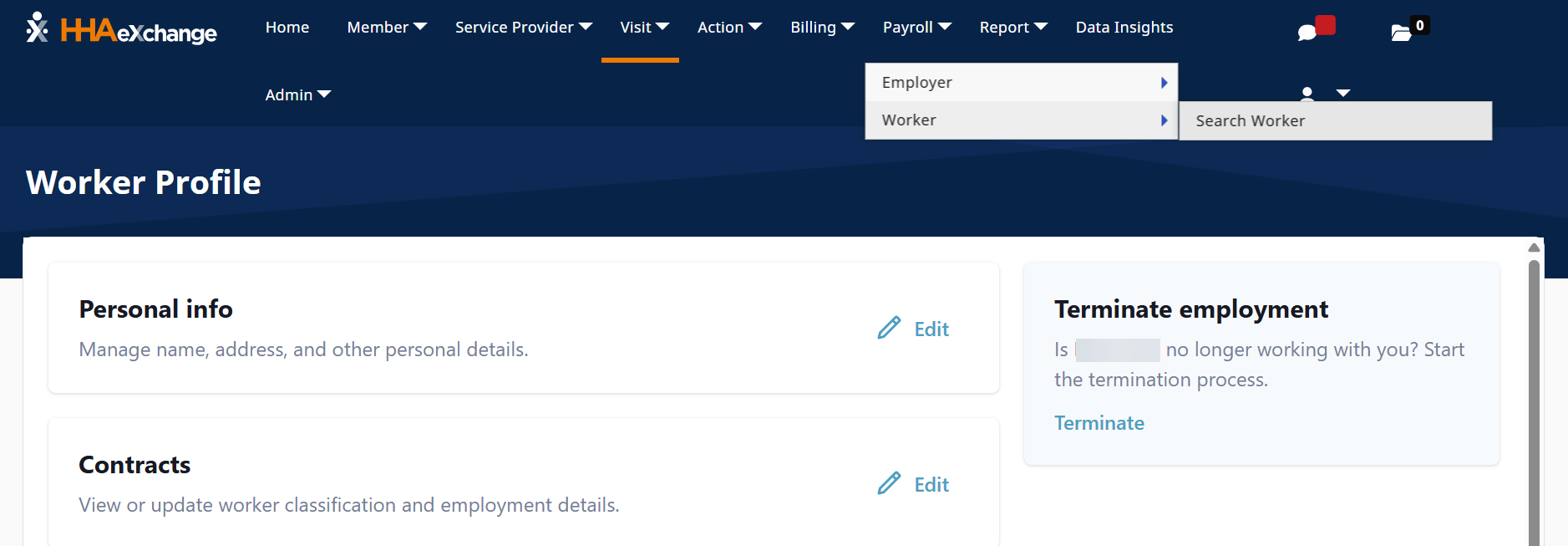
The Worker feature under Payroll > Worker > Search Worker, provides all the information about your work profile.

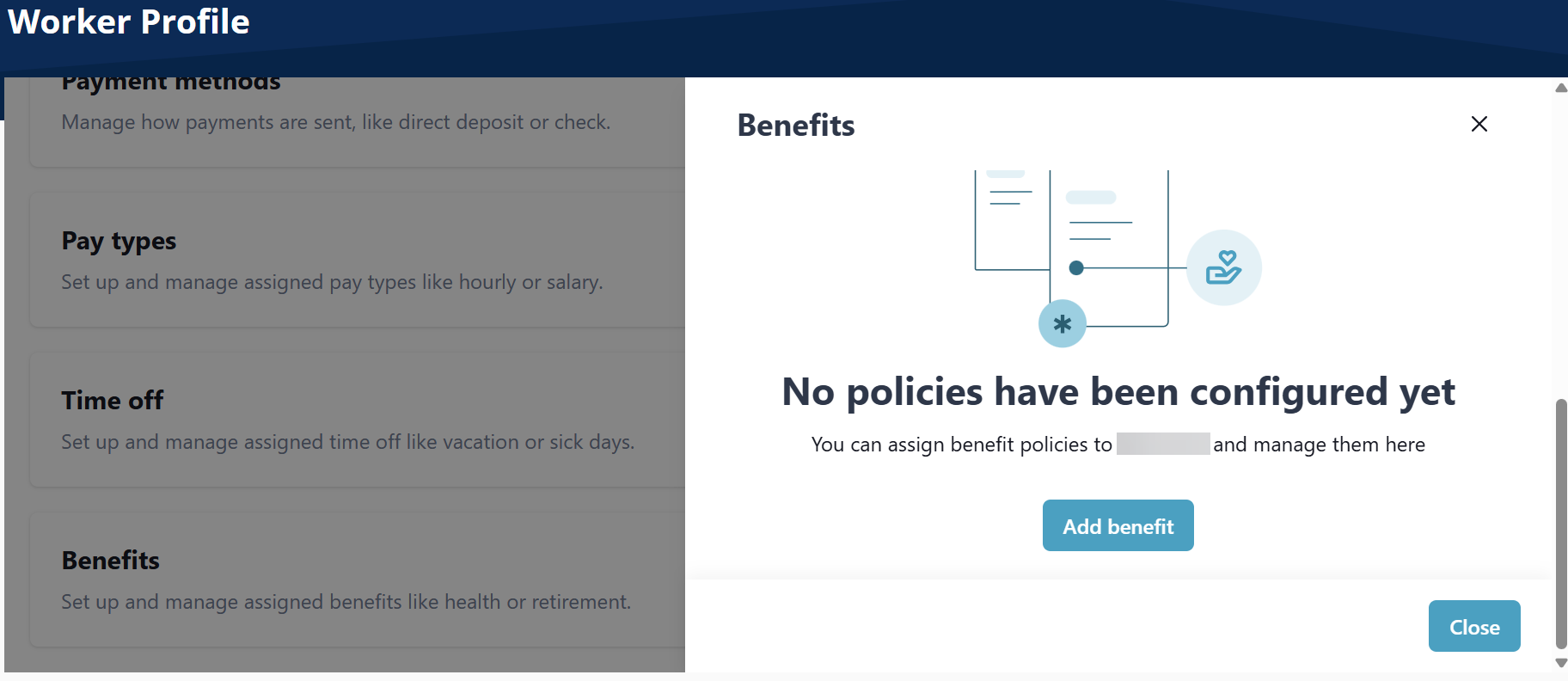
Set up and manage assigned benefits like health or retirement.
-
Go to Payroll > Worker > Search Worker.
-
On the Benefits tile, select Edit.

-
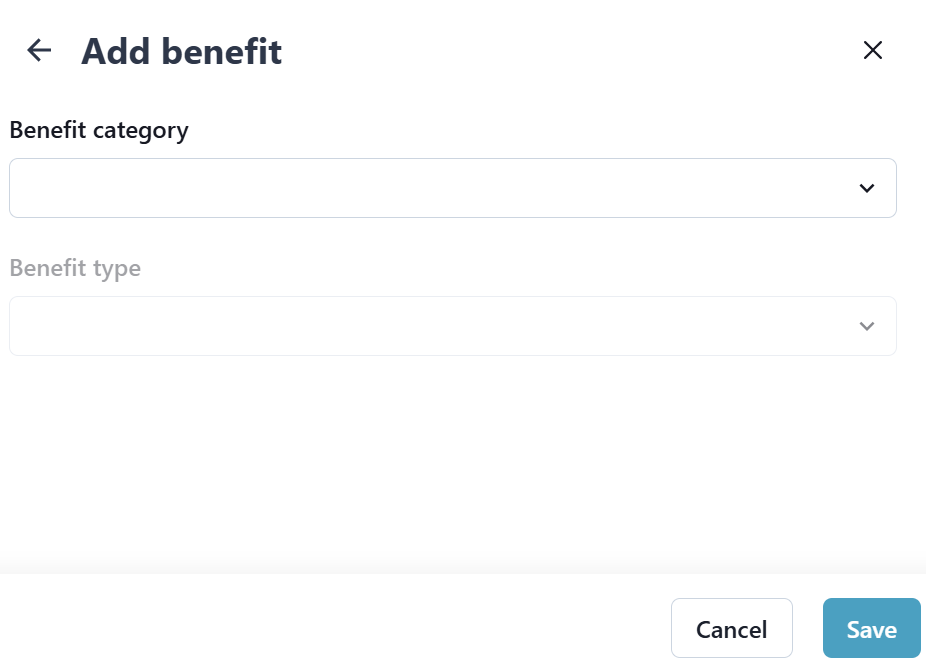
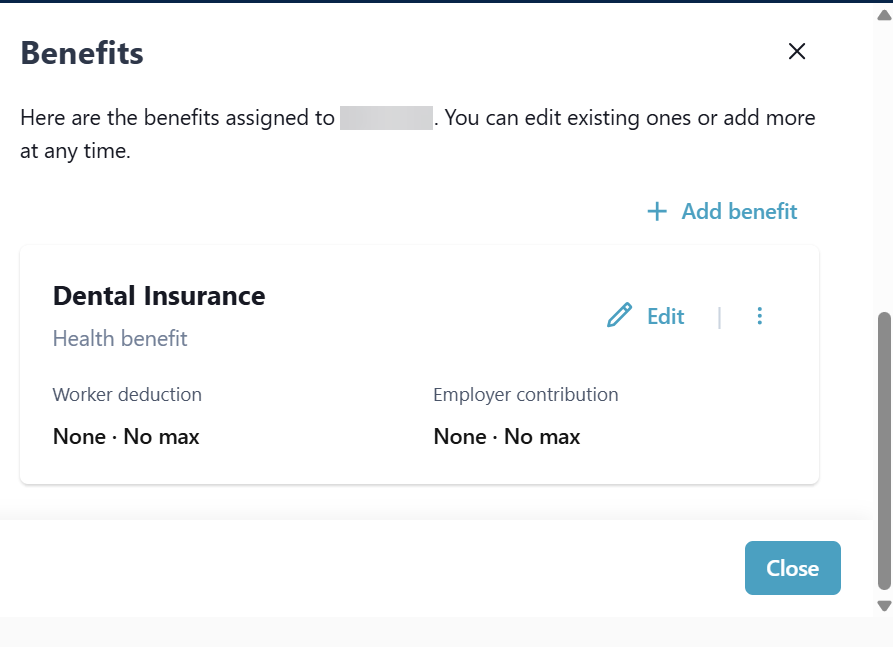
On the Benefit window, select Add benefit, complete the fields that display, and then select Save.
-
Go to Payroll > Worker > Search Worker.
-
On the Benefits tile, select Edit.
-
On the Benefit window, select Edit, complete the fields that display, and then select Save.
-
Go to Payroll > Worker > Search Worker.
-
On the Benefits tile, select Edit.
-
On the Benefit window, select the Ellipsesbeside the Benefit, and then select Delete.
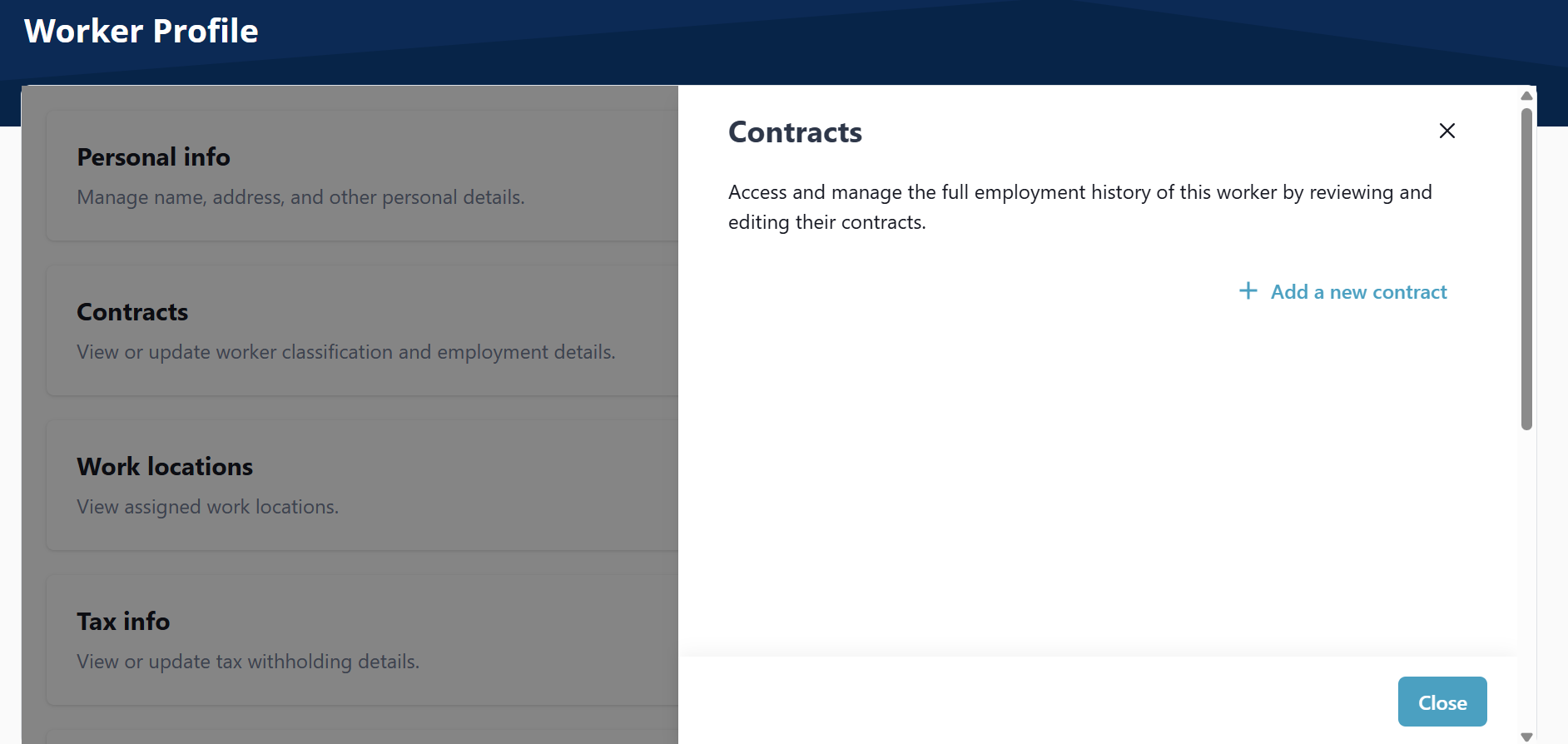
View or update worker classification and employment details.
-
Go to Payroll > Worker > Search Worker.
-
On the Contract Details tile, select Edit.
-
On the Contract Details window, select Add a new contract.
-
Complete the Contract Details fields.
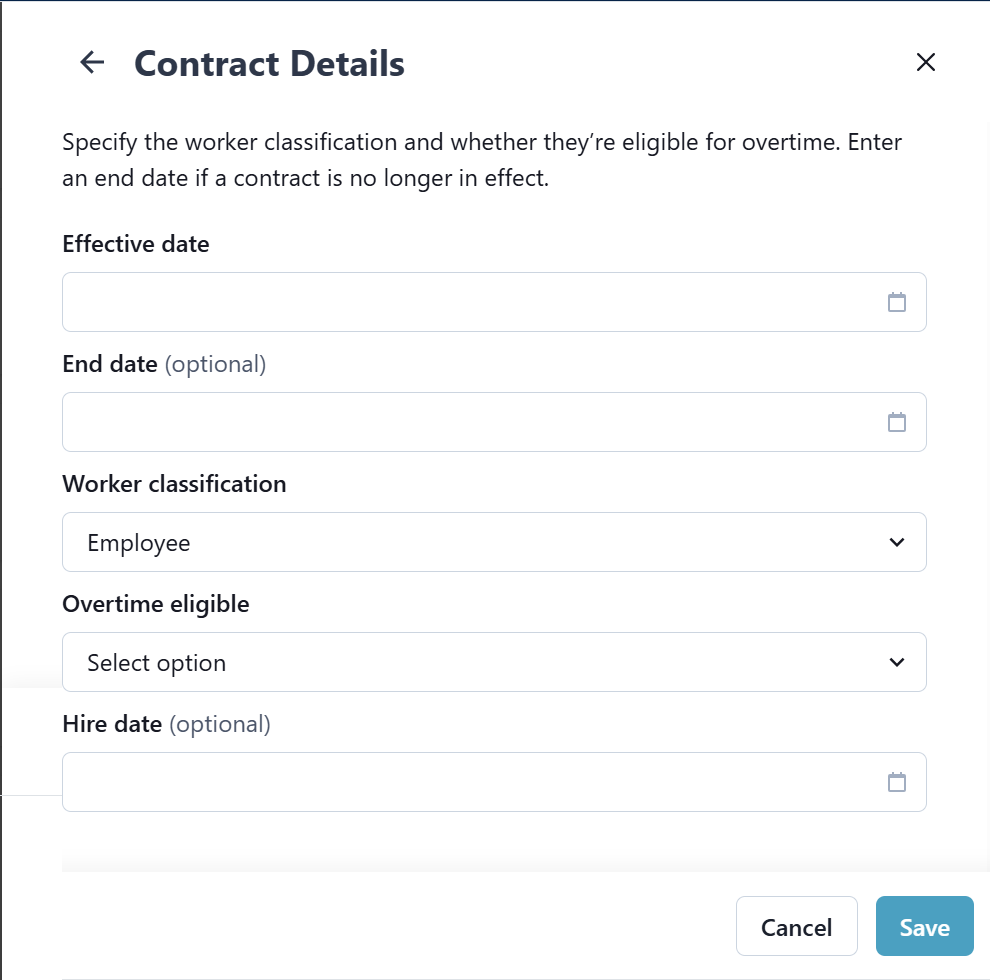
The Worker Classification field is used to select if the worker is a contract employee or a W-2 employee.
-
Select Employee for a W-2 employee.
-
Select Contract for a 1099 contract employee.
-
-
Select Save.
-
Go to Payroll > Worker > Search Worker.
-
On the Contract Details tile, select Edit.
-
On the Contract Details window, select Edit beside the contract.
-
Enter a contract end date, and then select Save.
If an employee is transitioning from a 1099 contractor to a W-2 employee, end the existing contract and create a new W-2 contract.
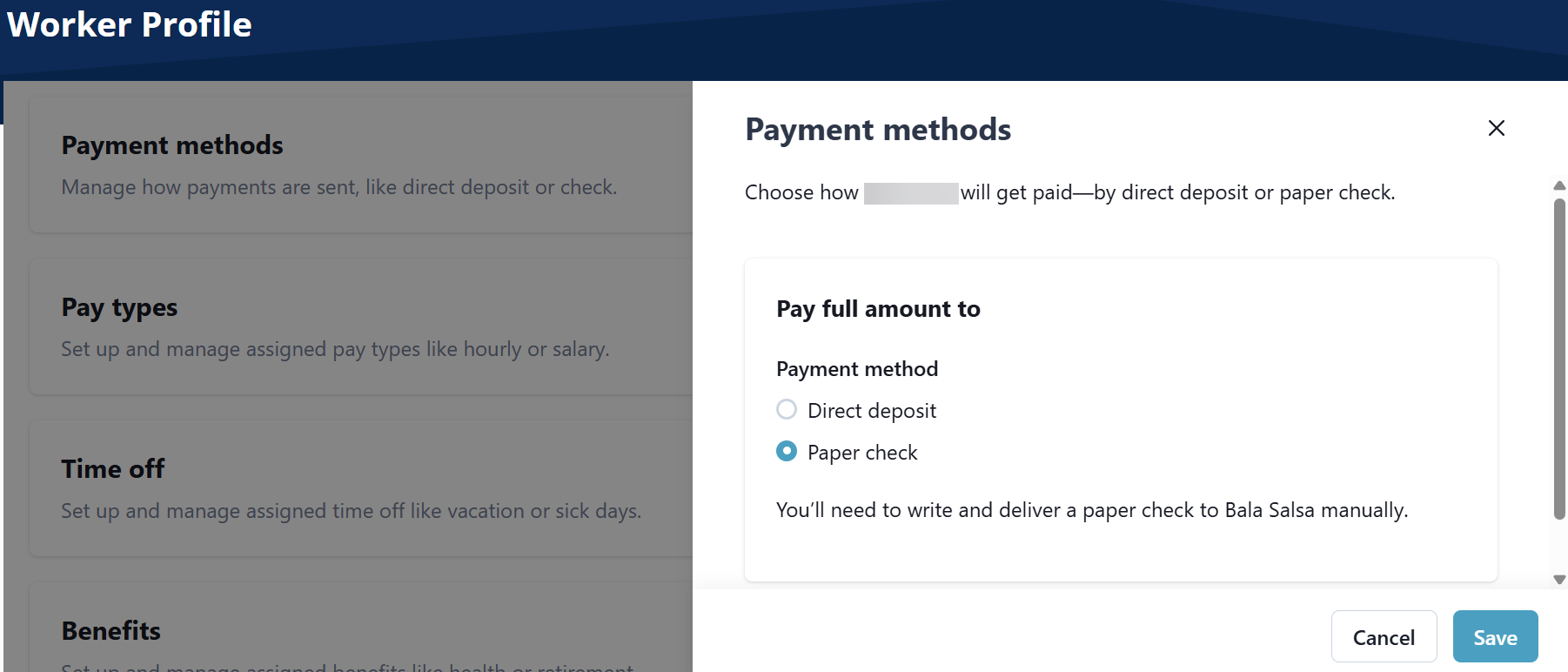
Manage how payments are sent to the worker.
-
Go to Payroll > Worker > Search Worker.
-
On the Payment methods tile, select Edit.
-
Select the Payment method, complete the fields that display, and then select Save.
-
For a Paper Check, select Paper Check, and then select Save.
-
For Direct deposit, select Direct deposit, complete fields about your bank account, and then select Save.
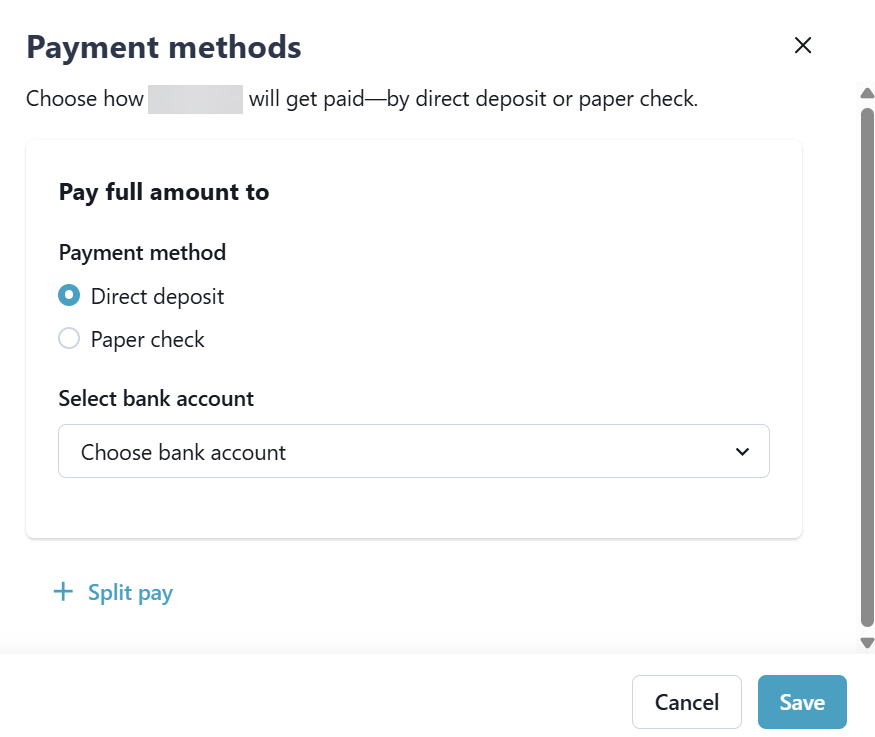
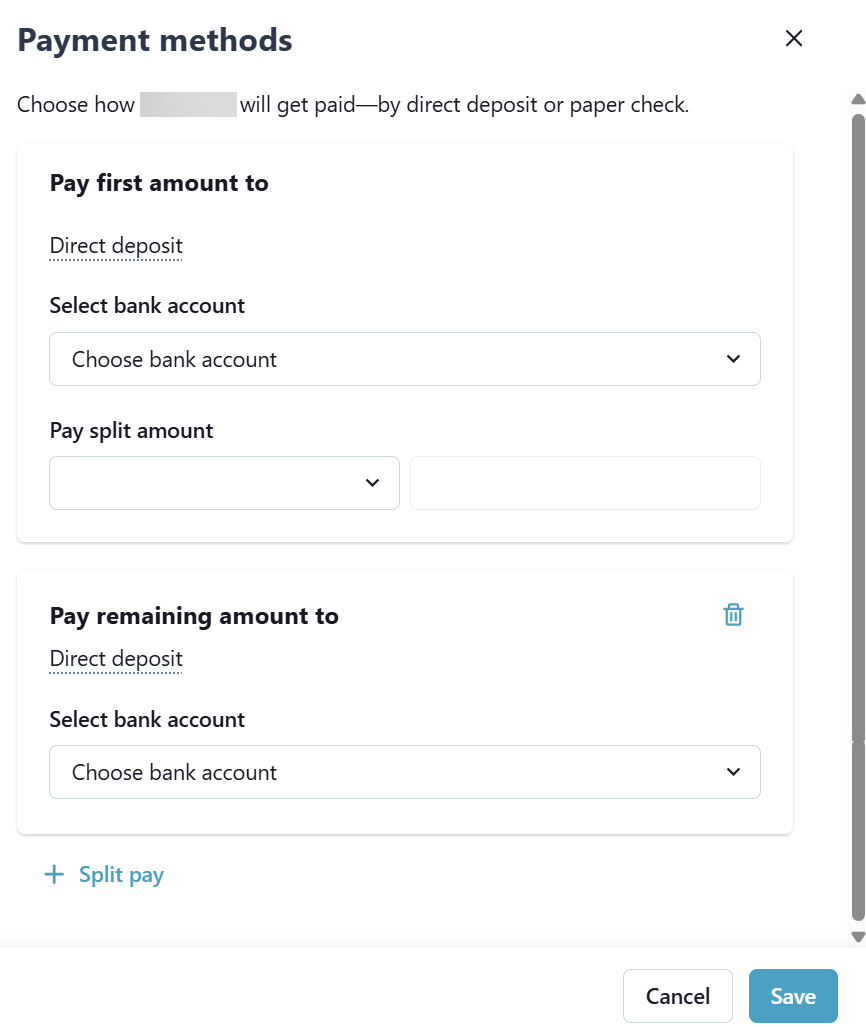
Select Split Pay to split payments between more than one bank account. You can split a direct deposit between up to 3 bank accounts. Select the bank in the Select bank account field, select the Pay split amount - fixed or percent, and then select Save.
-
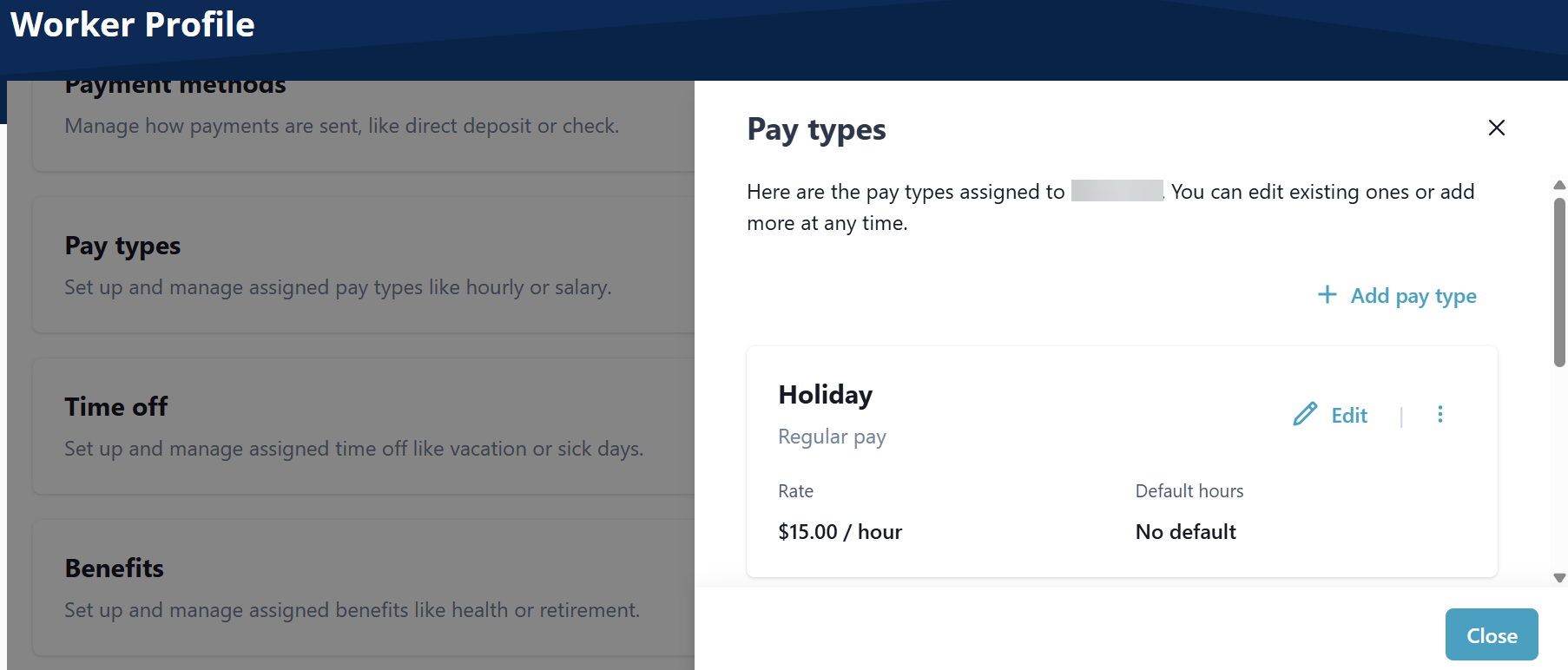
Set up and manage assigned pay types like hourly or salary.
-
Go to Payroll > Worker > Search Worker.
-
On the Pay type tile, select Edit.
-
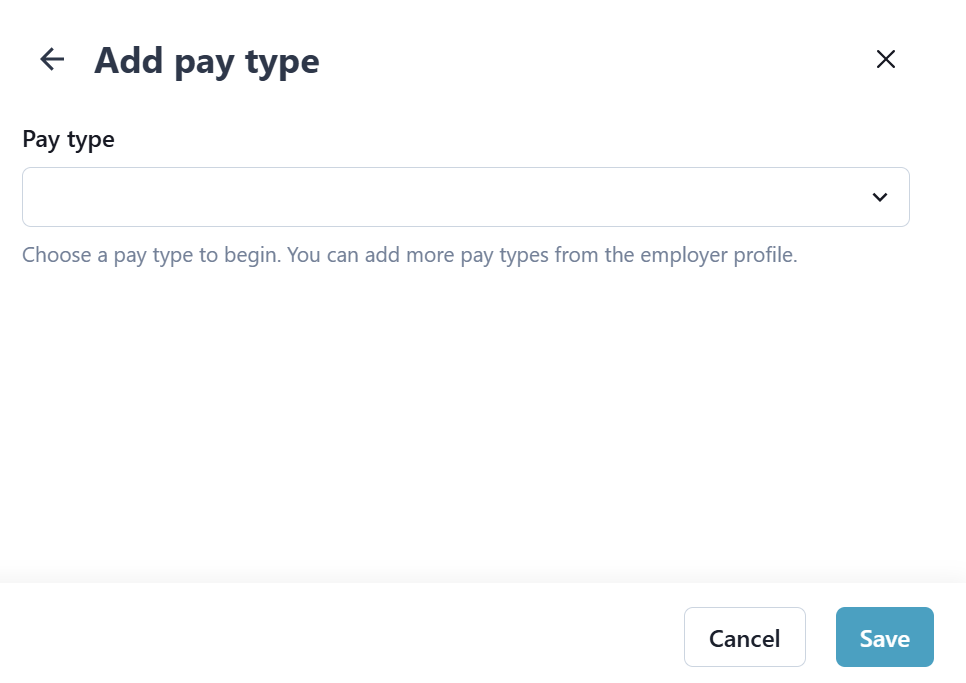
Select Add Pay type, complete fields that display for the pay type selected, and then select Save.
-
Go to Payroll > Worker > Search Worker.
-
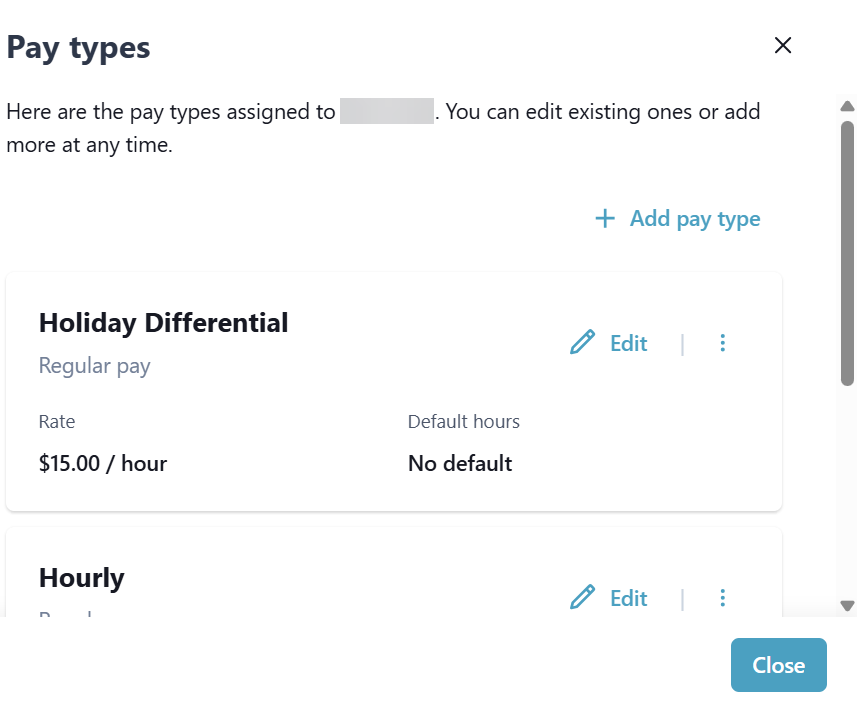
On the Pay type tile, select Edit.
-
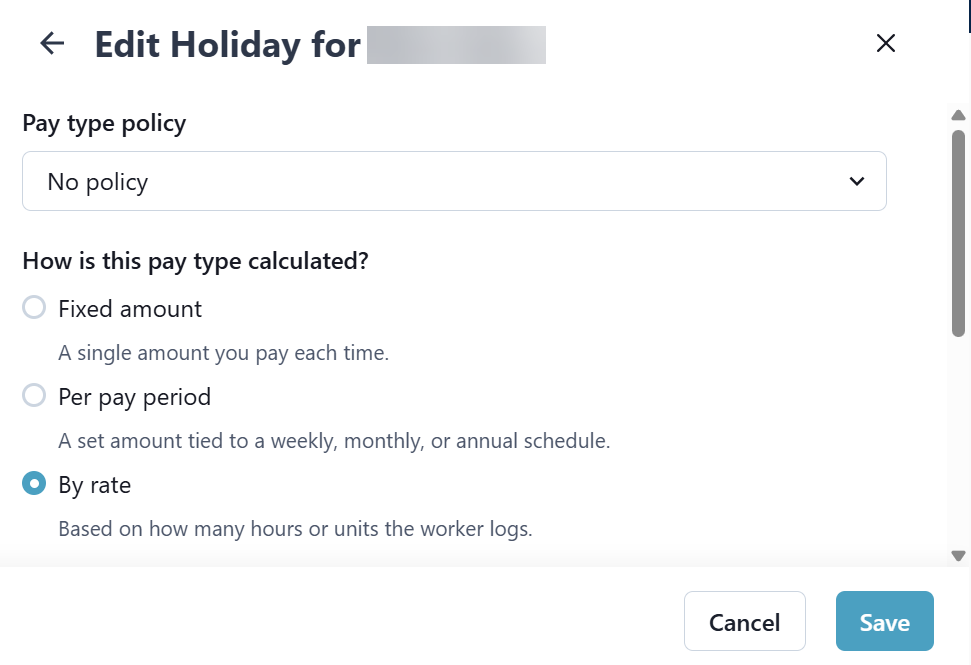
Select Edit, change fields, and then select Save.
-
Go to Payroll > Worker > Search Worker.
-
On the Pay type tile, select Edit.
-
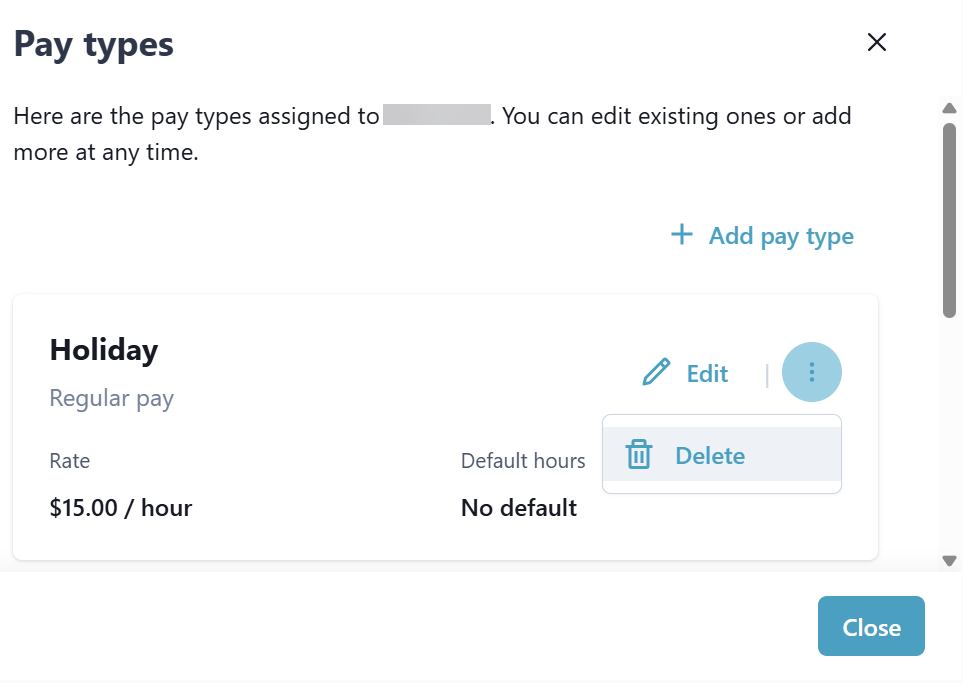
Select the Ellipses, and then select Delete to delete the pay type. Deleting the pay type is permanent.
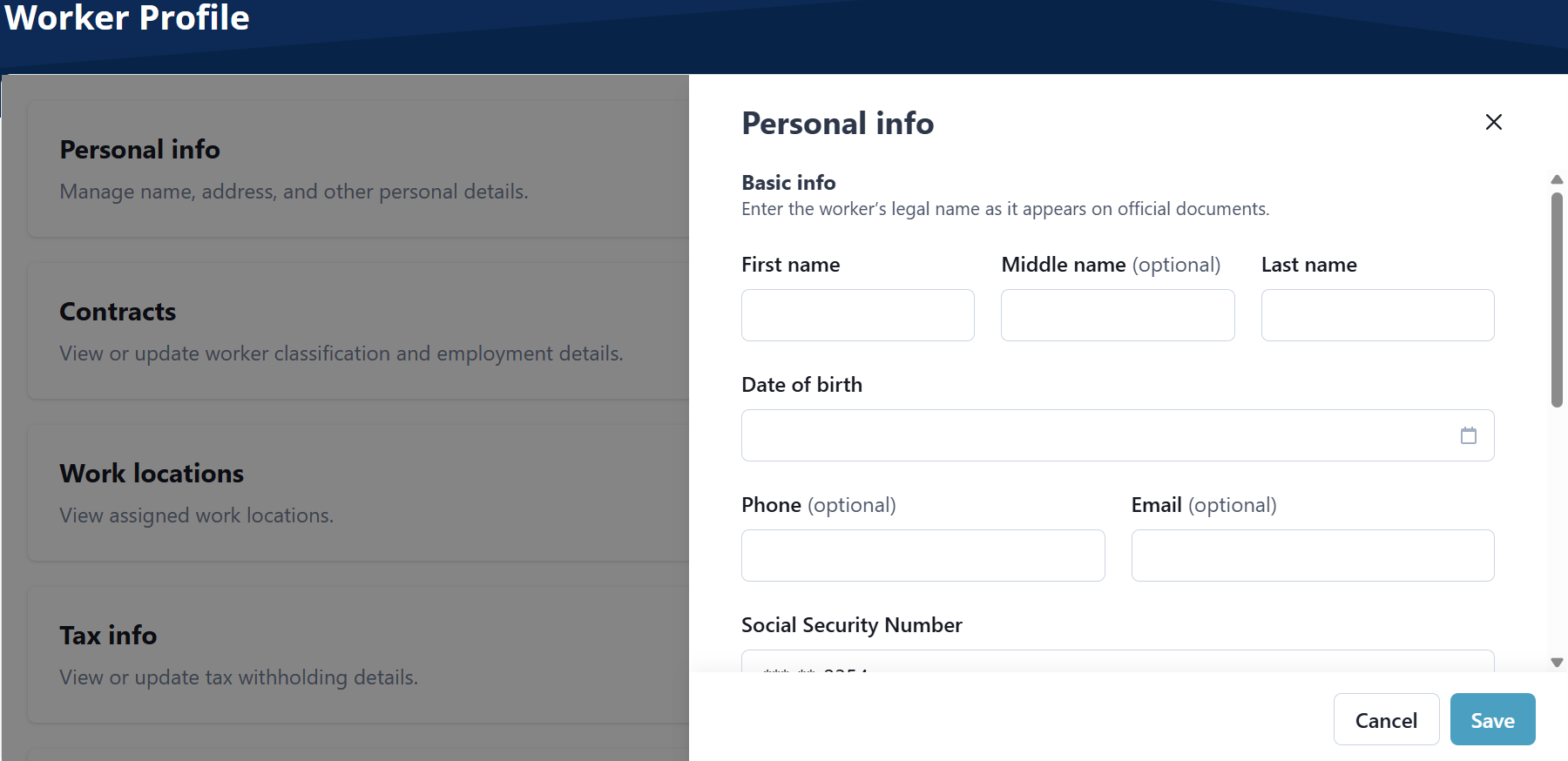
Manage name, address, and other personal details.
On the Personal Info tile, select Edit. Complete or edit fields as needed, and then select Save.
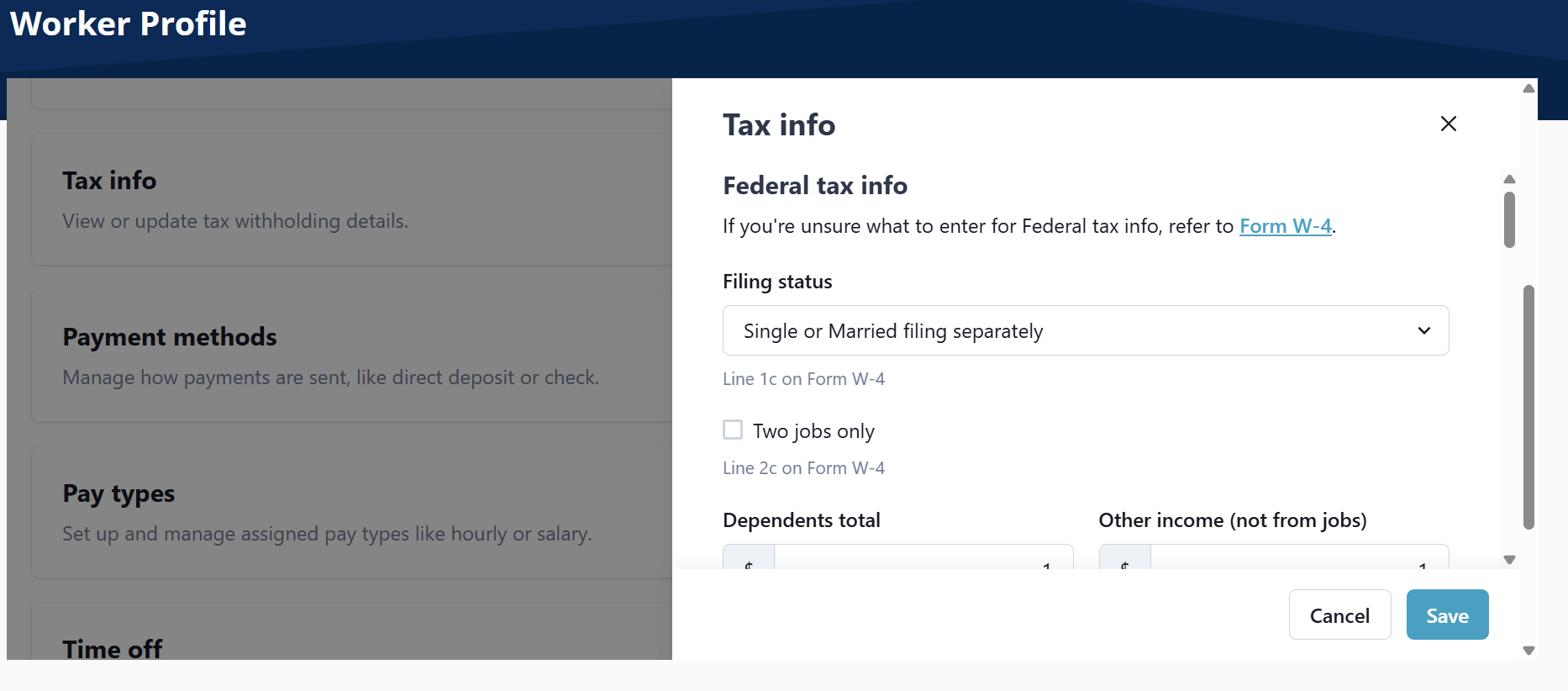
View or update tax withholding details.
On the Tax info tile, select Edit. Complete or edit fields as needed, and then select Save.
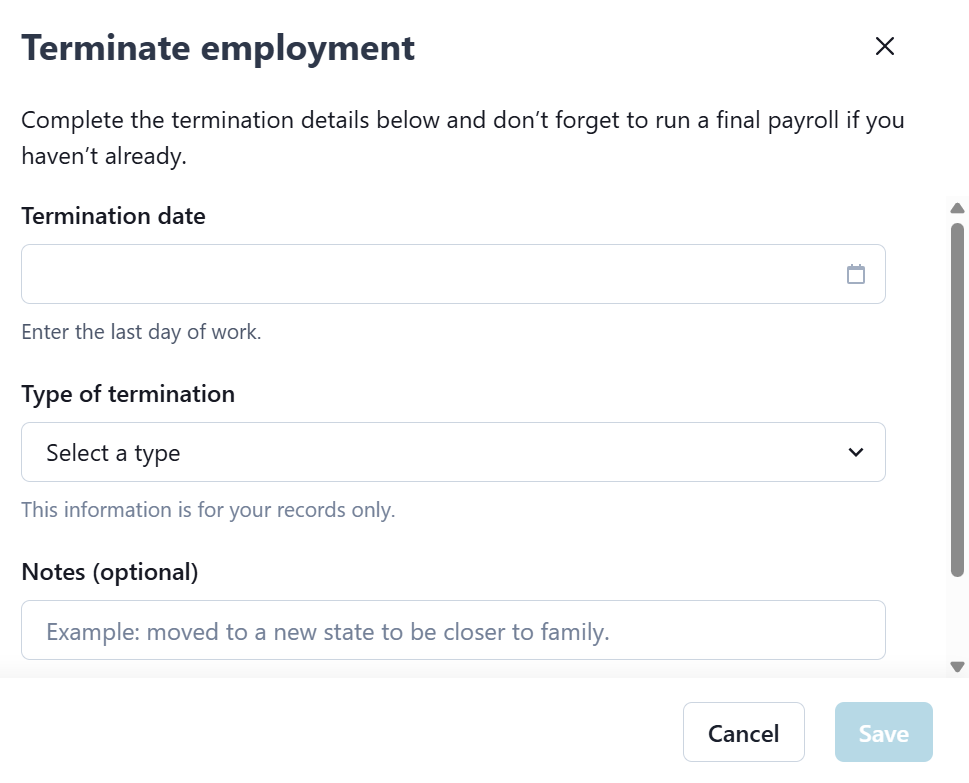
Start the worker termination process.
-
Go to Payroll > Worker > Search Worker.
-
On the Terminate Employment tile, select Terminate.
-
On the Terminate employment window, complete the fields, and then select Save.
Set up and manage assigned time off like vacation or sick days.
-
Go to Payroll > Worker > Search Worker.
-
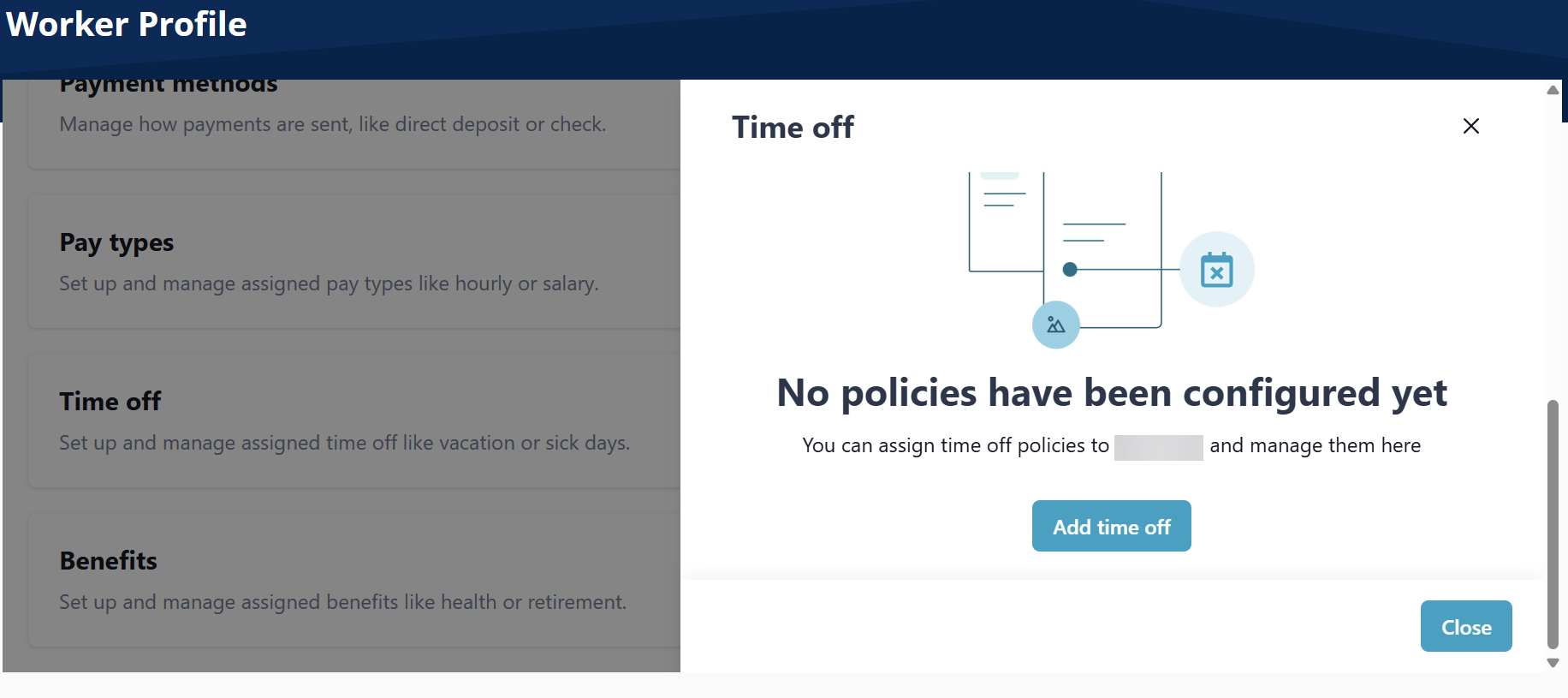
On the Time off tile, select Edit.

-
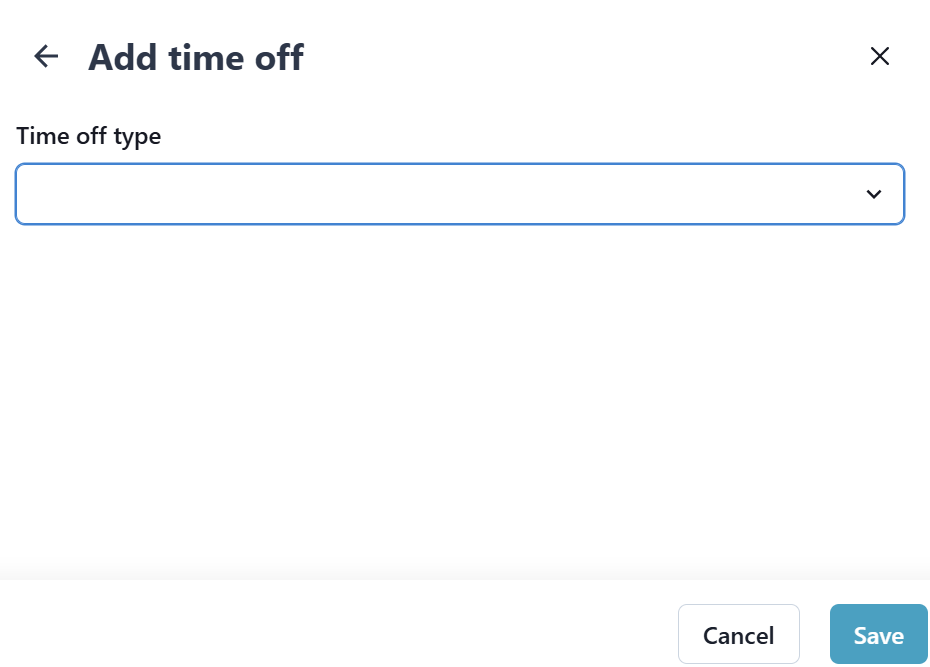
On the Time off window, select Add time off, complete the fields that display, and then select Save.
-
Go to Payroll > Worker > Search Worker.
-
On the Time off tile, select Edit.
-
On the Time off window, select Edit on the Time Off, complete the fields that display, and then select Save.
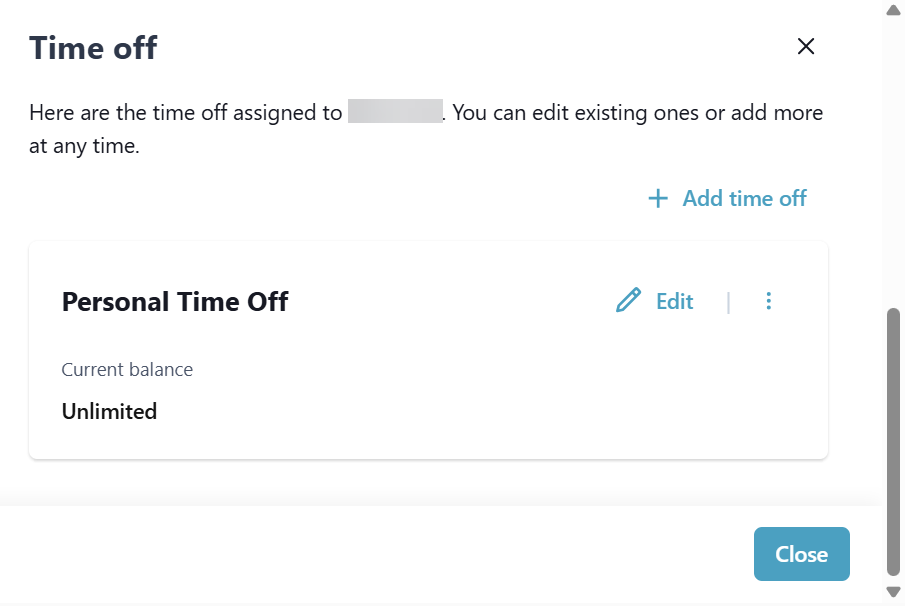
Select the Pencil icon to adjust the Employee's time-off balance, if needed.
-
Go to Payroll > Worker > Search Worker.
-
On the Time off tile, select Edit.
-
On the Time off window, select the Ellipses beside the Benefit, and then select Delete.
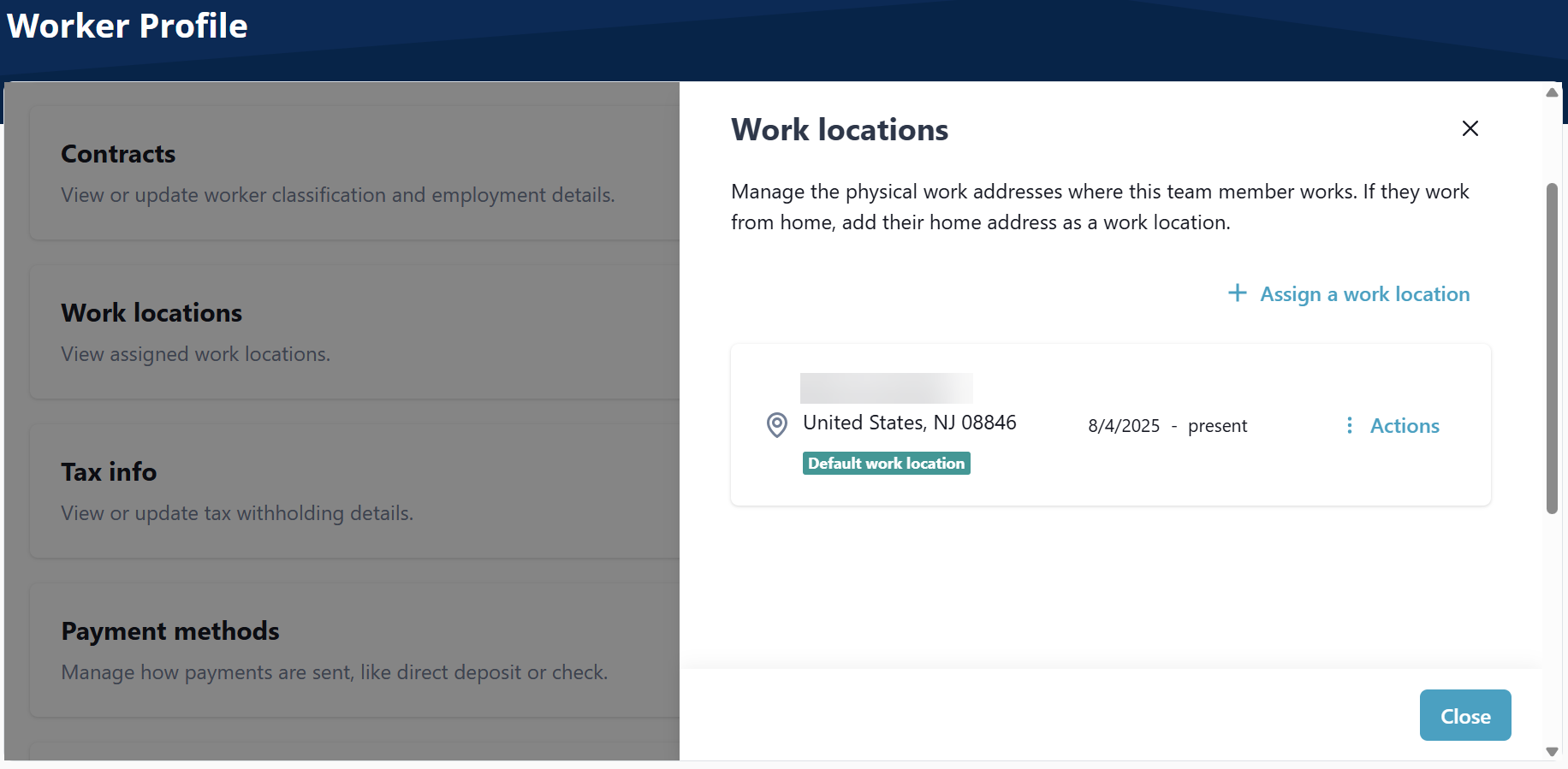
View assigned work locations. This is the physical place where the Employee performs their job duties. The location is a factor in determining various aspects of payroll, including taxation, compliance with labor laws, and the calculation of certain employment benefits.
It's important for employers to maintain accurate records of their employees' work locations and stay informed about the tax and labor laws applicable to those locations. Properly addressing work locations in payroll is essential to ensure legal compliance and accurate compensation for employees.
Since Caregivers work in many different locations, for the purposes of payroll the primary office of your company should be used as the work location.
Payroll cannot be processed until the work location is created and all Employees are assigned a work location.
-
Go to Payroll > Worker > Search Worker.
-
On the Work Location tile, select Edit.

-
Select Assign a work location.
-
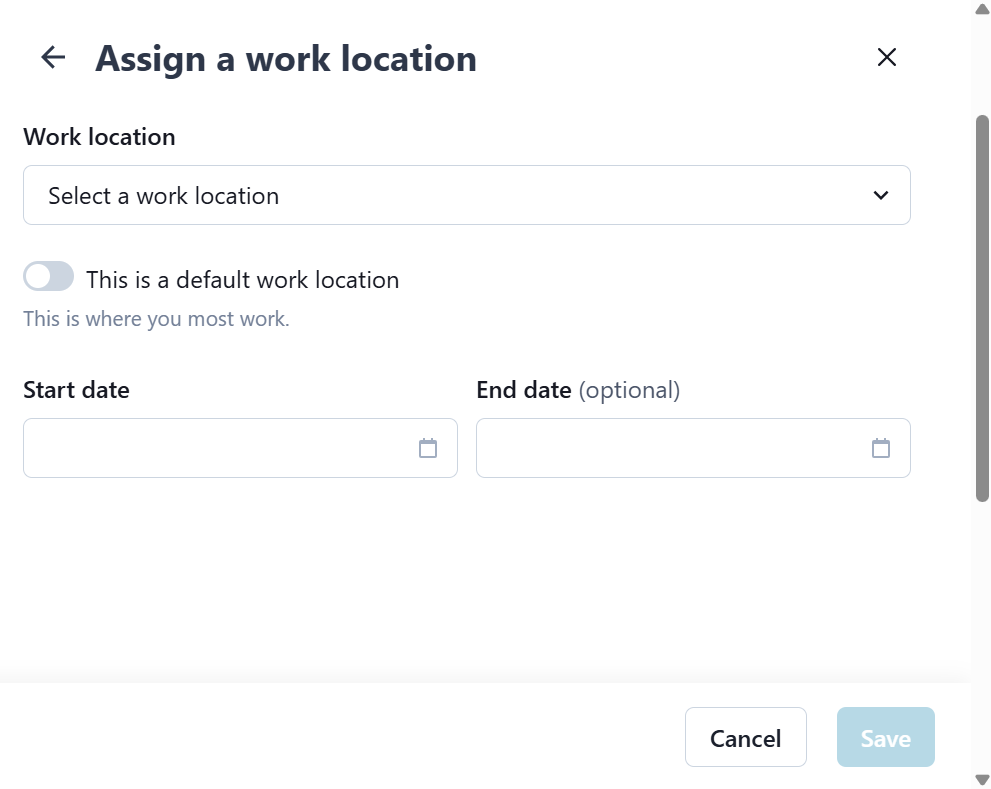
On the Assign a work location window, complete the fields that display, and then select Save.
-
Go to Payroll > Worker > Search Worker.
-
On the Work Location tile, select Edit.
-
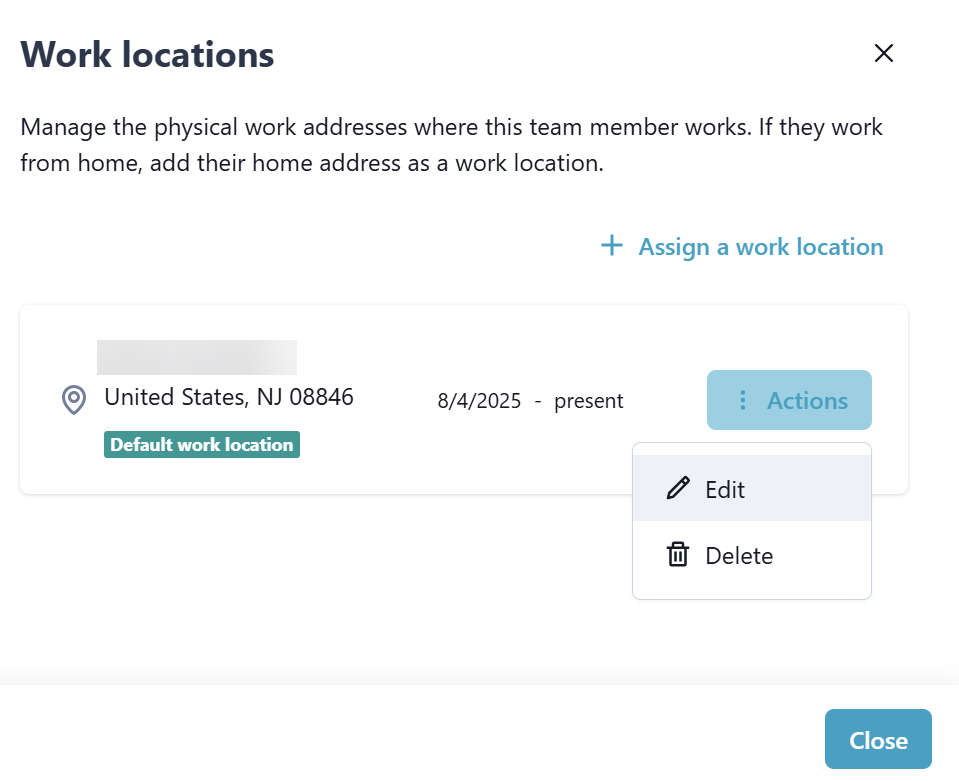
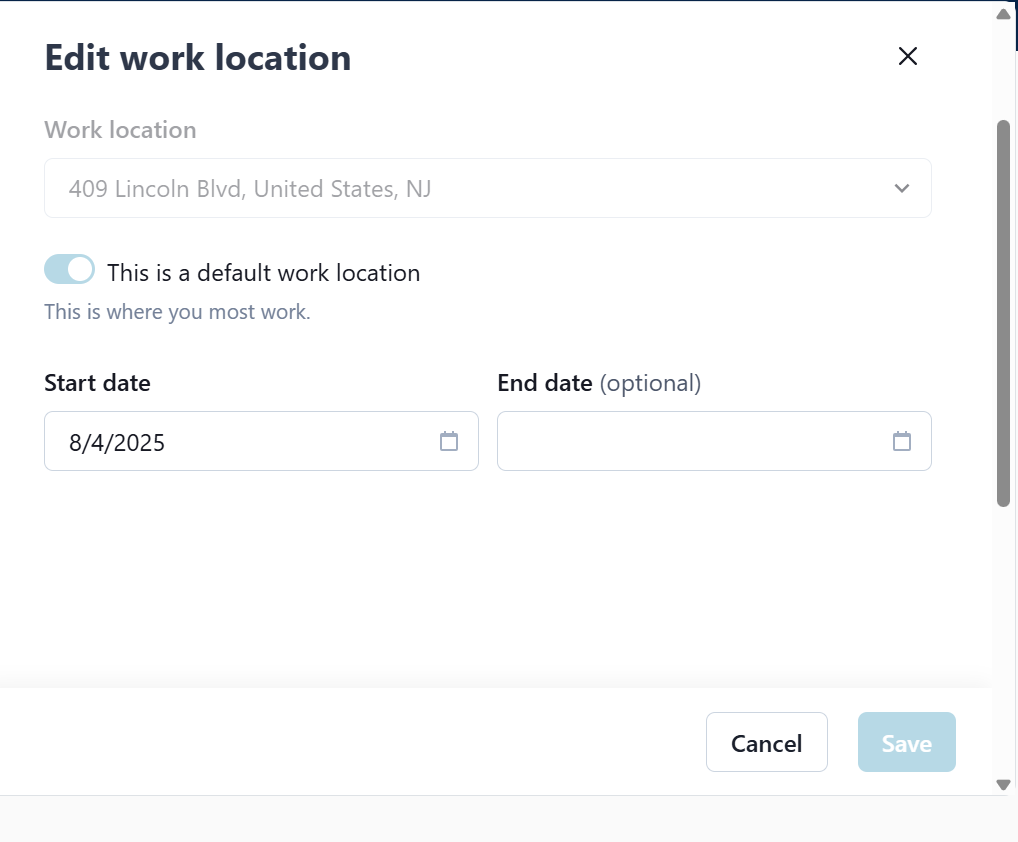
Select the Actions button on the Work Location. From the menu, select Edit.
-
Complete the fields that display, and then select Save.
-
Go to Payroll > Worker > Search Worker.
-
On the Work Location tile, select Edit.
-
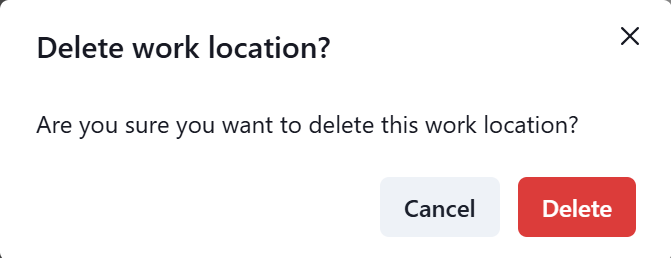
Select the Actions button on the Work Location. From the menu, select Delete.
-
Select Delete.