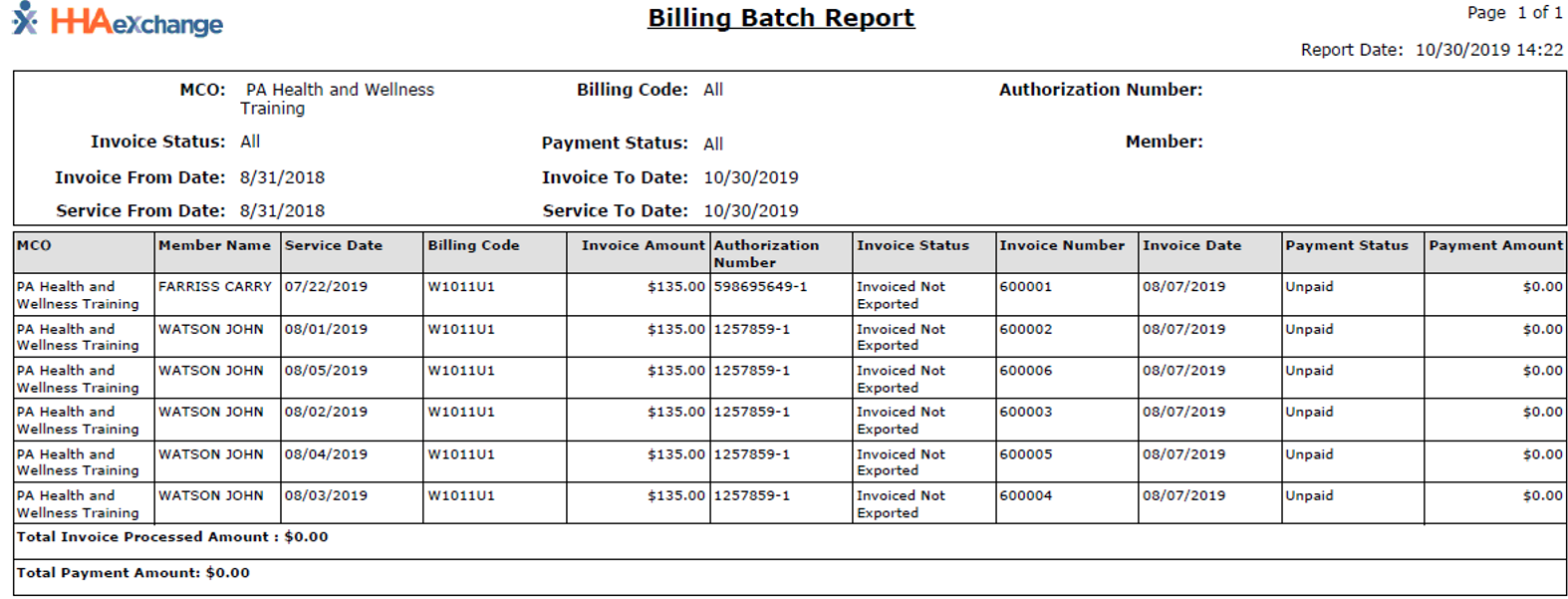
Reports Section
This feature is activated by HHAeXchange System Administration. Contact HHAeXchange Support Team for details, setup, and guidance.
The Reports section lets you generate reports in the Non-Homecare Portal.
To access reports, select Reports from the left navigation menu. Available reports appear indented under the Reports label, such as Batch Detail Report and Placement.
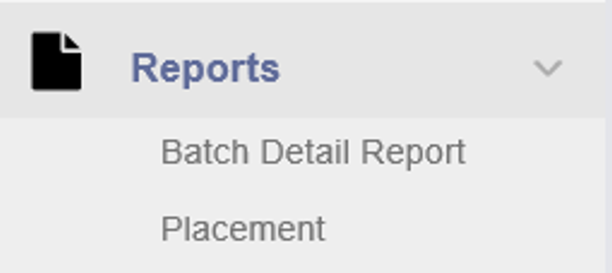
To run a report:
-
From the Reports menu, click the report you want to run.
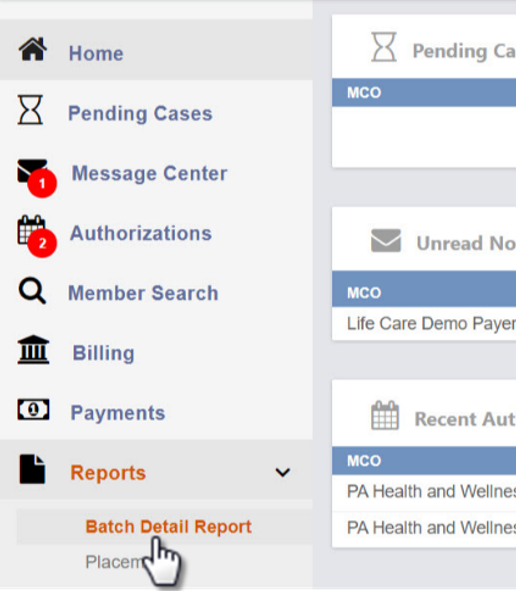
-
In the Report Center, select the required MCO and any additional filters. Click View Report.

-
The report is generated in PDF format.