Get Started in Services Portal
This Services Portal Users documentation explain how to use the Services Portal to meet Electronic Visit Verification (EVV) requirements. The Services Portal is a website where Consumers (CDS Employers), Caregivers (CDS Employees), and their Representatives can review, adjust, and approve all EVV visits.
What Is EVV?
The 21st Century Cures Act, passed by Congress, requires state Medicaid programs to use EVV (Electronic Visit Verification) for many types of home and community-based services.
EVV refers to the electronic capture of visit information using one of the three approved methods: mobile app, telephone, or alternative device.
Caregivers use one of the three methods to electronically record required EVV information for each shift (or visit) they work. EVV records the start and end time of each shift, the location where the Caregiver is working, and the type of service they are providing.
Set Up Users in the Services Portal
The Provider Agency (Financial Management Services Agency - FMSA) begins the setup of each Services Portal user. Consumers (Employers), Caregivers (Employees) , and Representatives all use the Services Portal.
A valid email address is required to create your account. Make sure that your Provider Agency has your correct email address.

After your user account is created by the Provider Agency, you receive an email welcoming you to the HHAeXchange Services Portal and asking you to confirm your email address. Follow the instructions in the email.
After you have verified your email address,
-
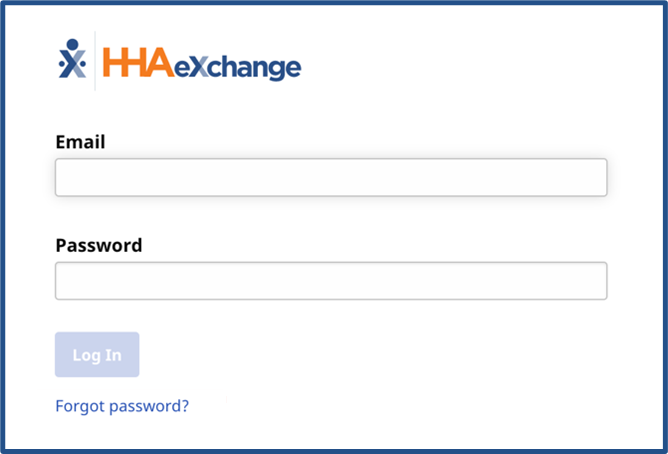
If you use the HHAeXchange+ Mobile app as well as the Services Portal, and you have already signed up for HHAeXchange+, you can log into the Services Portal using the same email address and password you use for HHAeXchange+.
-
If you don't use the HHAeXchange+ Mobile app, or if you haven't yet signed up for HHAeXchange+, you receive a second email asking you to Set your Password and verify your identity. Follow the instructions in the email. When you finish, you can log in to the Services Portal.