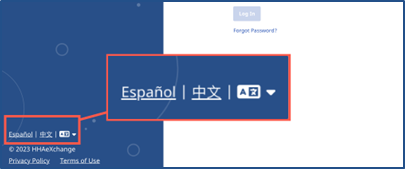
Login Language Selection in Services Portal
On the lower left of the Login page, there is an option to change the Login page language.
Click one of the displayed alternate languages to change the Login page to that language, or click the Language icon  to select another available language.