Appointments Permissions
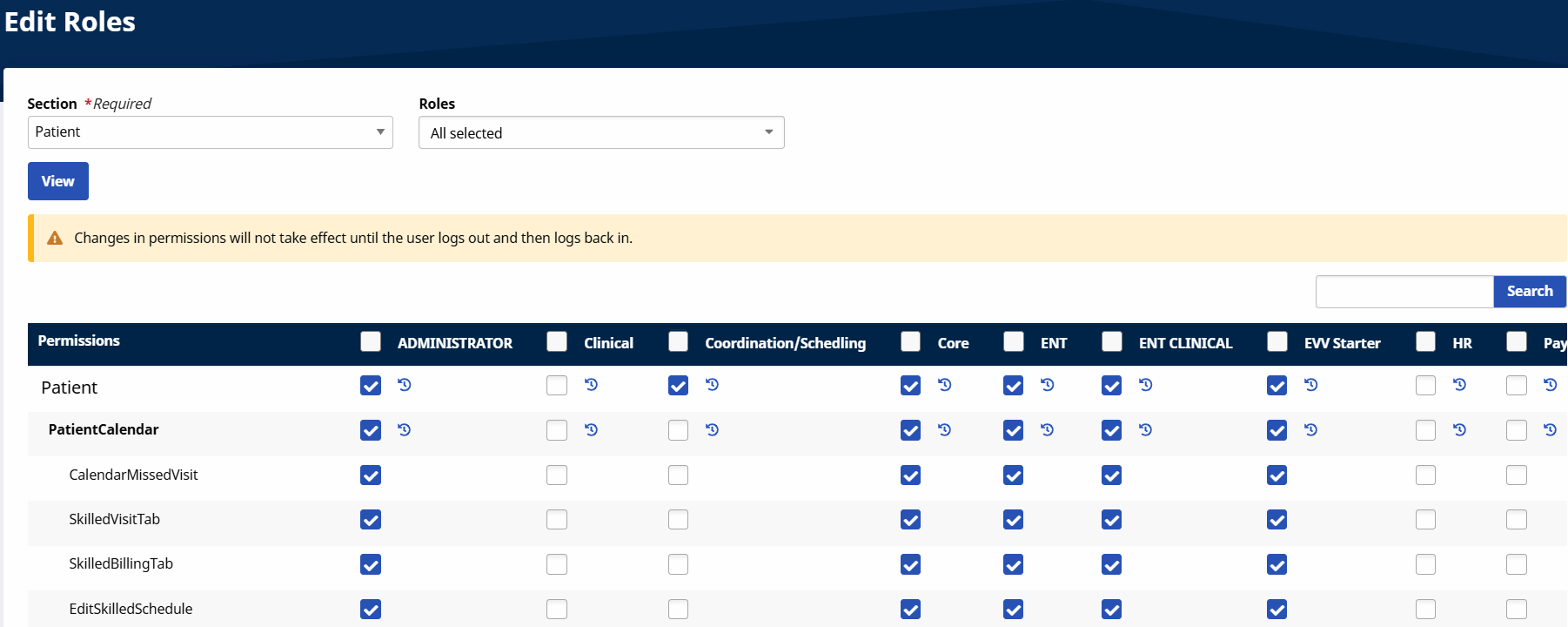
Permissions to the Appointments function are role-based and granted via the Edit Roles page under Admin > User Management > Edit Roles.
| Permission | Description (Allows to...) |
|---|---|
|
Appointments |
Access to the Appointments page. |
|
Appointment Tab Drag and Drop |
Select scheduled visits and drag them to another calendar cell, drop them in the new date. |
|
Appointment TabQuick Edit |
Edit visits using the Edit icon. |
|
Bulk UpdateMulti Select |
Select multiple visits at a time on the Appointments page. The following permissions determine the actions to perform when selecting multiple visits.
|