Visit Maintenance
This feature is activated by HHAeXchange System Administration. Contact HHAeXchange Support Team for details, setup, and guidance.
Visit Maintenance is the process used by the Provider (program provider), FMSA, or CDS employer to correct an EVV visit transaction in the EVV system to accurately reflect the delivery of service. The Visit Maintenance process uses a lock period and an unlock period in the Provider system.

The Visit Maintenance process is comprised of a default lock period and unlock period.
The Visit Maintenance default lock period prevents Providers from editing services and/or creating manual services within a certain time frame. The lock is triggered 95 days after the visit date. All visit components that update the EVV transaction are locked. To prevent the adjustment of billable hours, visit fields are unavailable to edit.
Additionally, during the lock period, Providers cannot manually link calls from the following Call Dashboard tabs: Call Maintenance, Rejected Calls, Missed In/Out, and Missed Calls.
On an applicable visit under Patient > Search Patient > Calendar, in the Visit Info tab, the Last Visit Maintenance Date field displays the last date and time in which visit maintenance was completed.
Changes to the following fields update the Last Visit Maintenance Date field:
-
API/NPI
-
Billing Hours/Units
-
Contract Numbers
-
HCPCS Code
-
Manually Linked EVV
-
Medicaid IDs
-
Modifiers
-
Service Codes
-
Service Groups
-
TEMP Caregivers (Value assigned to a visit by the provider as a placeholder when an available caregiver has not yet been determined.)
-
Updated Schedule Time
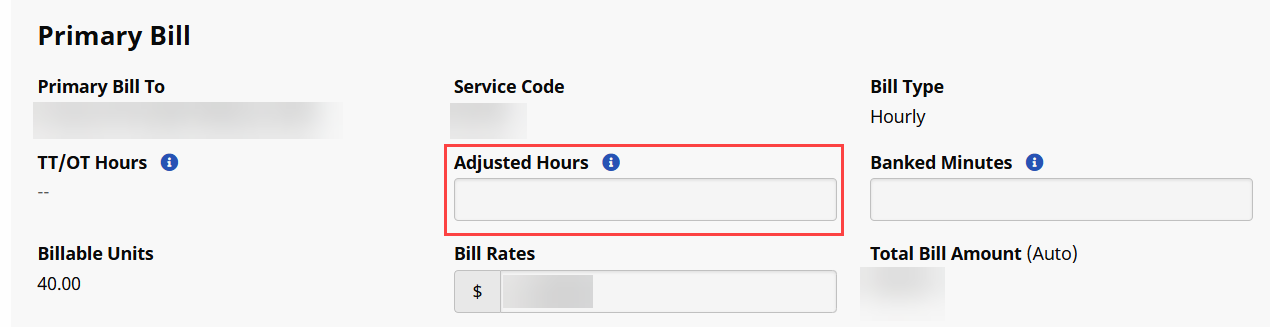
On the applicable confirmed visit, in the Billing Info tab, the Adjusted Hours field is unavailable to edit during the lock period, as displayed in the image below.
To unlock and edit locked visit(s), Providers must request a temporary unlock period from HHAeXchange Support. The unlock period allows Providers up to 10 days to revise or correct the unlocked visits.
For visits linked to Universal Patient Record (UPR) contracts, Providers must request HHAeXchange Support to enable the Adjusted Hours field to support the manual adjustment of billing time for a visit such as decreasing the number of billing hours.
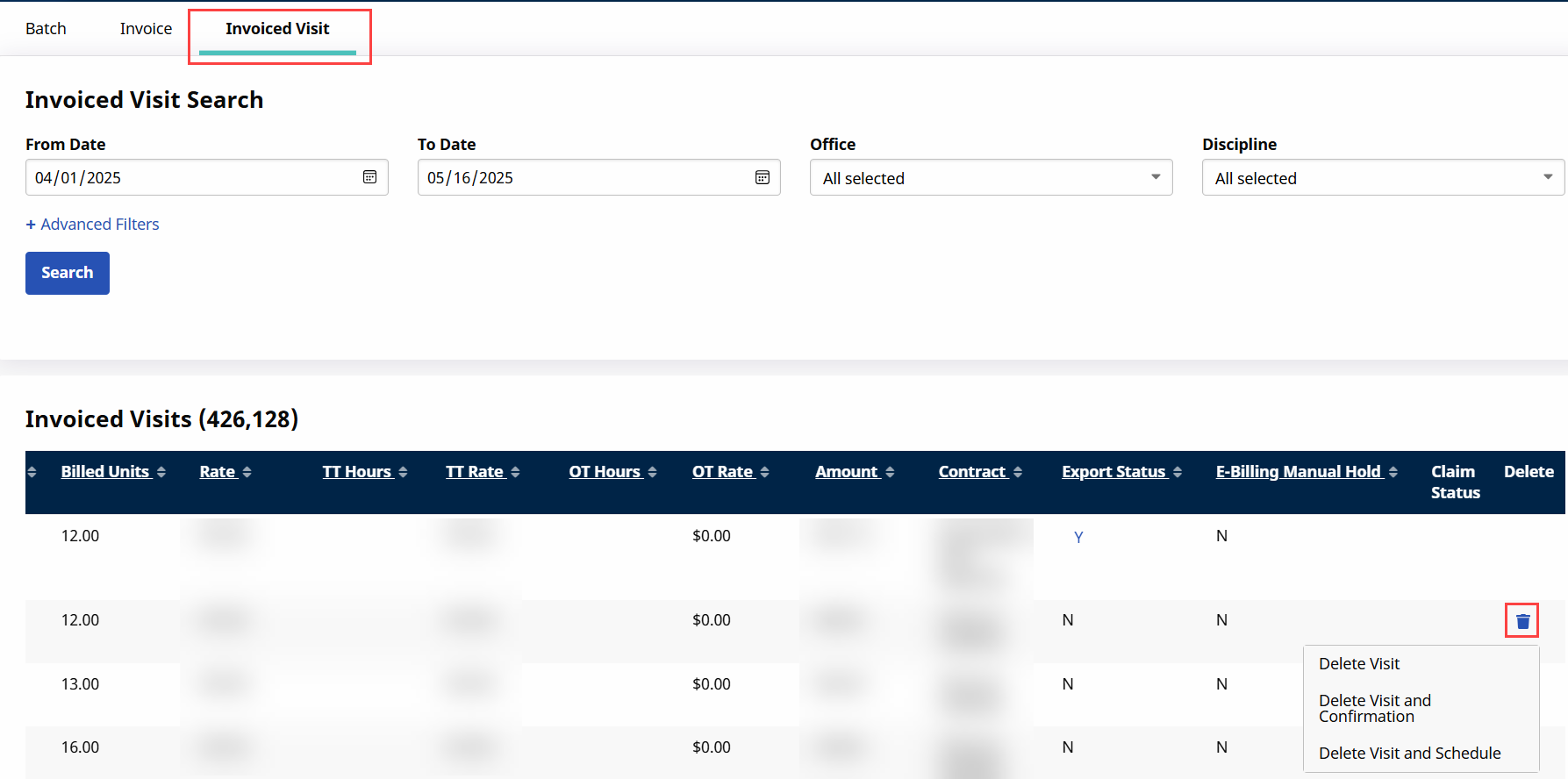
On the Invoices page under Billing > Invoice Search > By Visit, the visit maintenance default lock period disables Providers from deleting visit confirmations and/or schedules relating to invoiced visits. During the lock period, Providers can only delete a visit from an invoice.
To delete a visit from an invoice, click the corresponding Delete icon  and then click Delete Visit.