Assign a Care Insights Alert
Complete the following steps to assign a Care Insights Alert under Provider & Caregiver > Care Insights, Alerts to a user.
-
In the Actions column, click the Ellipses menu and select Assign to Myself or Assign to Another.
-
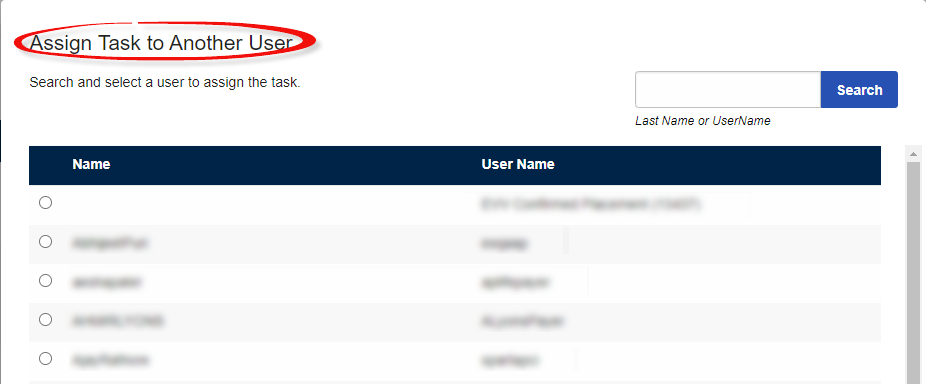
If selecting Assign to Myself, your name appears in the Assigned To column. If selecting Assign to Another, a window appears. In the window, search for and select the user to assign to the alert.
-
Click Assign to finish assigning another user to the alert.