Billing Configuration Settings for Home Care Service Codes
This topic explains a few of the most commonly used Billing Configuration Settings for Home Care Service Codes.

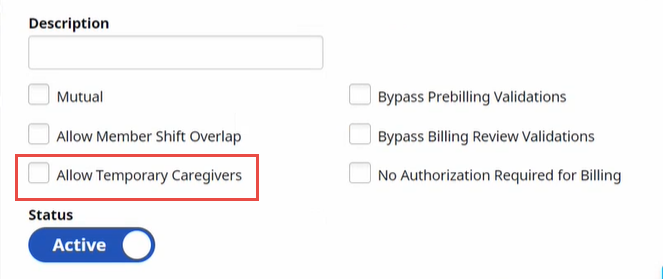
Not all Provider services require Electronic Visit Verification. When a Service Code with the Allow Temporary Caregivers setting ON is selected, the Member Visit is automatically set to Temp Caregiver, and any prebilling rule for temporary caregiver is bypassed.
The Payer can select Allow Temporary Caregivers for any Home Care Service Code on the Add Service Code or Edit Service Code page.
Users can access the Add Service Code page from the Admin menu by selecting Reference Table Management, Service Code, and then clicking Add Service Code at top right.
Users can access the Edit Service Code page from the Admin menu by selecting Reference Table Management, Service Code, and then clicking the Edit icon  for the existing Service Code to be edited.
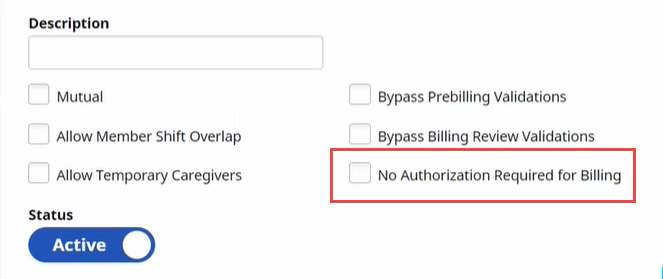
When a Provider service doesn’t require an Authorization, the prebilling rule requiring authorizations must be bypassed.
Payers can select No Authorization Required for Billing for any Home Care Service Code on the Add Service Code or Edit Service Code page.
Users can access the Add Service Code page from the Admin menu by selecting Reference Table Management, Service Code, and then clicking Add Service Code at top right.
Users can access the Edit Service Code page from the Admin menu by selecting Reference Table Management, Service Code, and then clicking the Edit icon for the existing Service Code to be edited.
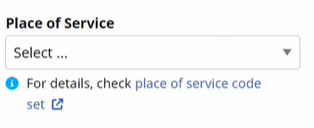
Payers can select a Place of Service for any Home Care Service Code from a list of approved values on the Add Service Code or Edit Service Code page.
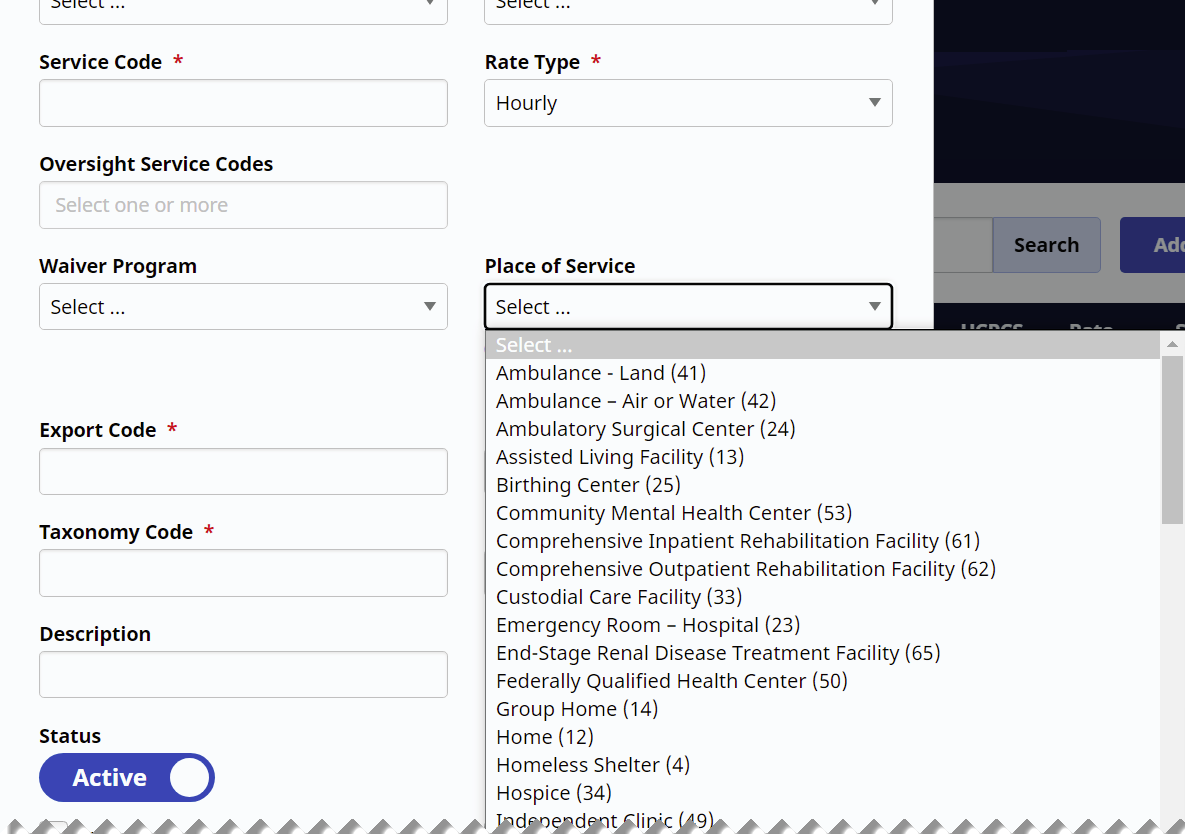
Users can access the Add Service Code page from the Admin menu by selecting Reference Table Management, Service Code, and then clicking Add Service Code at top right.
Users can access the Edit Service Code page from the Admin menu by selecting Reference Table Management, Service Code, and then clicking the Edit icon for the existing Service Code to be edited.
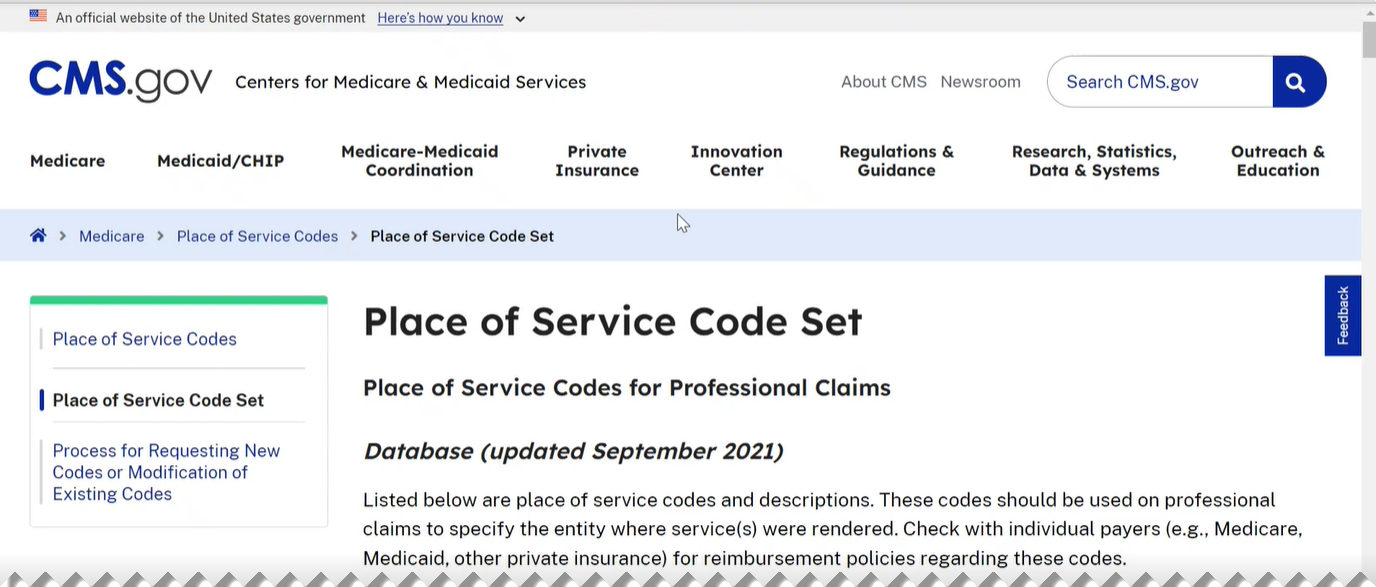
Users can click the Place of Service Code set link just below the Place of Service field to obtain more detailed information about Place of Service from the Centers for Medicare & Medicaid Services website.