Change a User Password
To change a user’s password, complete the following steps.
-
In the Search Results section of the Users page under Admin > User Management, click the Login Name link for the user whose password you want to change.
-
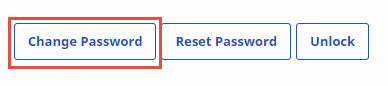
Click Change Password at upper right.
-
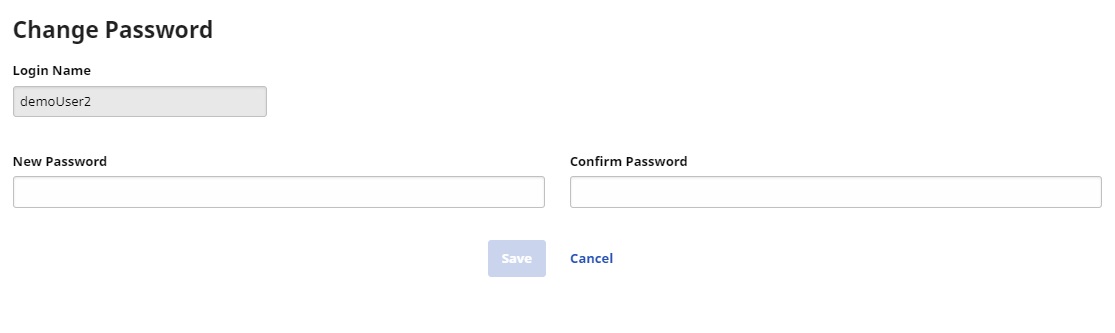
In the page displayed, type and confirm the new password and click Save.
-
On the Edit User Account page, click Save.