Close a Care Insights Alert
Complete the following steps to close a Care Insights Alert under Provider & Caregiver > Care Insights > Alerts.
-
In the Actions column, Click the menu
 and select Resolve as Closed.
 -
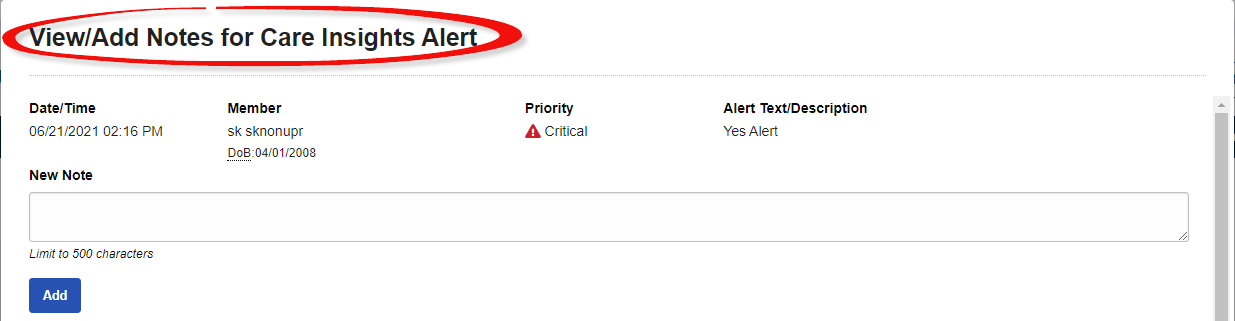
In the window that appears, add a note to reflect the reason the alert is to be closed.
-
Click Add to add the note.
-
Click Close to finish closing the alert. On the Alerts tab, the alert status changes from
 to
to  .
.