Provider Information Page
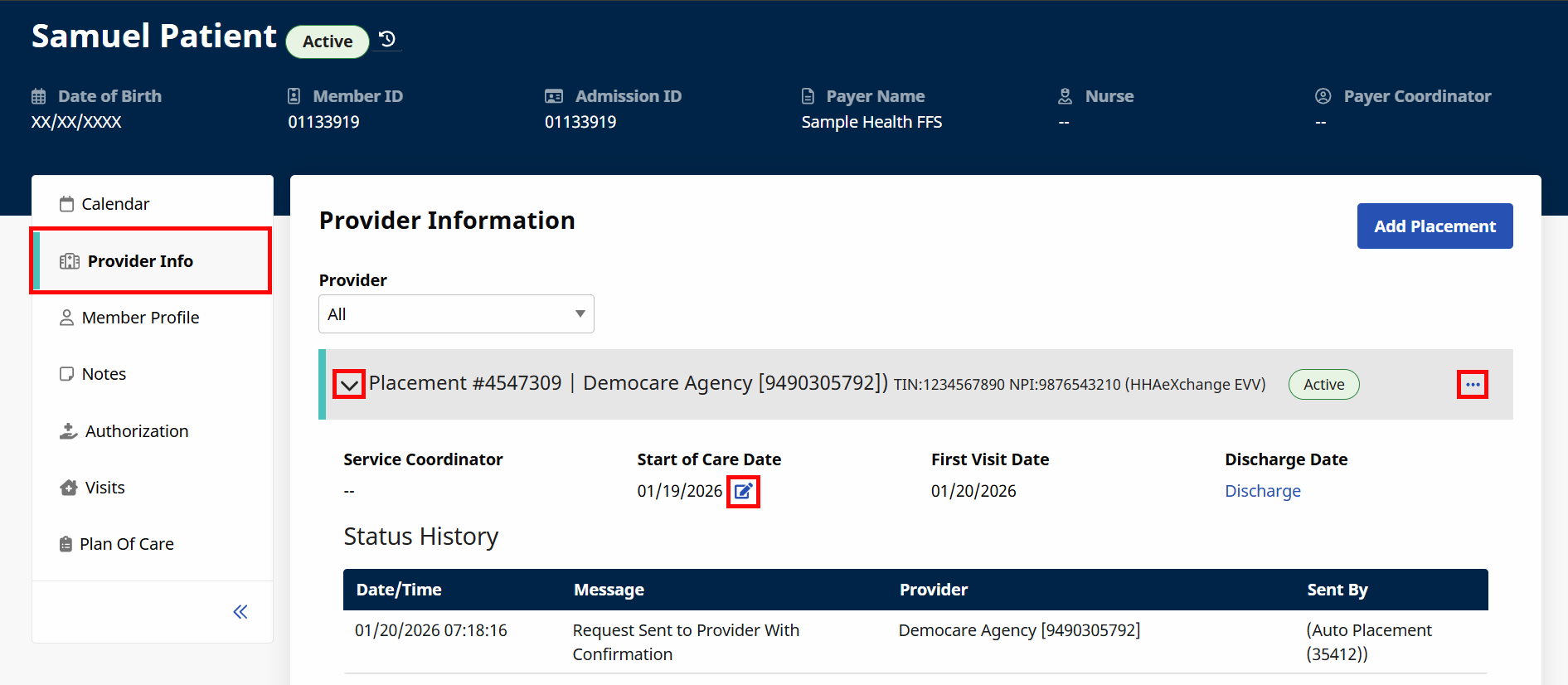
On the Provider Information page under Member > Search, search for and select a Member > Provider Info, you can browse placements by Placement ID. Both Home Health and Non-Home Health Placements are supported. Each Placement contains an ID, a Provider, a Provider office, a Tax ID Number (TIN), and an NPI number. Click the chevron to expand the Placement and view more information, including a Status History.
Click the Ellipsis ... on the right side to open a menu where you can choose actions, such as canceling a Placement request, adding more time for a Provider to decide whether to accept the Placement, or revoking an active Placement.
You can also click the icon to review the Start of Care Date or the Discharge Date .
Learn more about Provider Placements in these topics: