Use Reports

You can use filters to customize standard system reports. For example, to audit the number of Unbilled Visits for all linked Providers, you can run the Unbilled Visits by Provider report. With the available filters, you can run an even more precise audit, compiling unbilled visits for specific Members, Teams, or Providers. Missed Visits can be included or excluded.

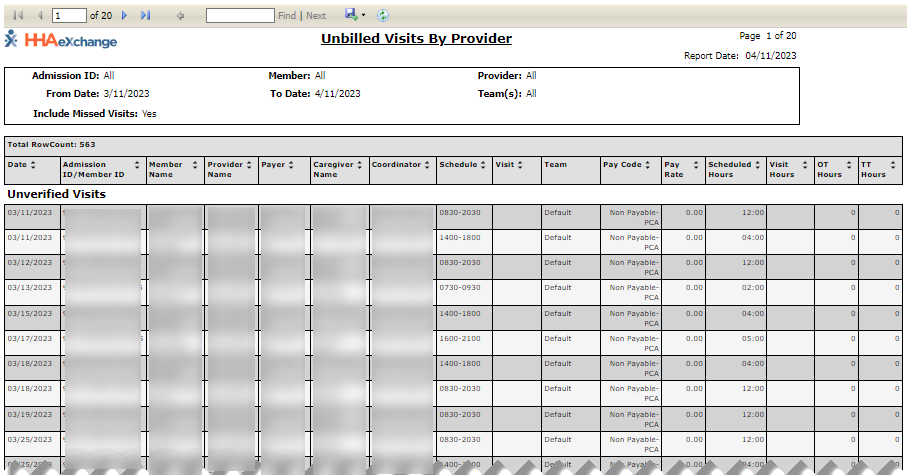
The following image is a sample of the Unbilled Visits by Provider Report. All standard reports are divided into three sections: the Navigation Bar at top, Search Criteria below the Navigation Bar, and Report Data below the Search Criteria.
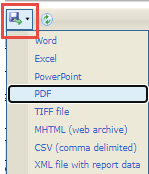
To export a report, select a format from the list in the Navigation Bar. The report is downloaded in the selected format to the Downloads folder on the user's workstation.
Report formats include Word, Excel, PowerPoint, PDF and more.