View or Add a Care Insights Note
To view or add a note in Care Insights Alerts under Provider & Caregiver > Care Insights > Alerts, in the Actions column, Click the menu  and select View/Add Notes.
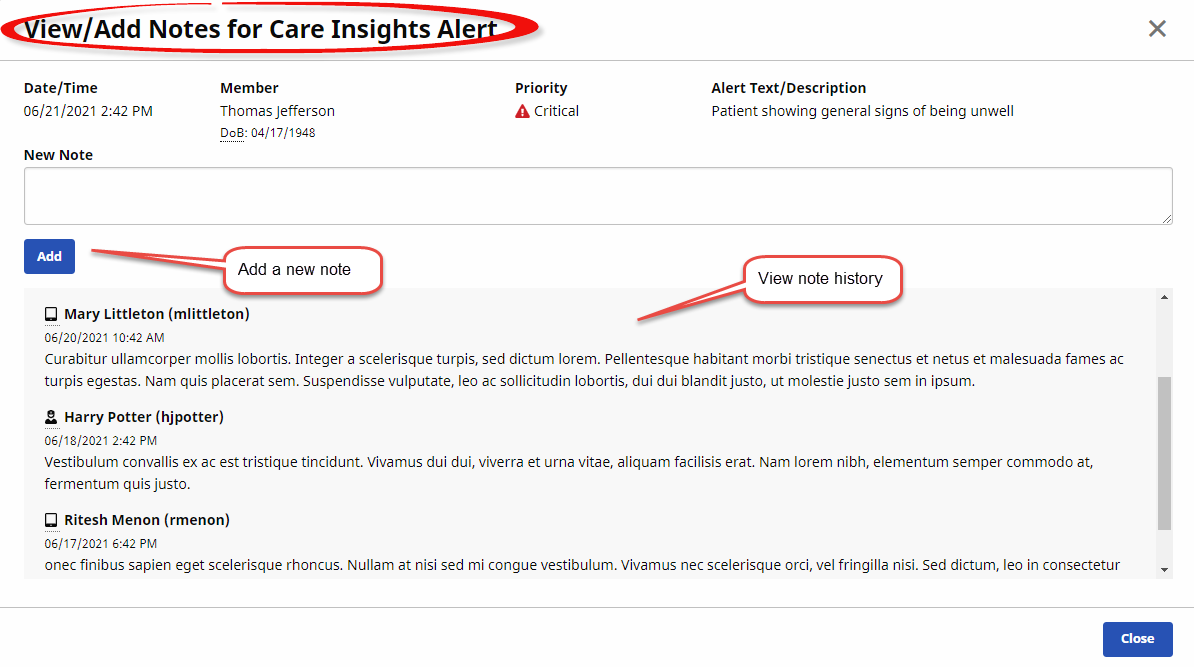
In the window that appears, enter a new note in the upper area and click Add.
To view the notes history, see the lower area on the window. Caregiver notes are marked with a  icon, while Nurse/Coordinator notes are marked with a
  icon.
icon.
See the following image for an example of the View/Add Notes for Care Insights Alert window.