View Profile History
To view a history of changes for any section, click the History button in that section to open a window that displays all changes.

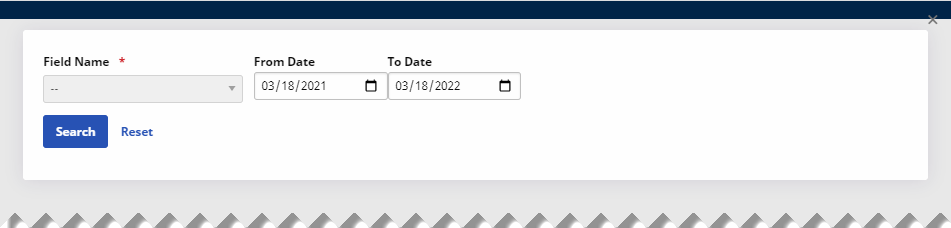
In the History window, you can select the Field Name to search for as well as a date range. From Date is set to one year ago by default.
When a Member has multiple providers (called Broadcast Providers), a link labeled Broadcast is listed in the Provider column of the Member Status History. Hovering over the Broadcast link displays the Providers in a tooltip. Clicking the Broadcast link displays the Providers in a new window.