Search Options
Each worklist under Action > Operation Worklist contains a number of search fields allowing users to sort through tasks. Most fields are associated with the functional area the worklist covers. For example, in the Expiring Authorizations Worklist, a Patient search field is available to search for tasks associated with a specific Patient.
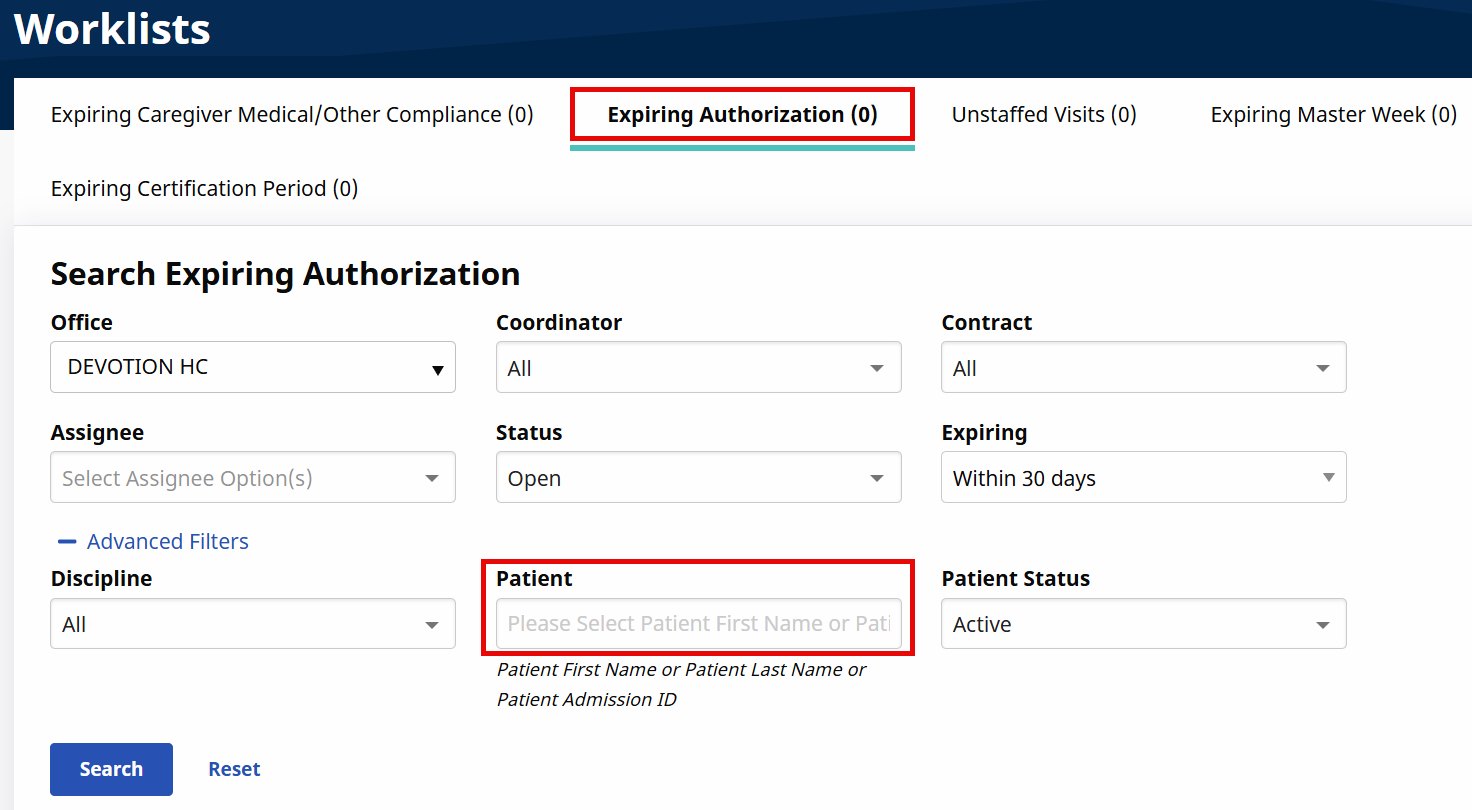
The following table provides other common search fields (and descriptions) across all worklists.
|
Field |
Description |
|---|---|
|
Office |
The Office field defaults to the user’s primary office. Select one or more offices to search for tasks based on office. Search results do not reflect tasks for offices which a user is not assigned to. |
|
Assignee |
Select one or more Assignees to search for tasks based on the user assigned to them. This field defaults to the user accessing the worklist. |
|
Status |
Select one or more status options to search tasks based on status. |