EVV Aggregation Transaction Manager

The HHAeXchange EVV Aggregation Transaction Manager allows providers to manage visits (related to the linked payer placements) that have been approved or rejected by the Texas Medicaid and Healthcare Partnership (TMHP) EVV Aggregator. The TMHP EVV Aggregator is a centralized database maintained and operated by TMHP that collects, validates, and stores statewide EVV visit transaction data transmitted by the HHAeXchange system.
On the Edit Roles page under Admin > User Management > Edit Roles, Providers can assign the role permission for the EVV Aggregation Transaction Manager.
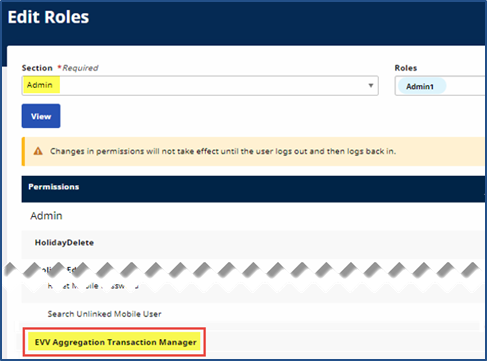
Through the EVV Aggregation Transaction Manager under Admin > EVV Aggregation Transaction Manager, Providers can manage visits (related to the linked Payer placements) that have been approved or rejected by the state’s EVV Aggregator.
On the EVV Aggregation Transaction Manager page, confirmed EVV and non-EVV visits are organized onto tabs based on their Aggregation status: Ready, Hold, Sent, Approved, Rejected, and Canceled.
Status and Description for Confirmed EVV and non-EVV visits are explained in the following table.
| Status | Description |
|---|---|
|
All Visits |
Displays all visits at once and allows Providers to perform the corresponding action(s) for each visit in the Actions column. |
|
Ready |
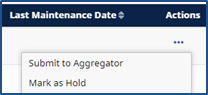
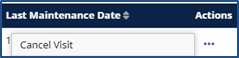
Displays all visits that are ready to be submitted to the EVV Aggregator for approval or rejection purposes. Providers can submit visits to the EVV Aggregator, mark visits as held, and cancel visits in the Actions column.
|
|
Hold |
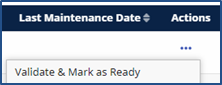
Displays all visits that are currently on-hold due to pending reasons such as erroneous visit data, a manually performed hold, a manual visit verification, and/or an update after a visit’s Aggregator approval. Providers can validate visits and mark them as ready, and cancel visits, in the Actions column.
|
|
Sent |
Displays all visits that have been sent to the Aggregator. |
|
Approved |
Displays all visits that have been approved by the Aggregator. Providers can cancel visits in the Actions column.
|
|
Rejected |
Displays all visits that have been rejected by the Aggregator. Providers can validate visits and mark them as ready (to reprocess through the Aggregator) and cancel visits in the Actions column. |
|
Canceled |
Displays all visits that have been canceled by the Provider. |
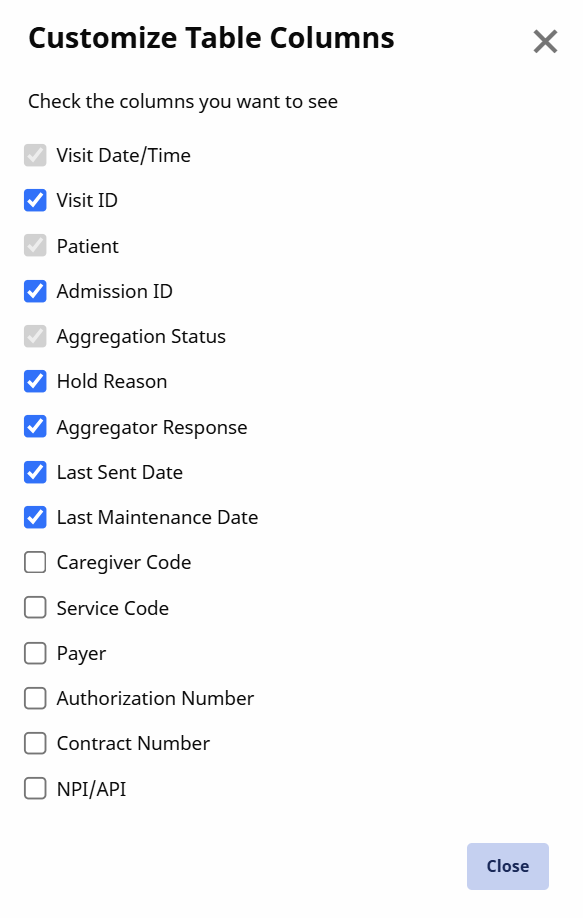
You can adjust the EVV Aggregation Transaction Manager so that only certain columns appear in the table. Any changes made only affect your view.
Adjust the columns in the EVV Aggregation Transaction Manager by clicking the Gear icon at the top of the page:
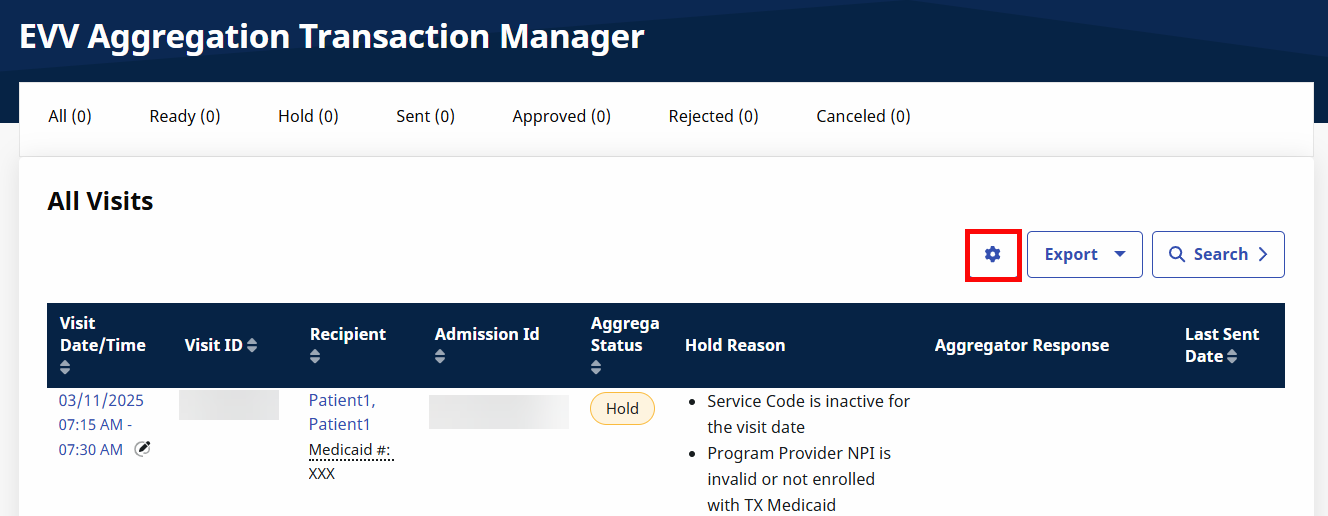
In the window that opens, select or deselect the columns you want to display, and then click the Close button. The Visit Date/Time, Patient, and Aggregation Status columns are mandatory.
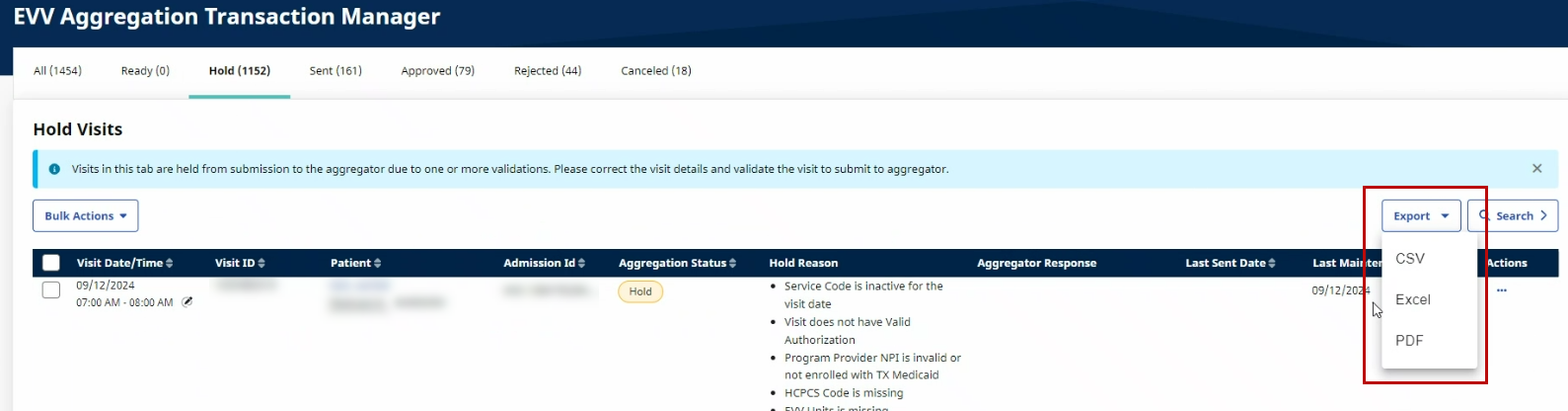
The Export button in the EVV Aggregation Transaction Manager, allows Providers to download or export data from the current page in Excel, CSV, and PDF format.
In this example, the data has been exported to an Excel file, enabling the user to examine the details on the Rejected tab.
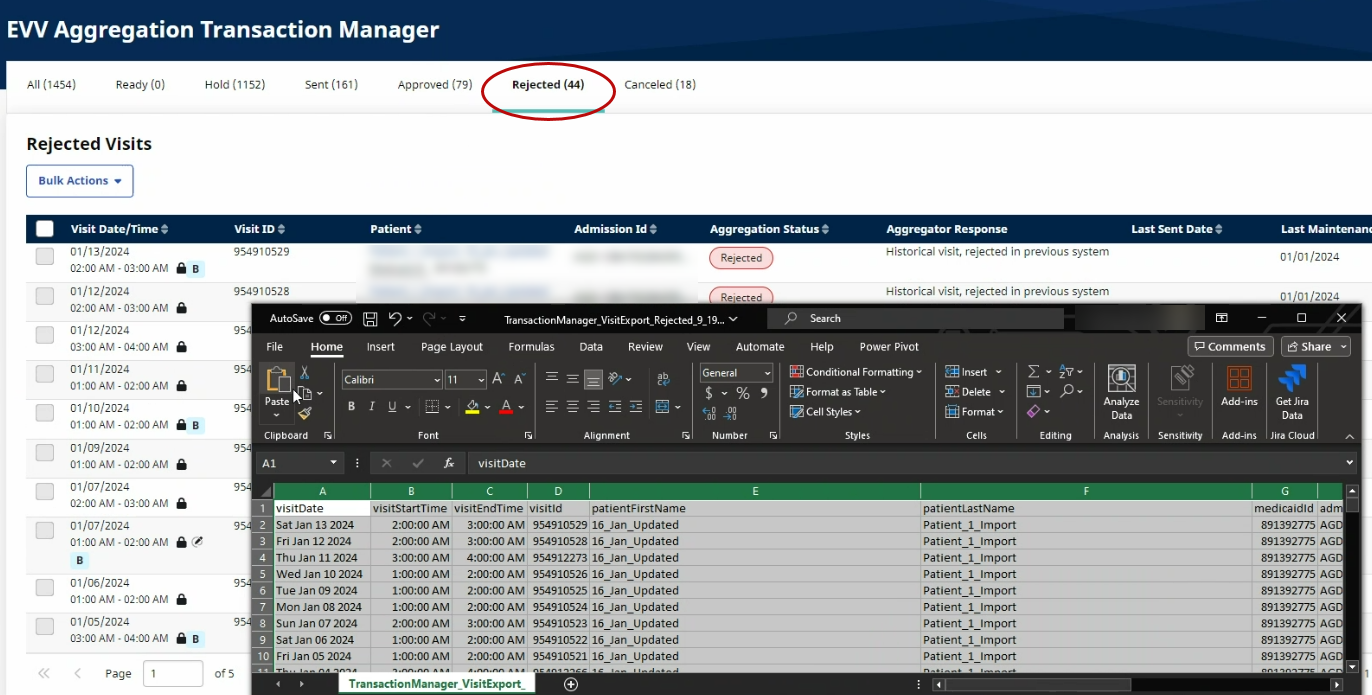
In the Hold Status tab on the Admin > EVV Aggregation Transaction Manager page, Providers can observe the Hold Reasons and Aggregator Response to resolve the corresponding visit holds.
Hold Reasons can include standard reasons such as Updated after Approval or specific reasons that require correction in the Provider application, such as a Missing Medicaid ID or Missing Patient Last Name. The Aggregator Response explains to Providers the processing problems related to visits, if applicable. For example, Patient on the EVV visit is not authorized for the Provider Number on this visit date in our records.
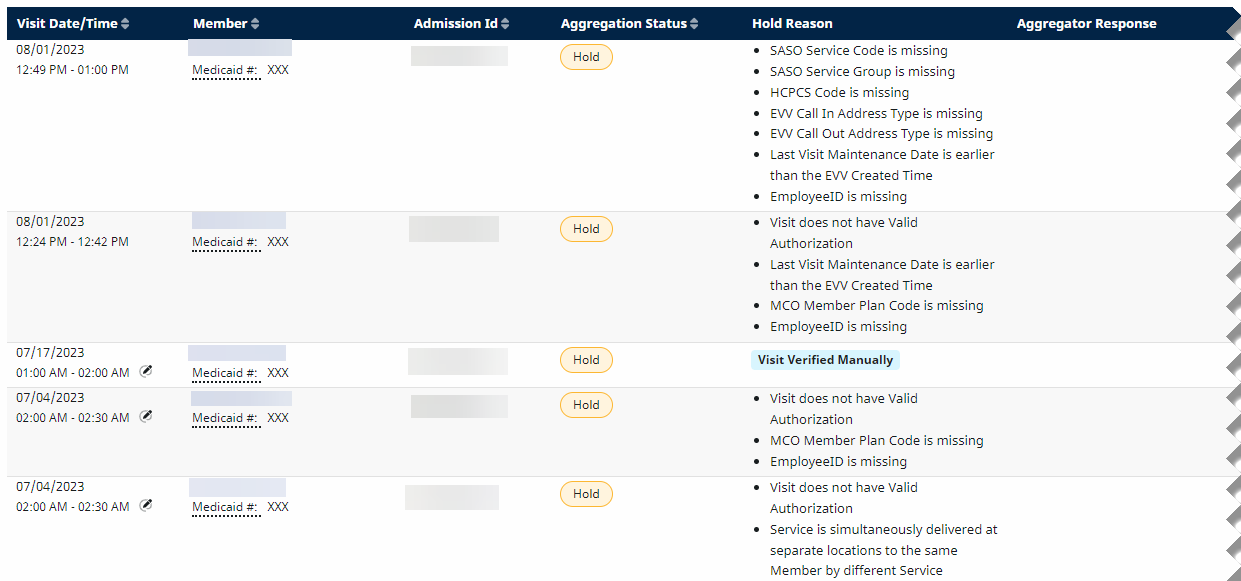
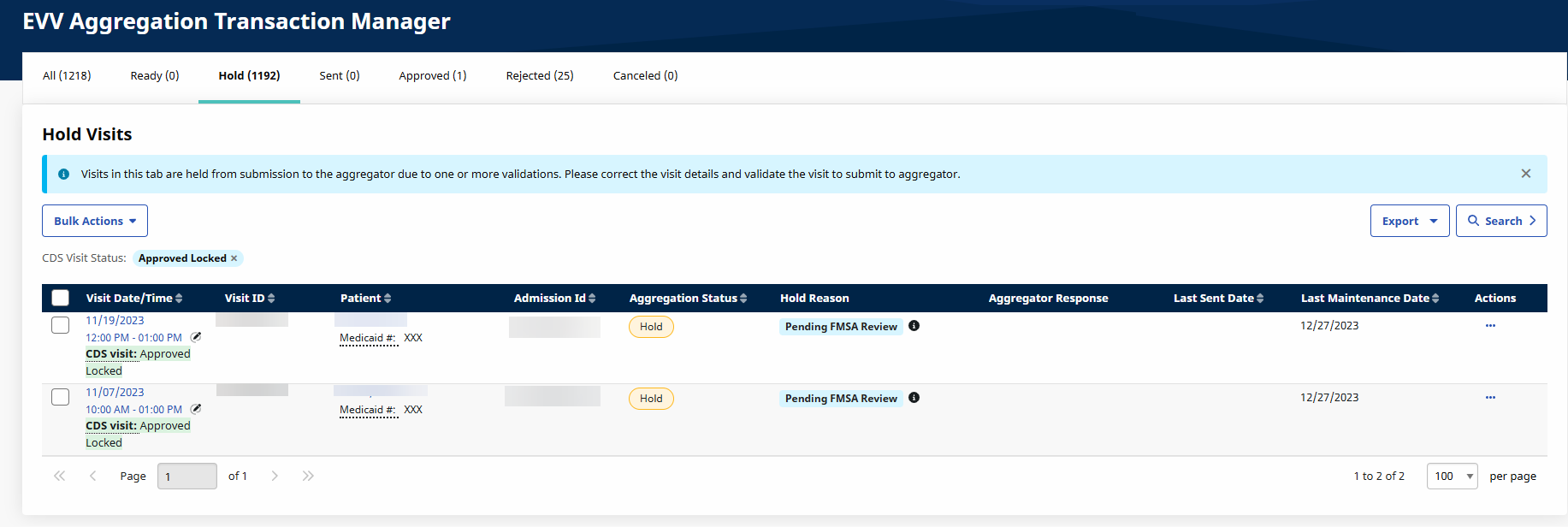
The common Hold Reasons are described in the following table.
For a full list and descriptions of all Hold Reasons and their resolutions, see EVV Aggregation Transaction Manager Rule Holds and Resolutions.
| Hold Reasons | Description |
|---|---|
|
Updated after Approval |
The held visit has been approved by the Aggregator and updated. The visit moves to the Ready tab and then automatically to the Sent tab each night through the nightly process |
|
Manual Hold |
The visit has been held manually by the Provider. Providers can validate the visit and mark it as ready for processing. |
|
Visit Verified Manually |
The Provider manually verified or confirmed the visit. The visit moves to the Ready tab and then automatically to the Sent tab each night through the nightly process |
|
Specific Reasons (e.g., Missing Medicaid ID) |
The visit requires corrections for problematic or missing data, such as a Missing Medicaid ID or Missing Patient Last Name. Providers can resolve such issues in the Provider application before validation processing. |
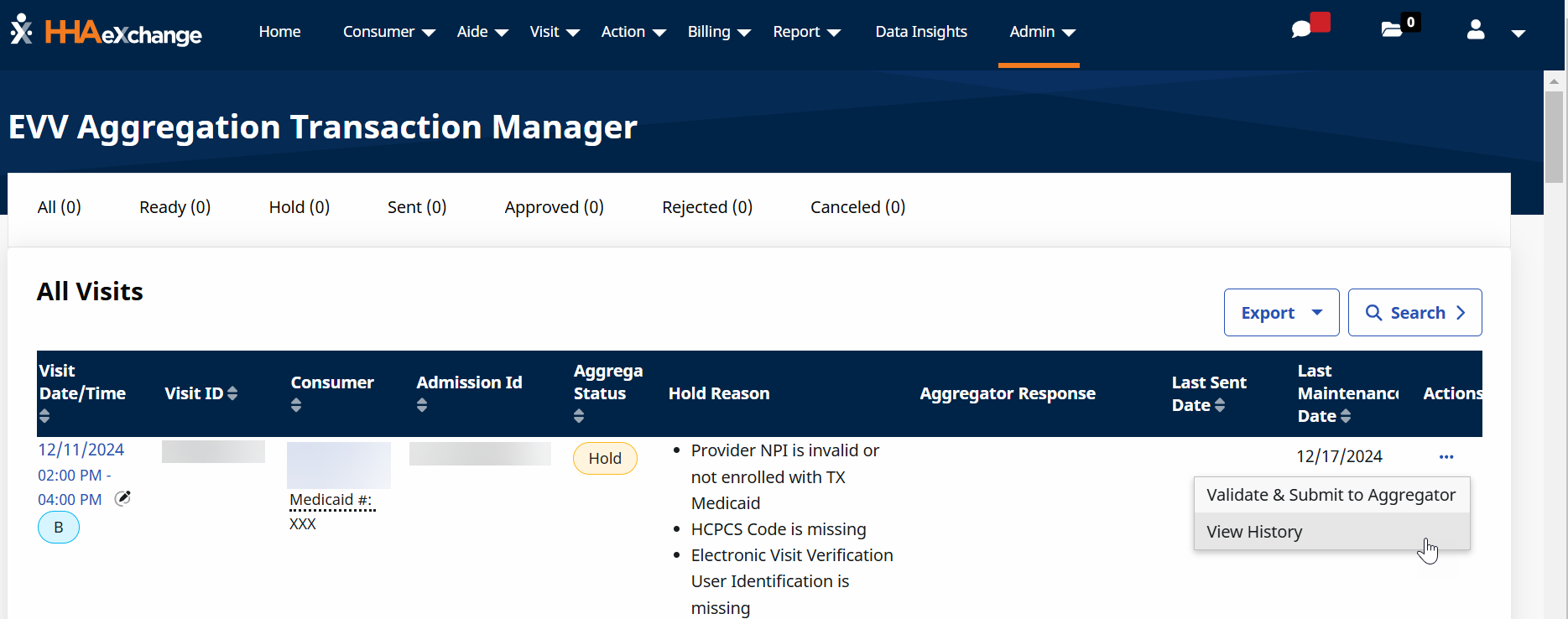
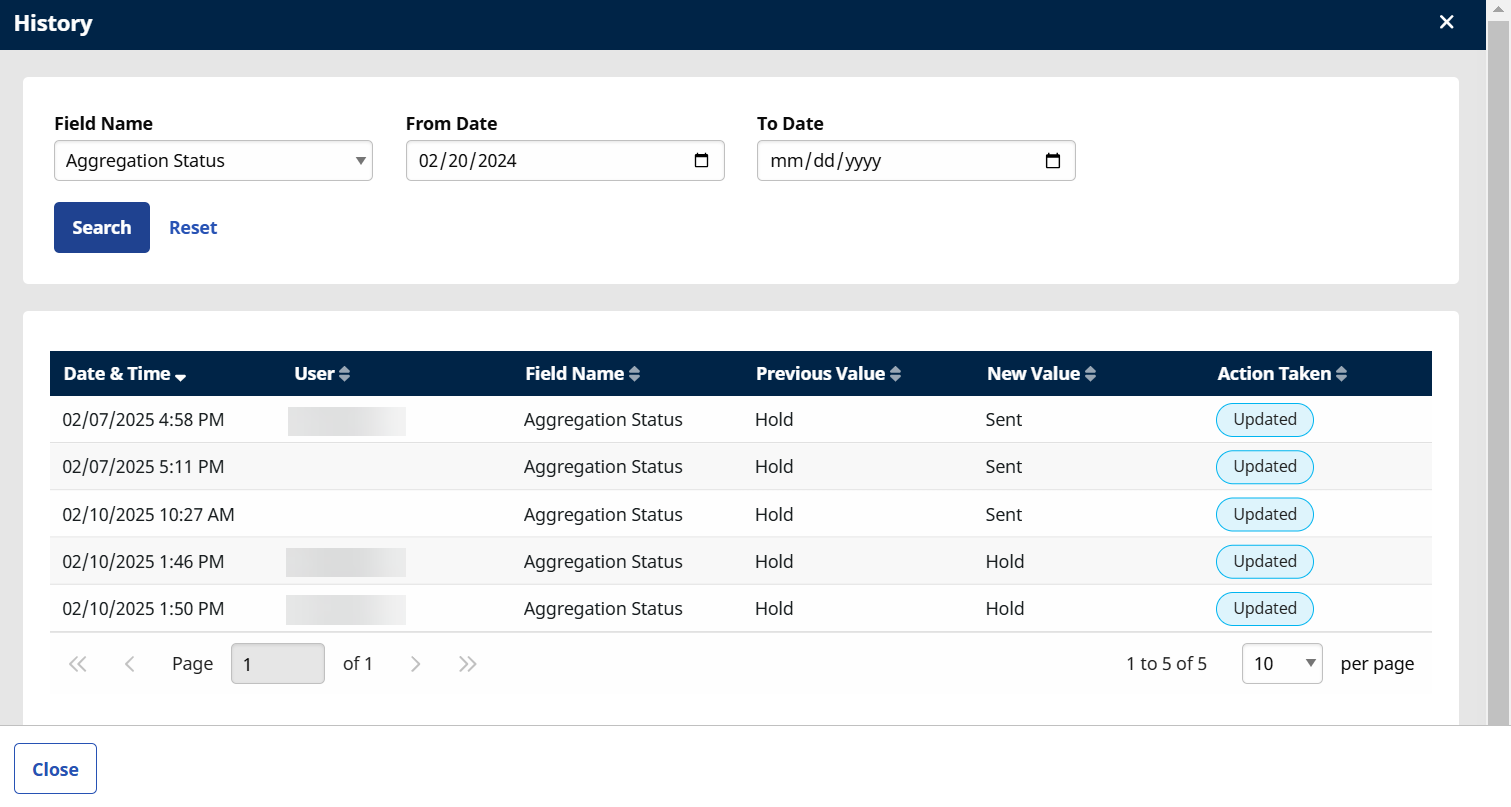
View the history of the visit on the History page:
-
Go to Admin > EVV Aggregation Transaction Manager > on any tab > Click the Elipses... in the Action column. The History page opens.
-
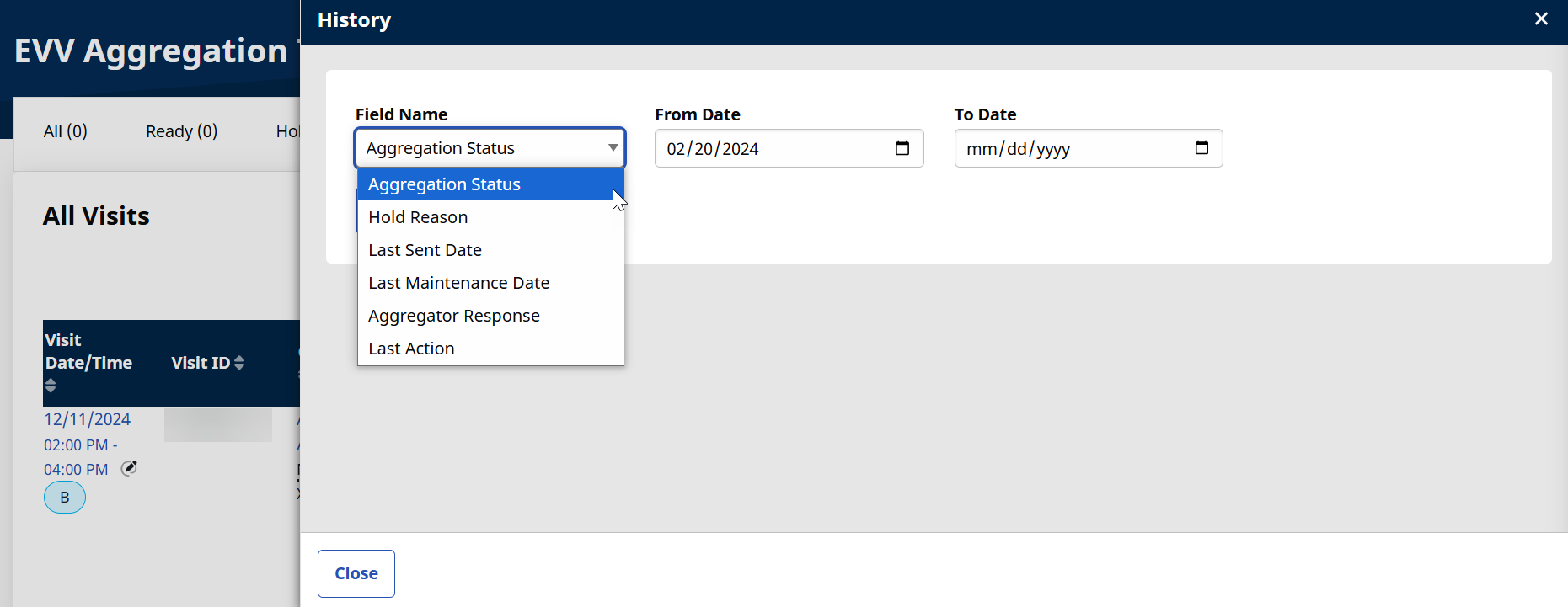
From the History page, select an option in the Field Name, From, and To Dates fields and then select Search.
-
The history of the Visit displays.
-
Select Close to close the History window.
Other Resources
EVV Aggregation Transaction Manager Rule Holds and Resolutions