Enable Visit Maintenance Permissions
Enable Visit Maintenance permissions to use the Visit Maintenance feature under Visit > Visit Maintenance.
-
Go to Admin > User Management > Edit Roles.

-
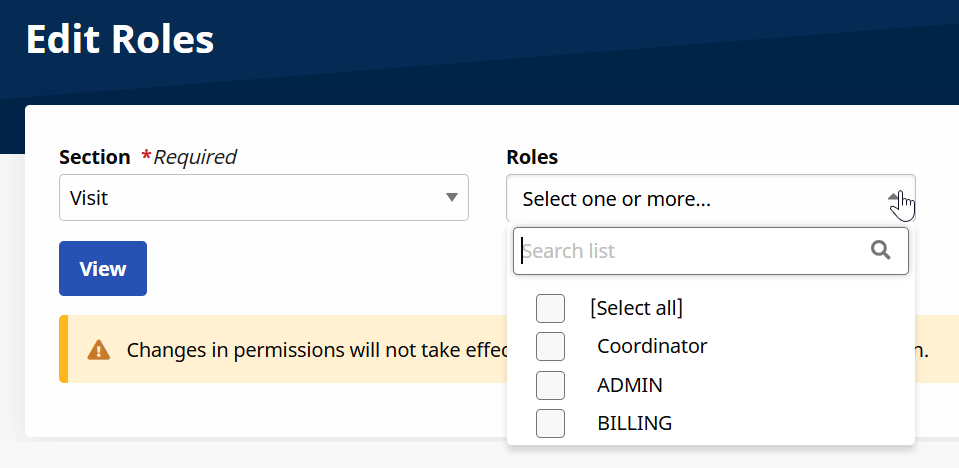
Select Visit from the Section dropdown, the applicable roles from the Roles dropdown field, and then select View.
-
Scroll to the Visit permissions and enable applicable permissions for Visit Maintenance category.

Other Resources