How do I unlock a user's account?
Complete the following steps to unlock a user’s account if a user is locked out of their account.
If you are the Administrator and are locked out of your HHAeXchange account, another Administrator can unlock your account. If you are the only Administrator of your Agency, Submit a Ticket to unlock your account.
-
Go to Admin > User Management > User Search to open the Search Users page.
-
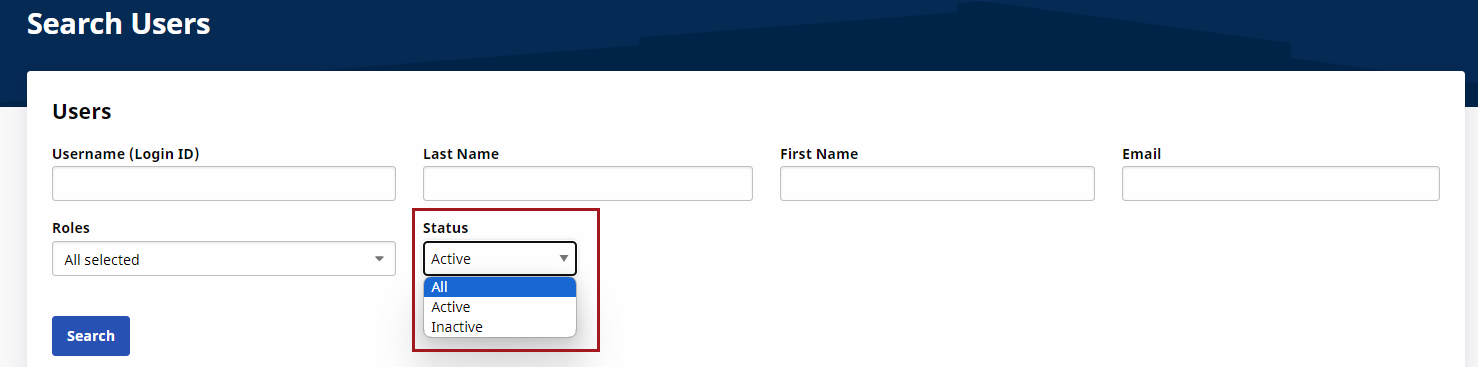
Use the search filter fields to search and locate the locked user account. Ensure to select the All option in the Status field. Click Search to generate results.
-
From the results, locate the user row. Click the edit icon under the Action column to open the Update User Account page.
-
On the Update User Account page, the Status appears as Inactive. Select Active to unlock the account.
-
Click Save to finalize.