Patient Address PIN on GPS Map Confirmation
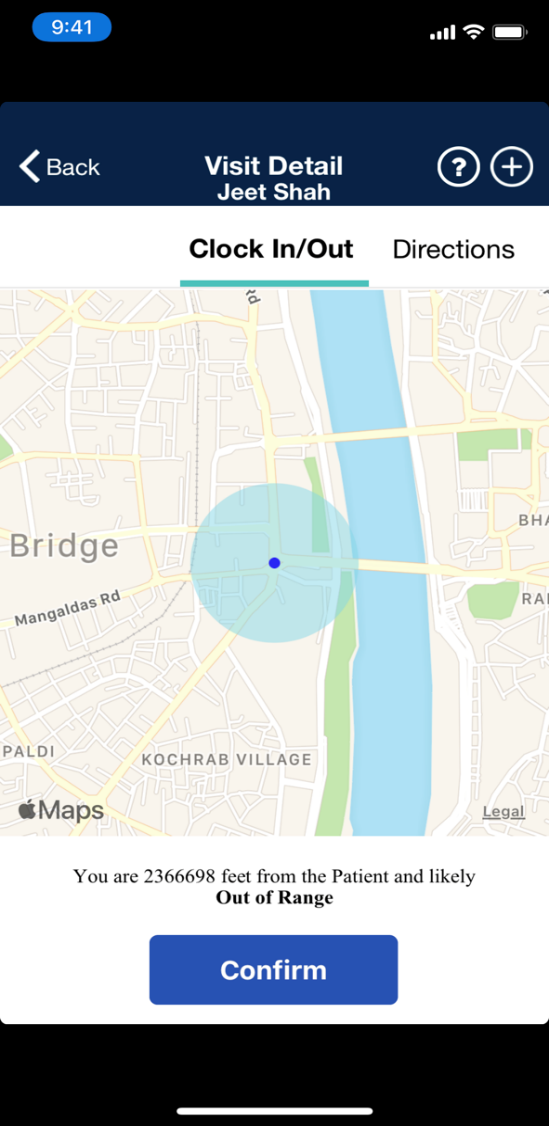
A PIN denotes the Patient Address in the GPS Map View at Clock In and Clock Out when the Patient Address is not GPS-enabled. If there are coordinates available (latitude and longitude), then the PIN for the Patient Address is displayed as a blue dot surrounded by a light blue circle indicating the tolerance range.
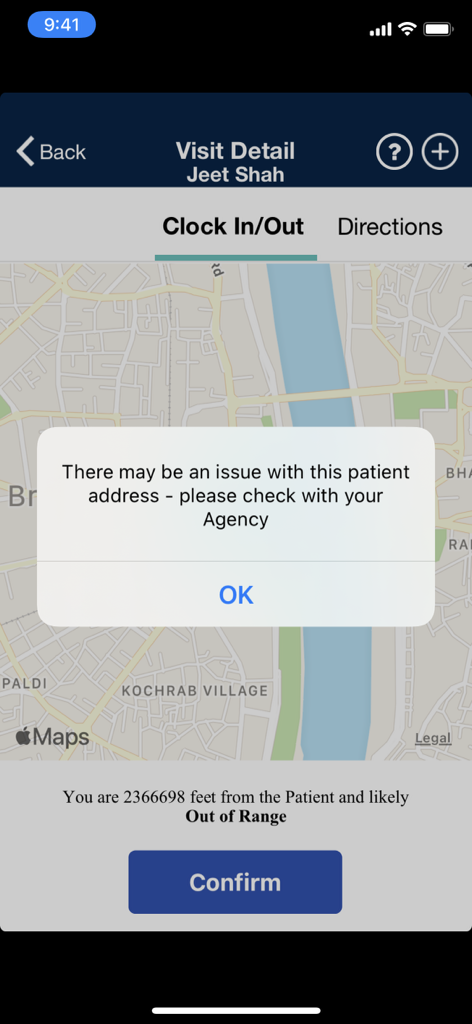
When the Caregiver clicks on the Confirm button, a message alerts that there may an issue with the Patient Address. It is recommended to contact the Agency to report.
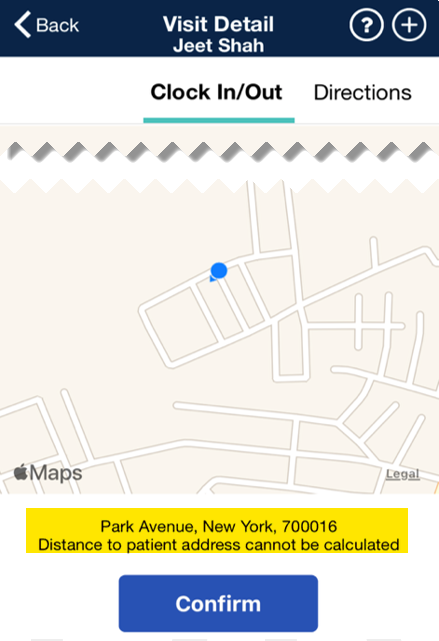
In cases where the Patient Address is not GPS-enabled without available coordinates, the screen displays only the Caregiver location, as denoted by the blue dot and arrow.
The Patient Address is listed at the bottom of the screen. When the Caregiver clicks on the Confirm button, the same alert appears.
To prevent issues with a Patient Address, it is recommended that the GPS is enabled in the system.