Discharge a Patient on the Contracts Page
Patients who are no longer eligible for service, no longer wish to receive service, or have been moved to an assisted care facility can be discharged in the system. Complete the following steps to discharge a Patient from a Contract.
-
Go to Patient > Search Patient > Patient Profile > Contracts.
-
Click the Edit link in the Discharge Date column.
-
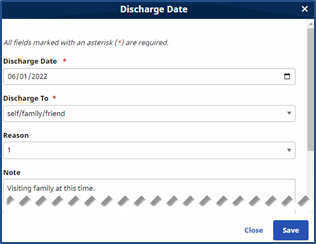
The Discharge Date window opens. Enter the Date* of the Discharge and select where the Patient is being Discharged To*. For record keeping purposes, choose a Reason for discharge, and/or leave a Note in the free text field provided.
-
Click the Save button.
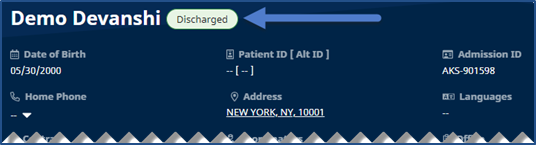
If the Patient is discharged from their only Contract, then their status updates to Discharged.