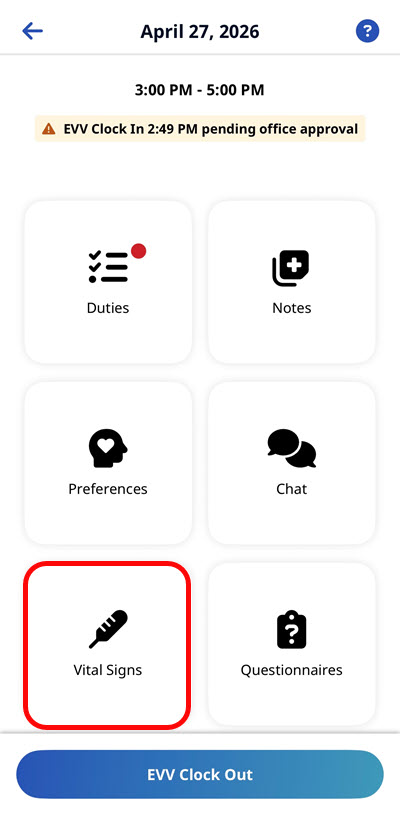
Set Up Clinical Modules for Unskilled Visits
This feature is activated by HHAeXchange System Administration. Contact HHAeXchange Support Team for details, setup, and guidance.
By default, Clinical Modules are only available during skilled visits, as they are intended for use by medical practitioners. However, some agencies allow trained unskilled caregivers to perform certain clinical tasks. This topic explains how to configure your system so Clinical Modules are also available during unskilled visits.
In this example, we set up the Vital Signs Module, but you can set up any or all clinical modules.
-
Go to Admin > Duty List Setup.
-
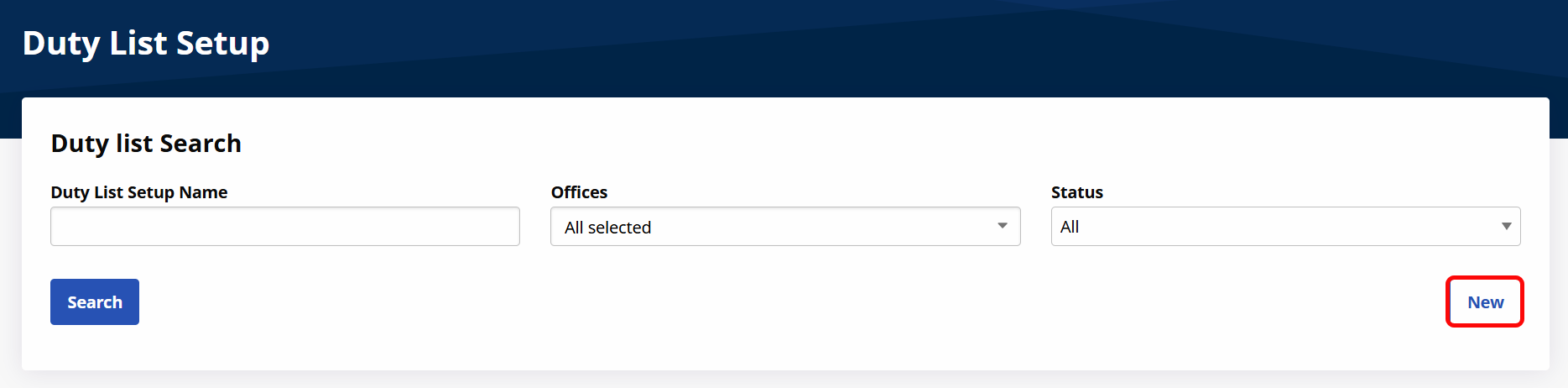
Click New.
-
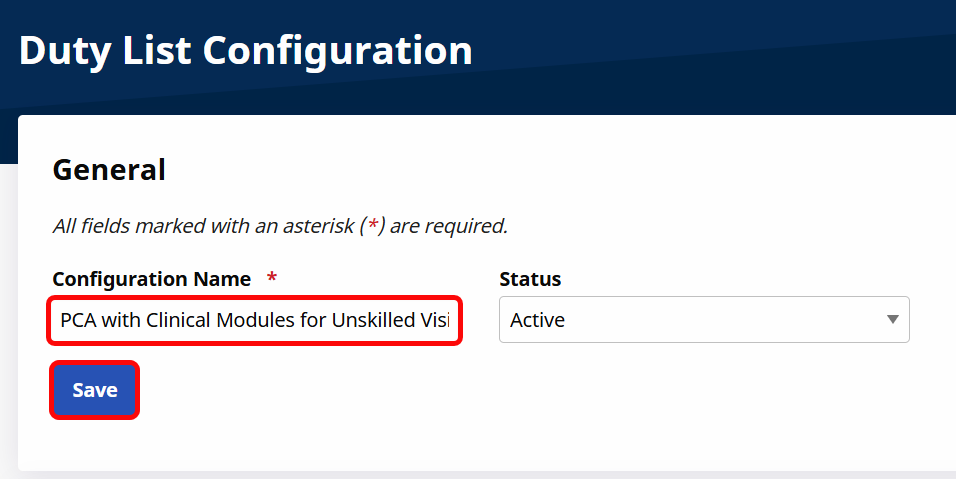
Enter a Configuration Name and click Save.
-
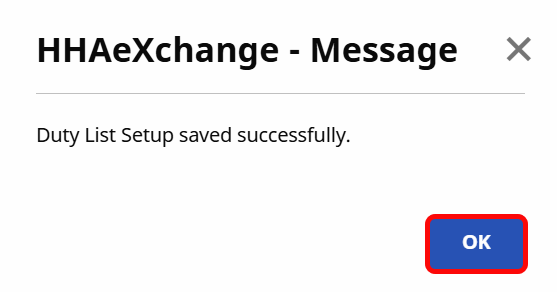
Click OK.
-
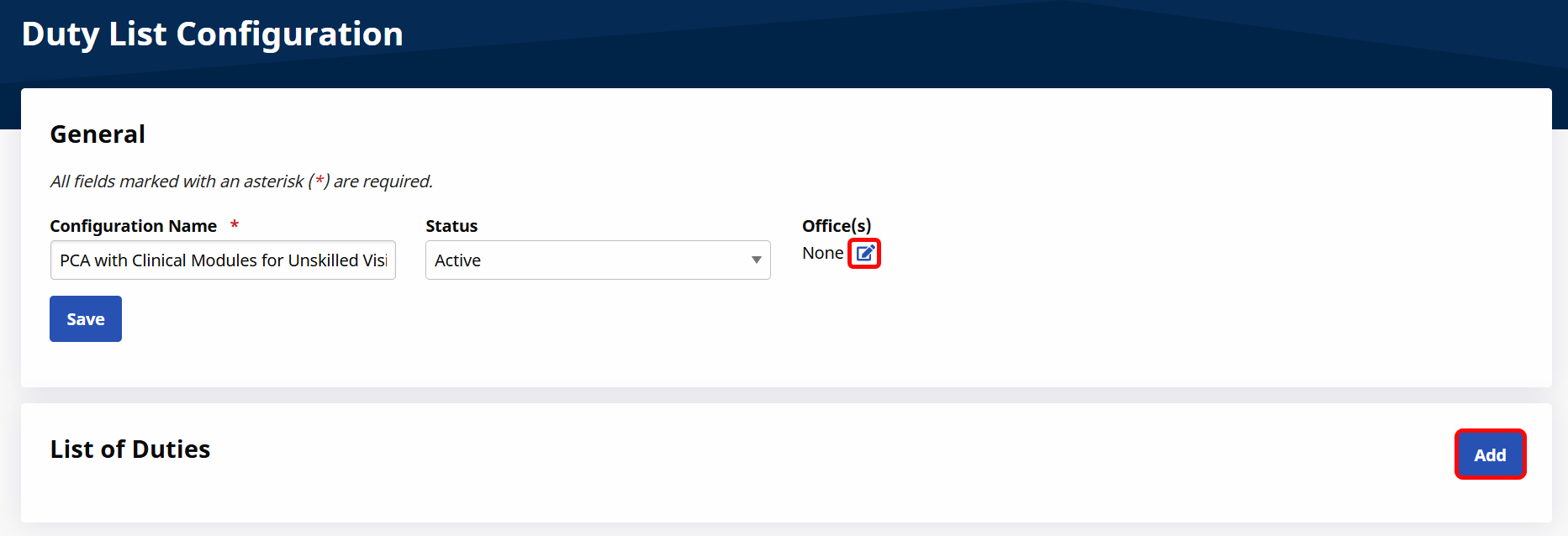
Click the Edit icon under Office(s) to select the offices where the Duty List can be used.
-
Click Add.
-
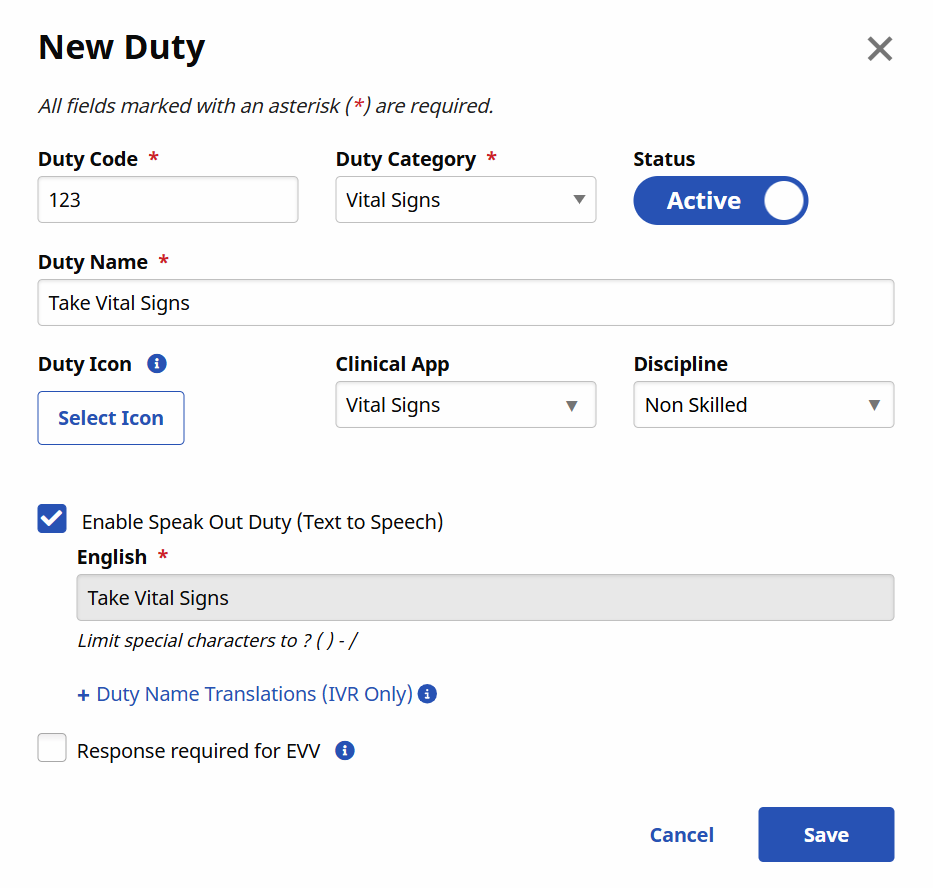
The New Duty window opens. Enter the required fields for the duty:
-
Duty Code
-
Duty Category
-
Duty Name
-
Clinical App: Select the Clinical Module to be associated with this duty.
-
Discipline: Select any applicable non-skilled discipline.
-
Click Save.
-
-
Add any other necessary duties to the list by repeating steps 6-7.
-
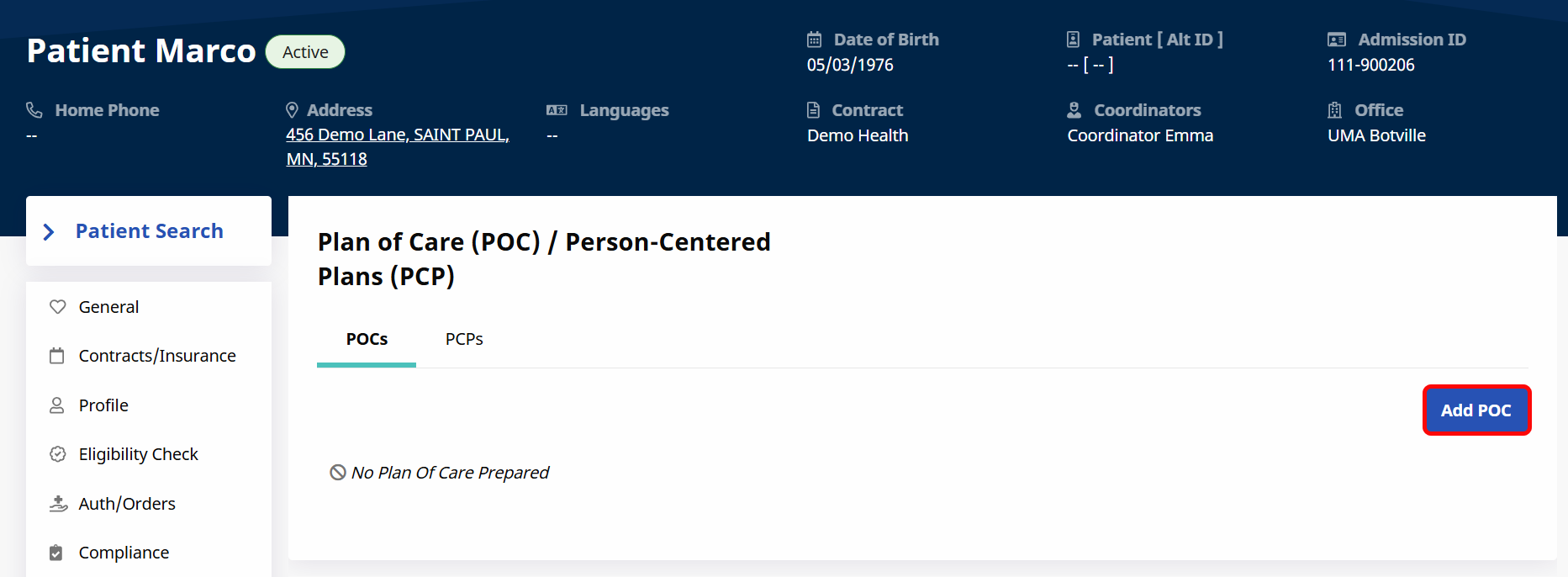
Go to the Patient Profile and click on POC/PCP in the Left Navigation Panel.
-
Click Add POC to create a new Plan of Care, or click on the POC Number and select Edit to edit an existing Plan of Care.
-
The New POC window opens. Fill out the Plan of Care, making sure to add a frequency for each duty. Click Save.
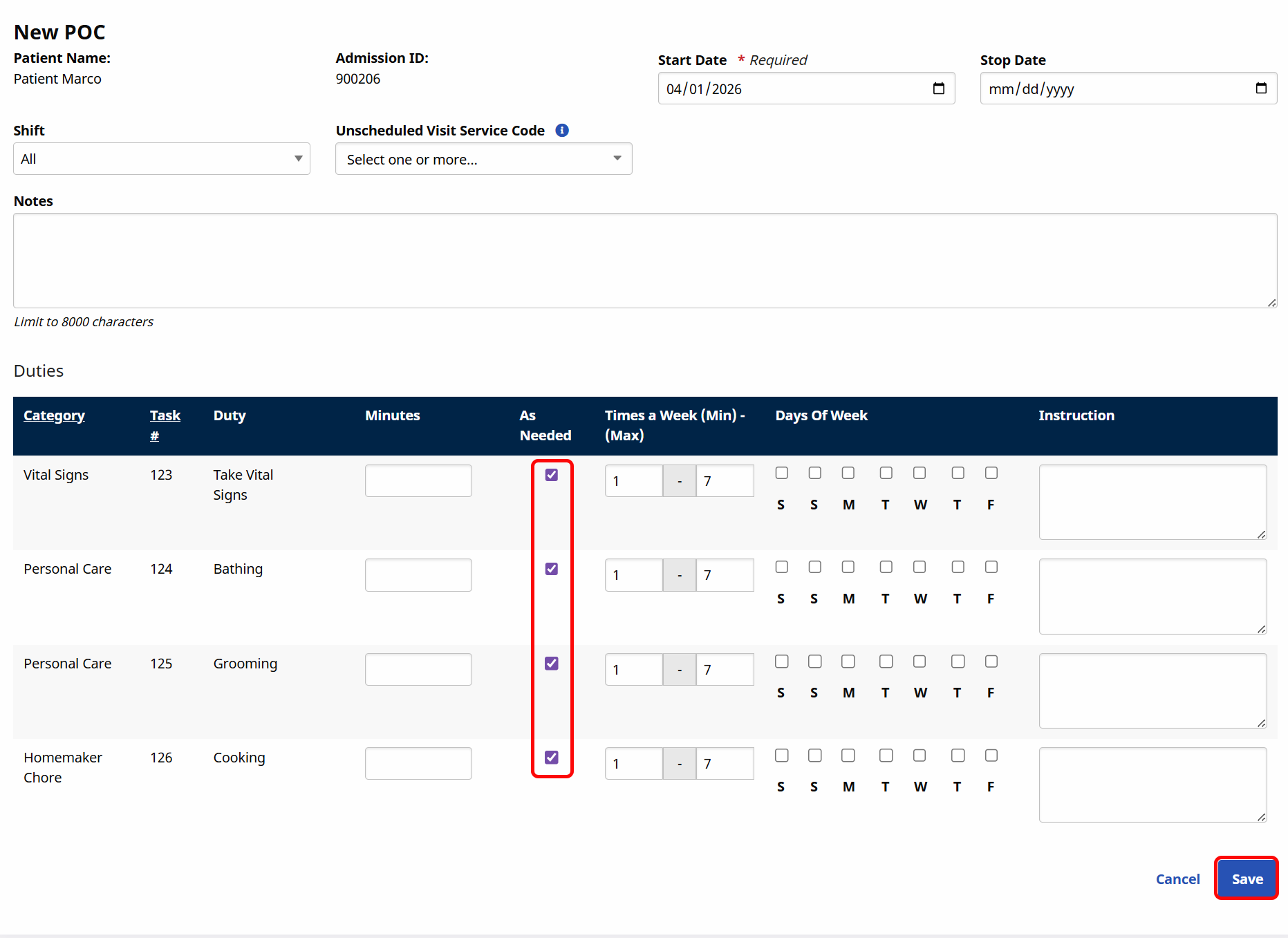
When the Caregiver starts the Visit, the Clinical Module tile is now available.