Create Residing Caregiver Relationships
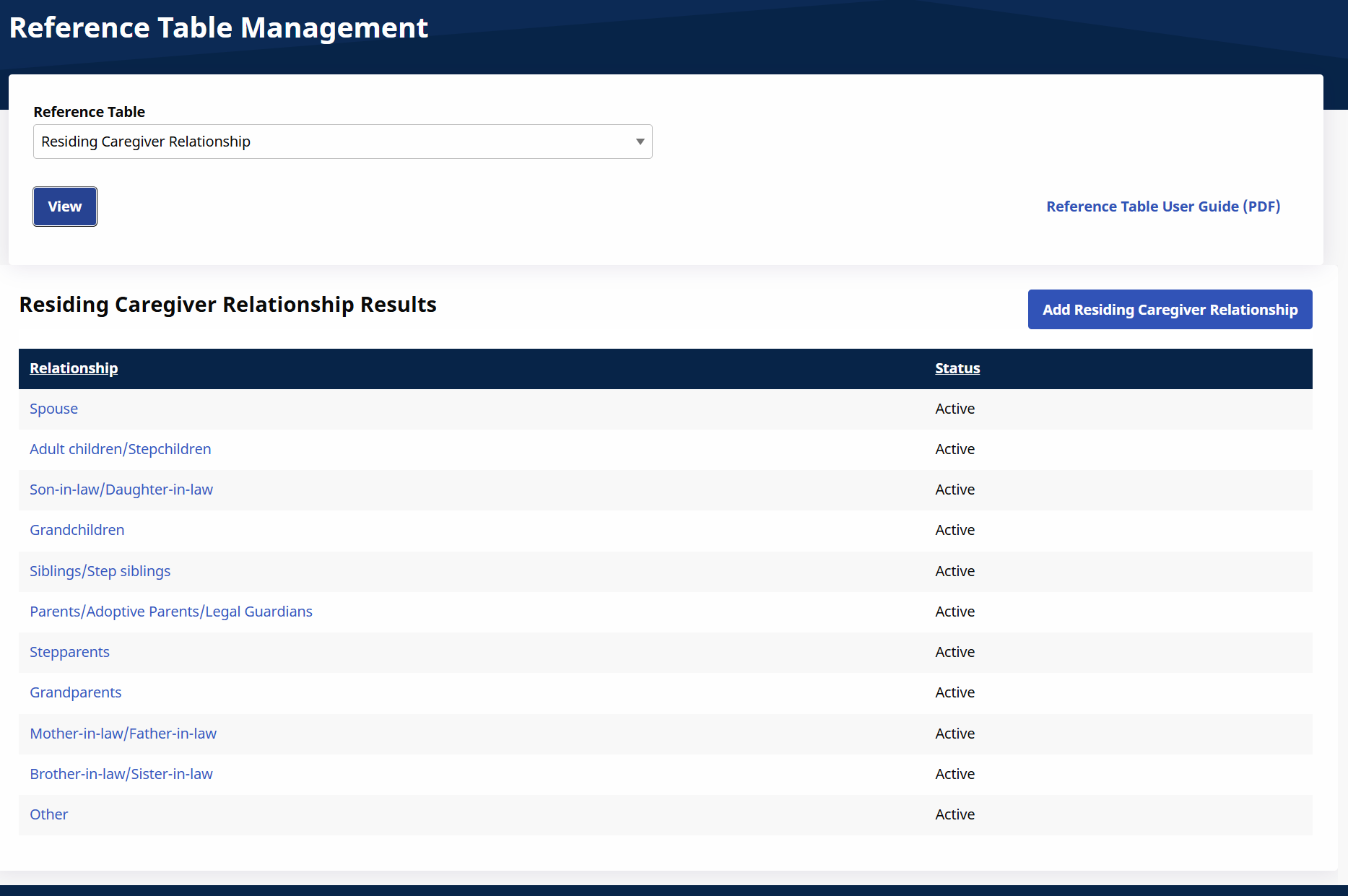
The Residing Caregiver Relationships option under Admin > Reference Table Management enables agencies to create the Residing Caregiver Relationships list to help set up Residing Caregivers. This selection allows you to report the required live-in relationship between the Caregiver and Patient.
-
Go to Admin > Reference Table Management.
-
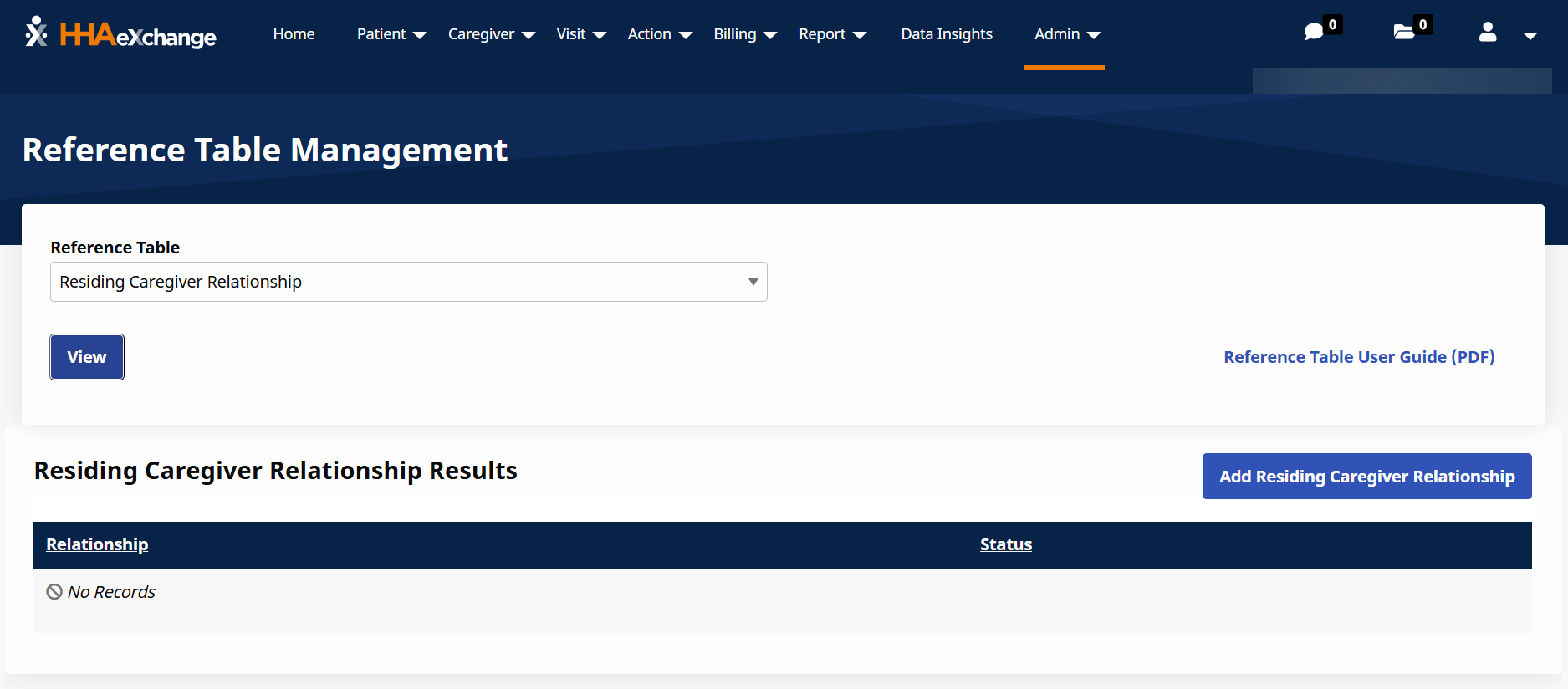
Select Residing Caregiver Relationships in the Reference Table field, and then select View.
-
Select the Add Residing Caregiver Relationship button.
-
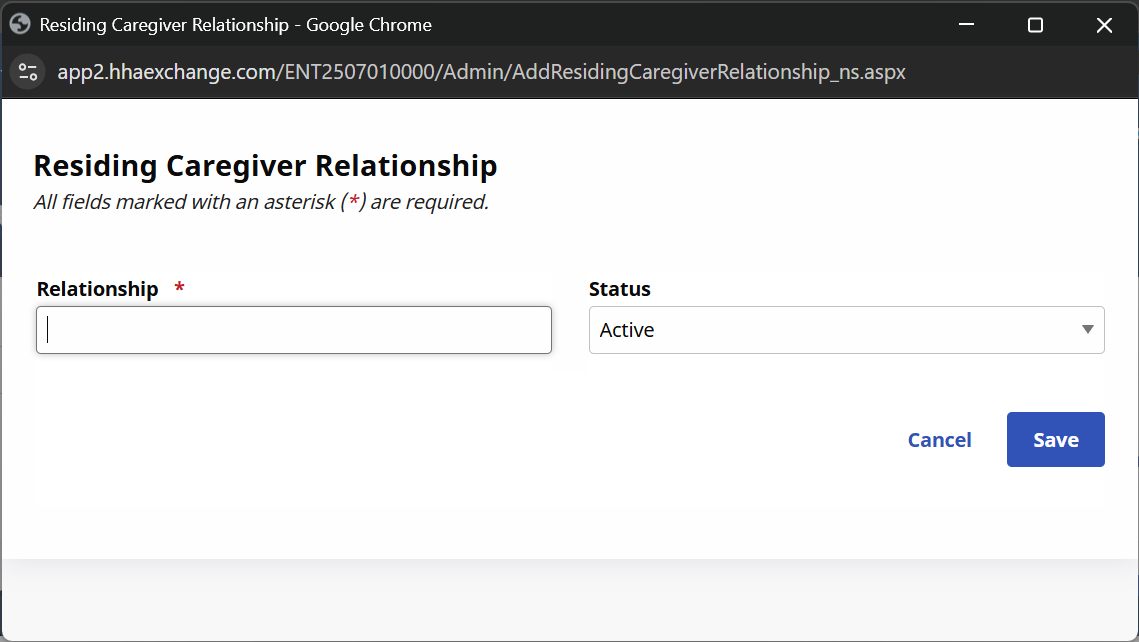
In the Residing Caregiver window enter the relationship in the Relationship field, select Active in the Status field, and then select Save.