Add In-Service Requirements
The In-Service page under Caregiver > Search Caregiver > In Service allows Agencies to schedule Caregivers for trainings and meetings.

To add In-Service requirements, see the Caregiver Compliance topic.
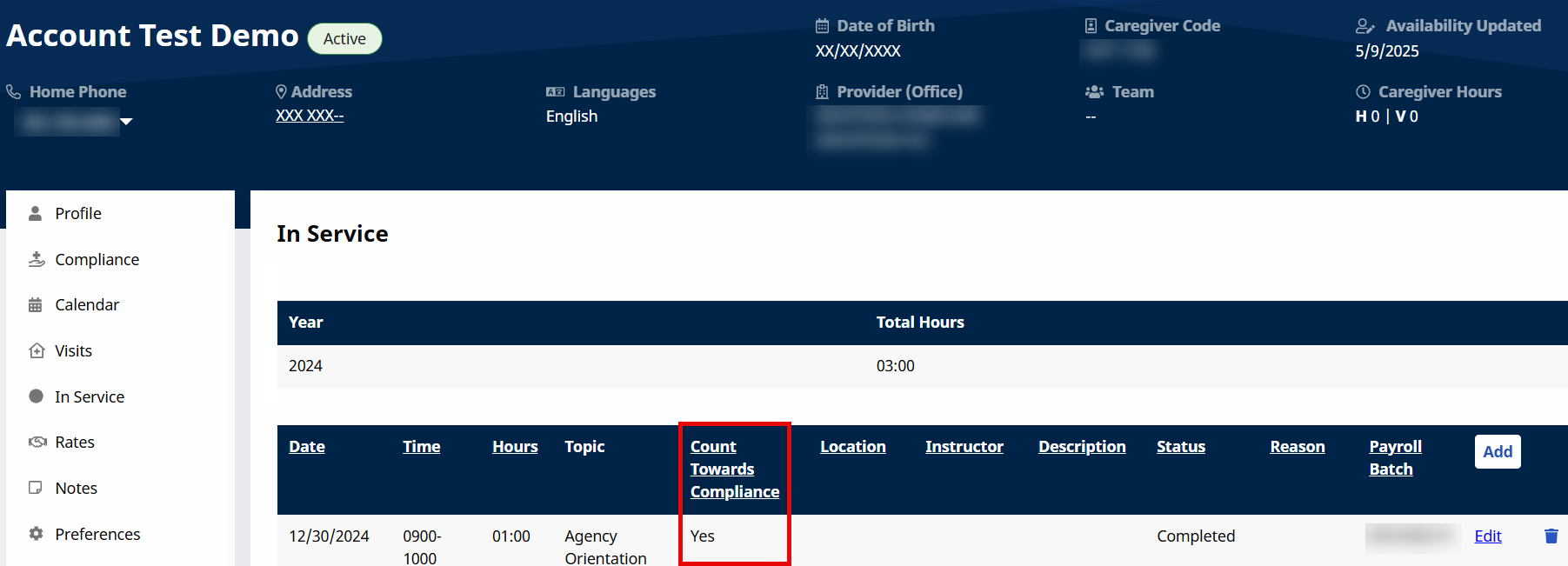
To view In-Service Compliance information for a particular Caregiver, go to the Caregiver In Service page under Caregiver > Search Caregiver > In Service. A sortable Count Towards Compliance column is shown as a visual aid.
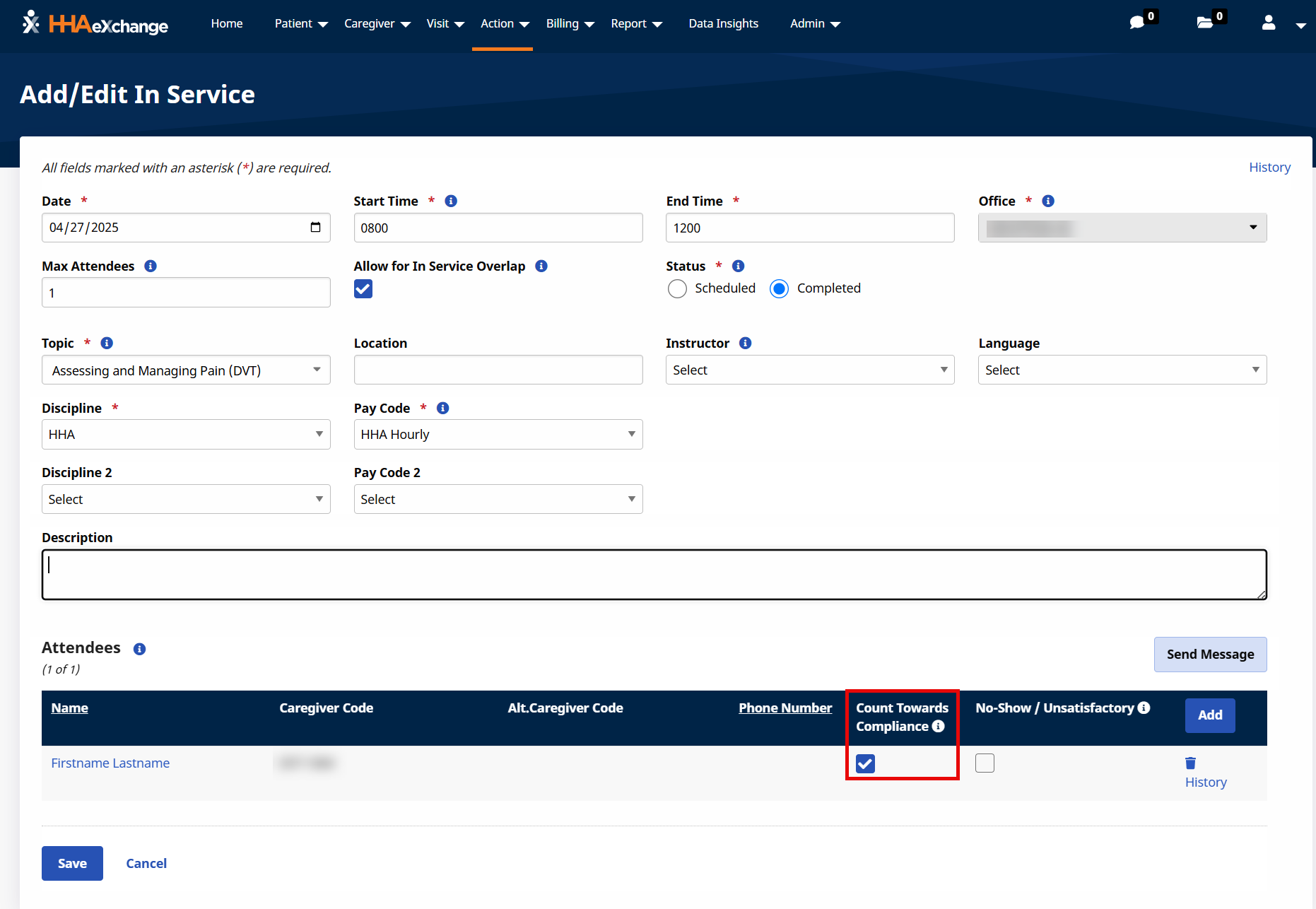
The Count Towards Compliance setting can also be managed when creating or editing an In-Service class. Go to Action > In Service > Search and select the applicable In-Service class.
On the Add/Edit In Service window, the Count Towards Compliance checkbox can be selected or deselected for enrolled Caregivers. This allows the training or meeting to count towards compliance requirements.