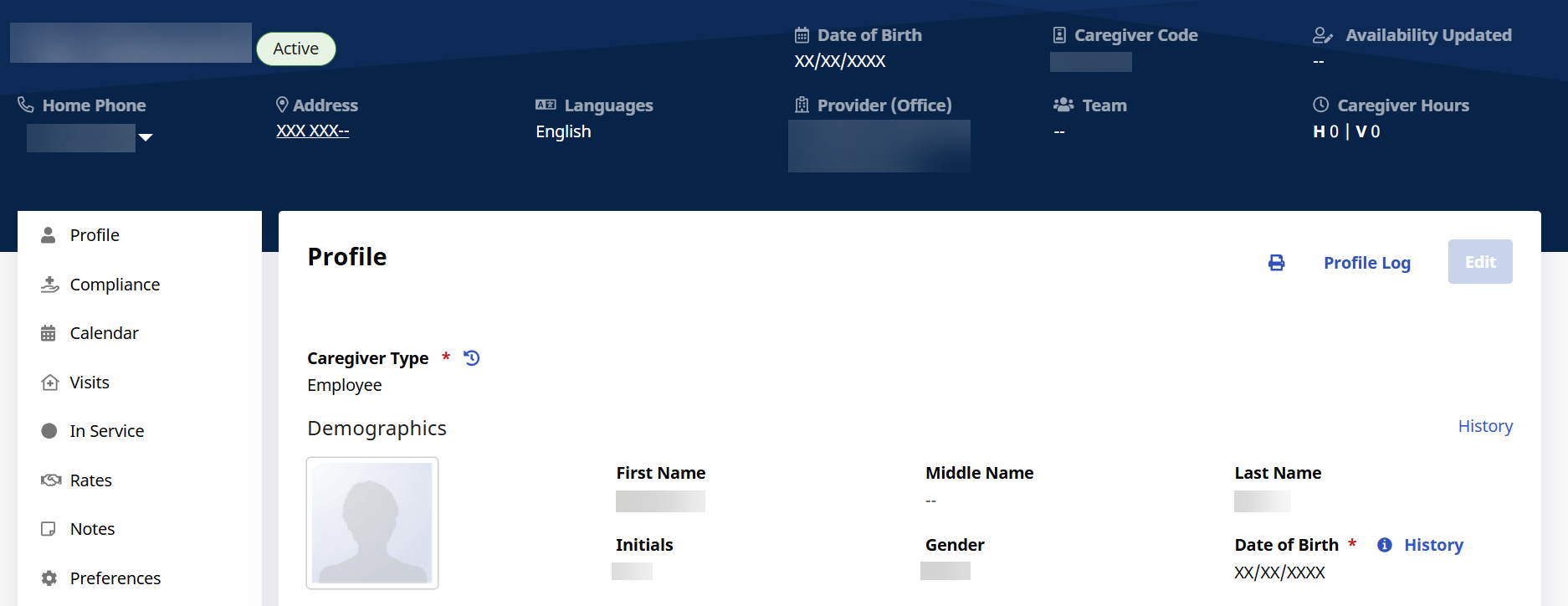
Create a New Caregiver
To create a New Caregiver, complete the following steps.
-
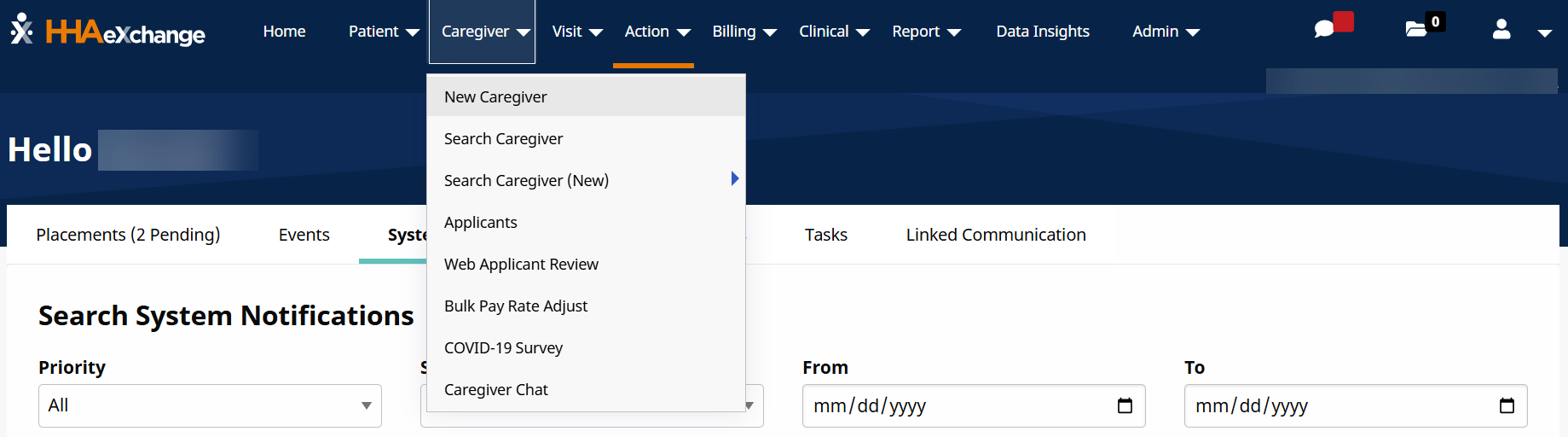
Go to Caregiver > New Caregiver.
-
In the Primary Office field, select the Office employing and managing the Caregiver. If the Agency has only one Office, the field is pre-populated. This field must be selected to continue.
The Caregiver Type field must be marked as Employee to assign them cases. Caregivers marked as Applicant cannot be scheduled.
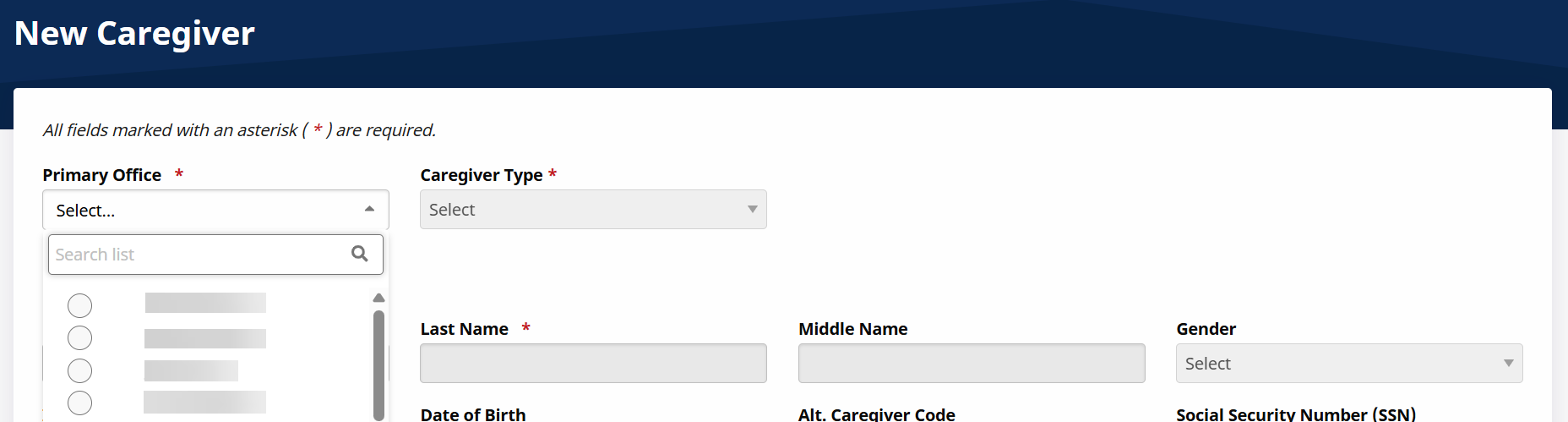
Refer to the Caregivers in Multiple Offices for complete details on Primary and Secondary Offices.
-
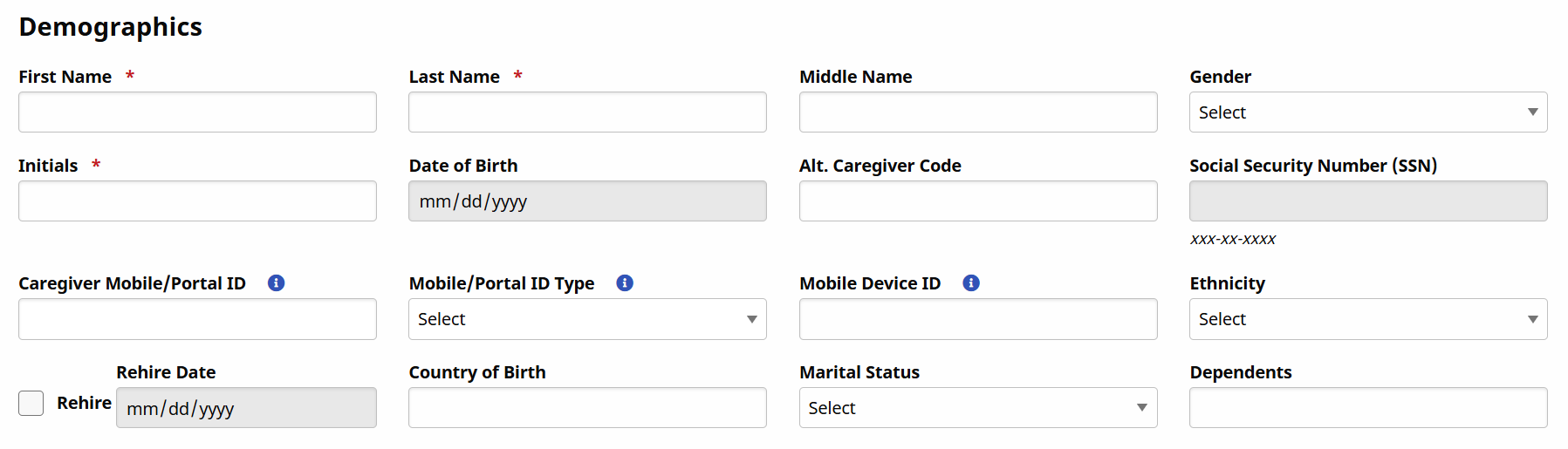
Complete all required fields in the Demographics section.
If a Caregiver was previously employed by the Agency, the original Profile is marked as Terminated. To prevent duplication of the SSN, select the Rehire checkbox and enter the Rehire Date. This allows an Agency to enter multiple records with the same SSN.
-
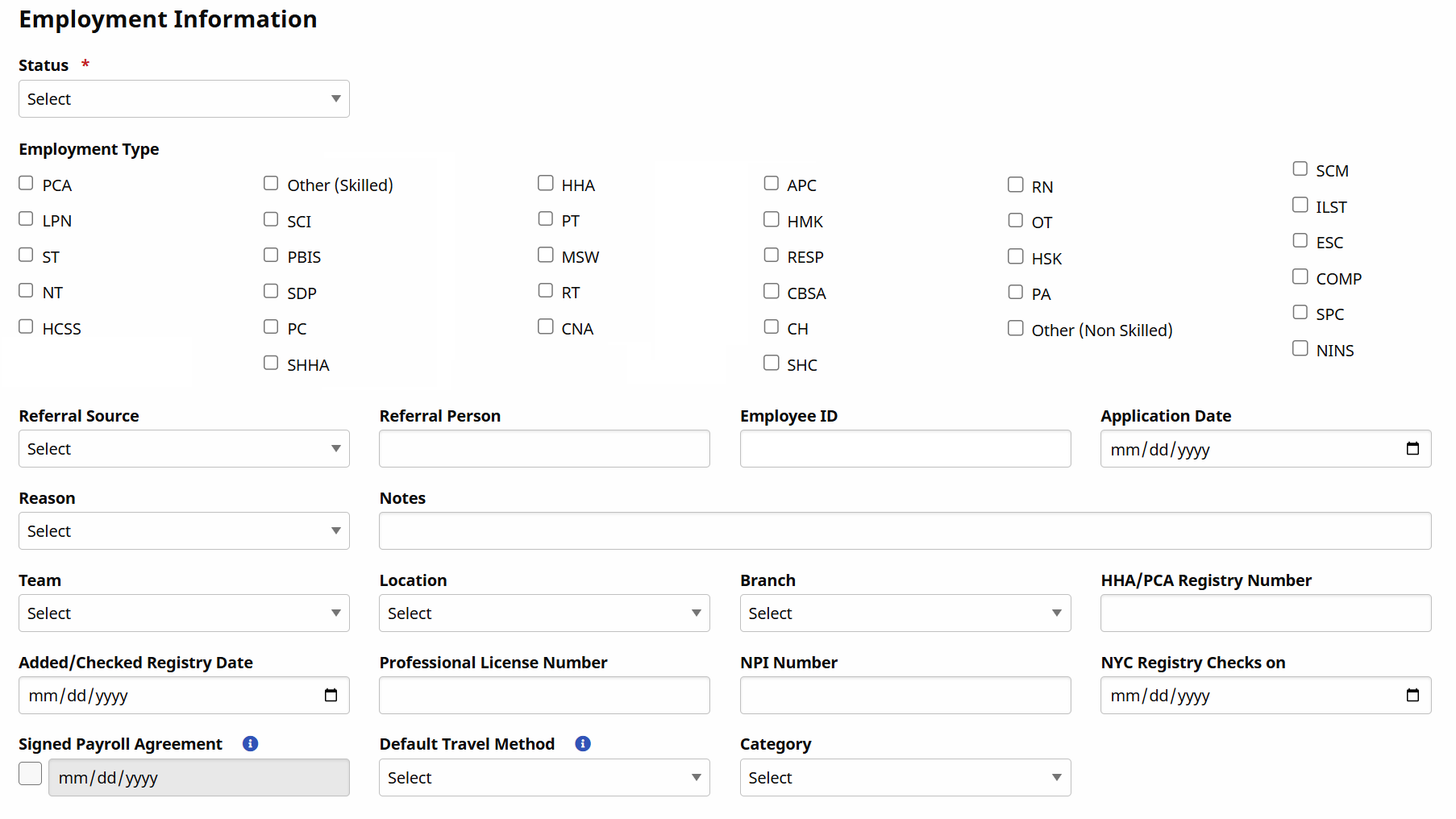
In the Employment Information section, complete all fields, including the Employment Type, HHA/PCA Registry Number, and the Added/Checked Registry Date fields.
Florida AHCA Agency Group Type 65 Providing S9122 Services
If you registered for HHAeXchange after 4/1/2025: AHCA requires the Caregiver's Medicaid Provider ID (MPI) for billing. The Caregiver's Medicaid Provider ID must be entered in the NPI Number field in the Caregiver's Profile.
If you registered for HHAeXchange before 4/1/2025: Continue using your current setup. If you receive a Rendering Provider ID Denial, reach out to the HHAeXchange Support Team.
-
Complete the remaining sections to include Address, Emergency Contact Information, Caregiver Preferences, and Notification Preferences.
Although these sections are not required to create the Profile, HHAeXchange recommends completing as much information as possible that may be needed to schedule and broadcast.
-
Click the Save button to complete the Profile.
-
Once complete, the Status on the Caregiver Profile is Active.