Portal Login
The HHAeXchange Non-Homecare Portal is a web-based application and requires an active internet connection. If your internet connection is interrupted, you will be logged out. The portal does not support offline access.
For security reasons, you are automatically logged out after 15 minutes of inactivity.
To access the Non-Homecare Portal:
-
Go to the HHAeXchange home page and click Login.
-
In the Client Login window, enter your Username and Password, then click Log In.
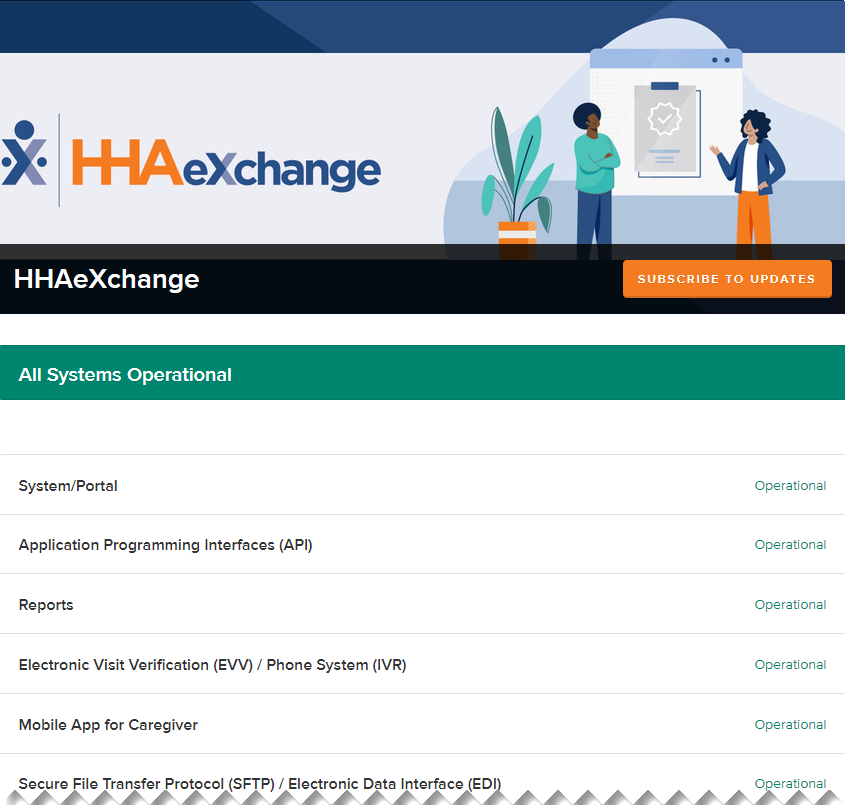
At the bottom of the Login page, you can view the System Status, which shows the current availability of HHAeXchange features. This can help you determine whether slowness or access issues are related to a system outage.