Visit Notes Feature
The Visit Notes feature under Visit > Visit Notes displays data the Caregiver entered in the Goals section of the Mobile App during the Visit.
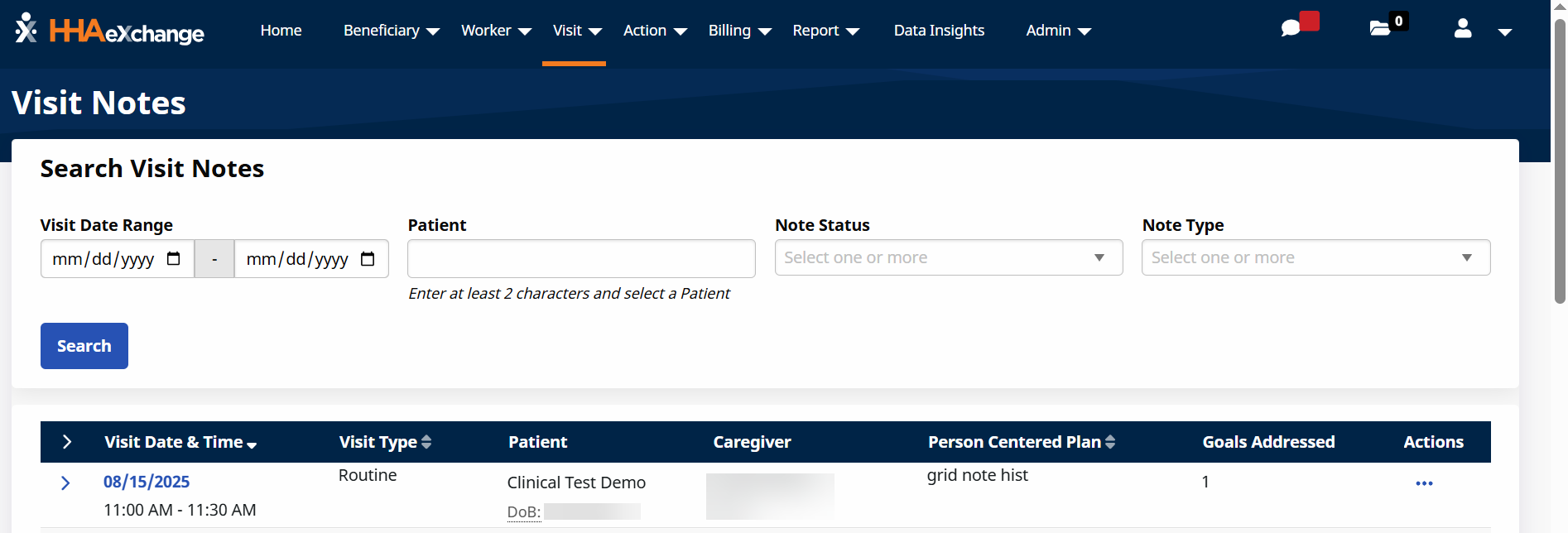
Enter filter selections and then select the Search button to view completed Visit Notes. From the results, you can:
-
Select the date under the Visit Date/Time column to edit or view visit details.
-
Select the note under the Notes column to open the Notes window.
-
Click the Ellipses... under the Actions column to:
-
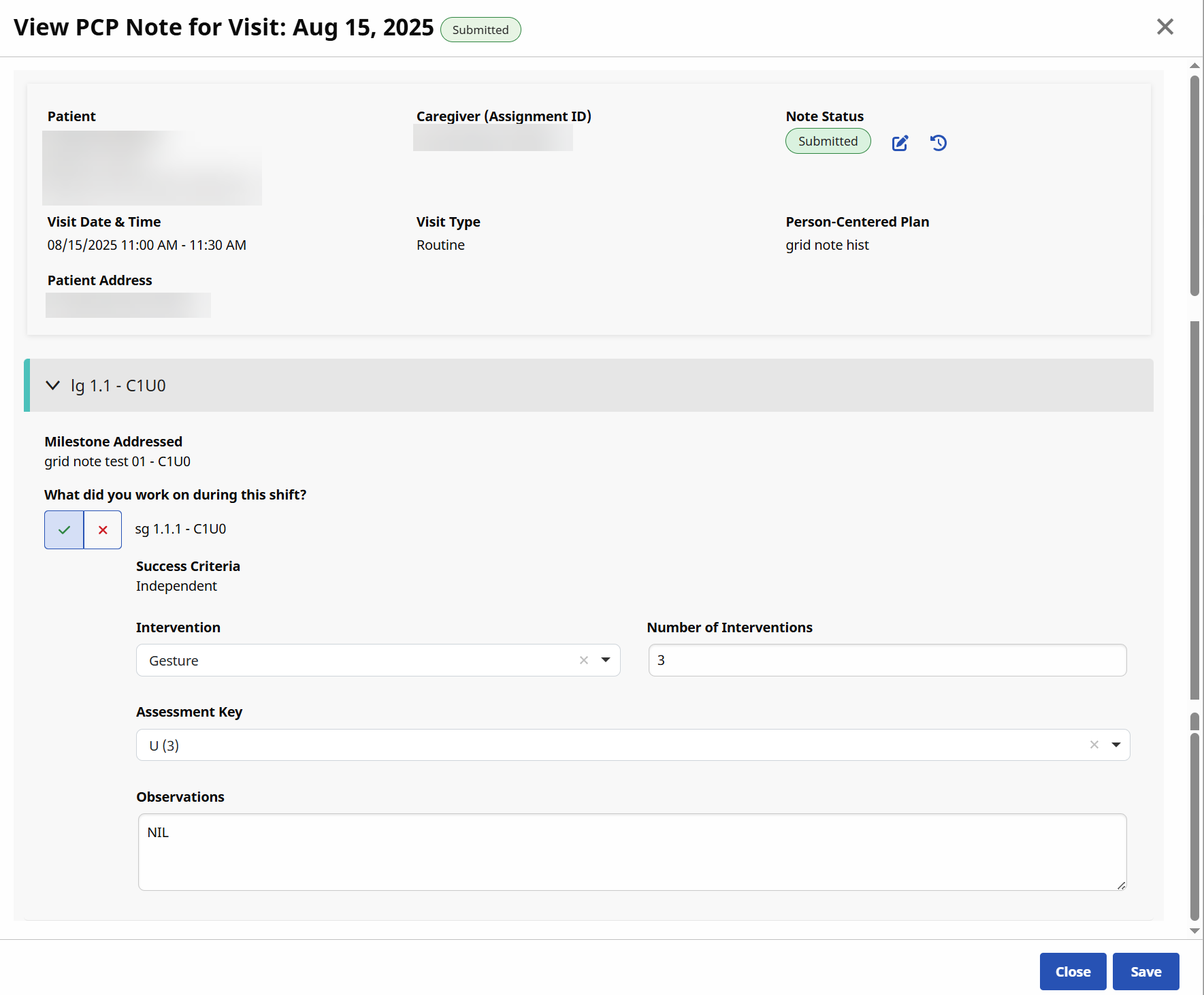
View/Edit Notes
-
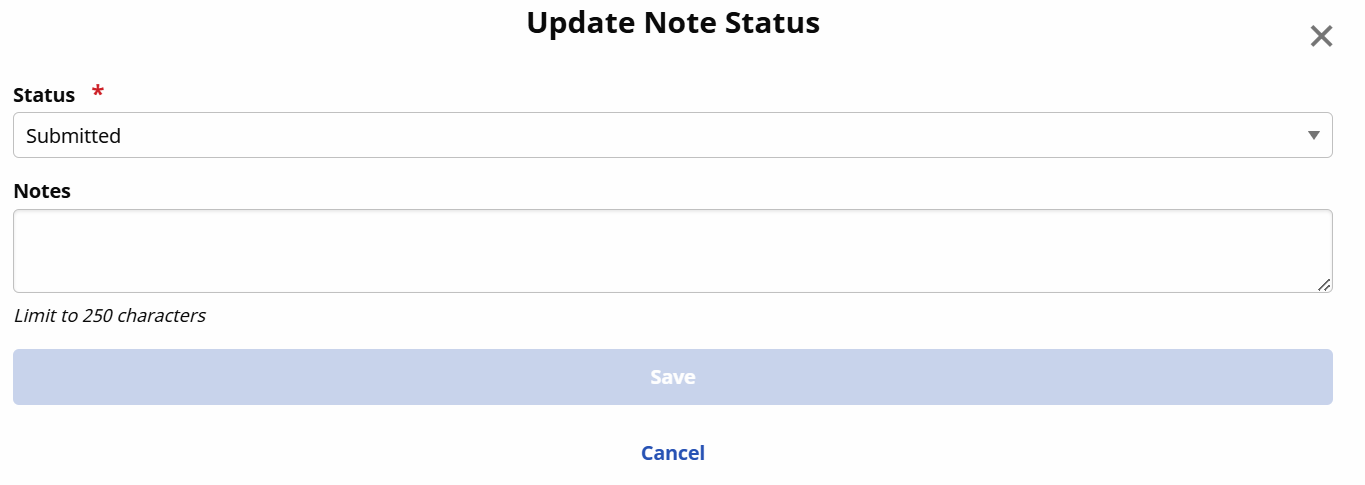
Update Note Status
-
Submitted
-
Office Review Needed
-
Needs Revision
-
Reviewed & Approved
-
-
Print
-
Delete
-
Other Resources